Dimensions
-
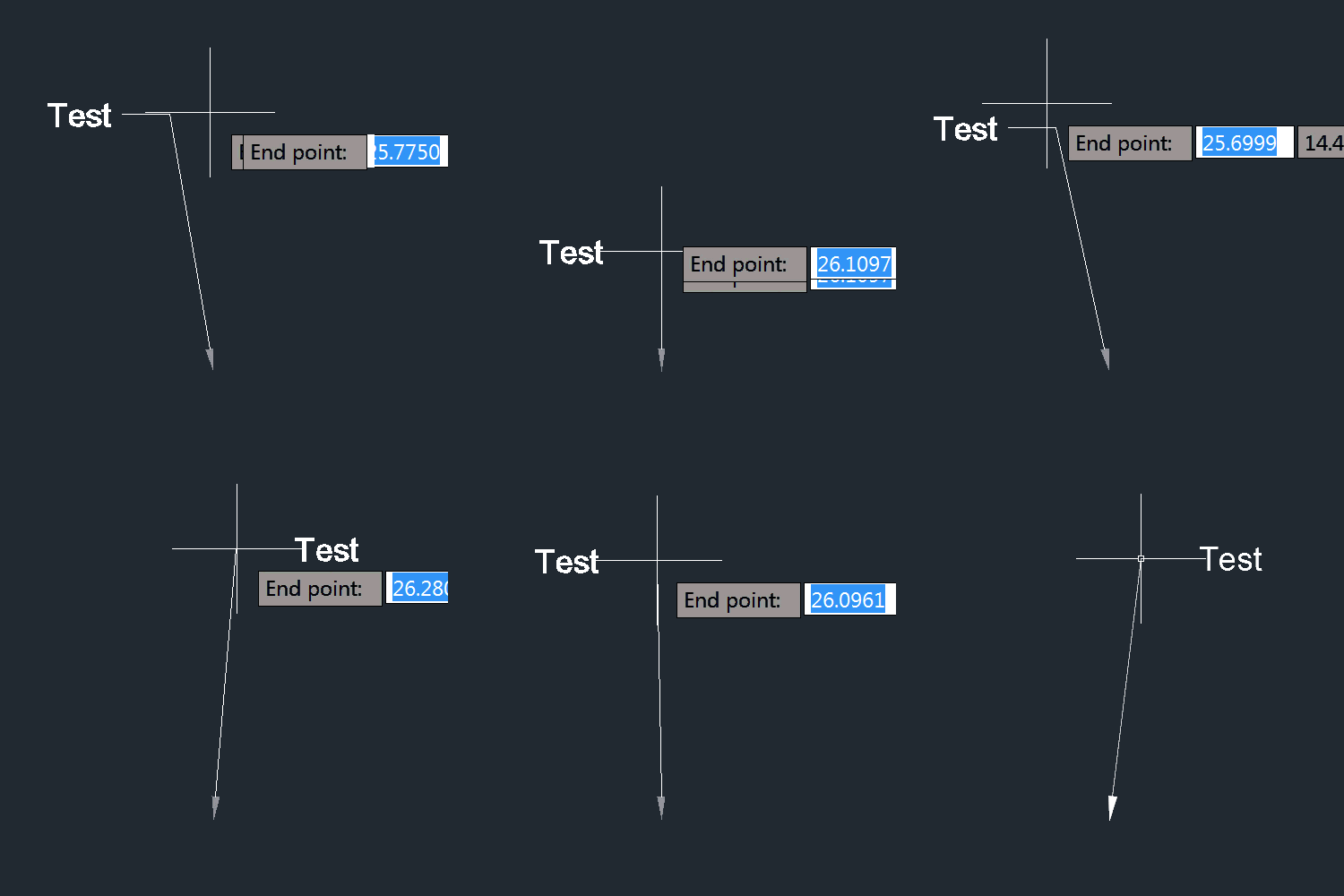
I'm sure some of you will be relieved to see I can still (more or less) manage to write code for AutoCAD… the last few days I've been feeling quite under-the-weather, so today's post is a little bit of "comfort code": sometimes while you're brain is struggling to handle the unfamiliar, it's very happy to tackle the familiar. At least that was the plan, and the reason I decided to tackle this recent question from Thomas Heitz: I would like to write an code to change automatically the structure label style while dragging the label. So I created two labels…
-
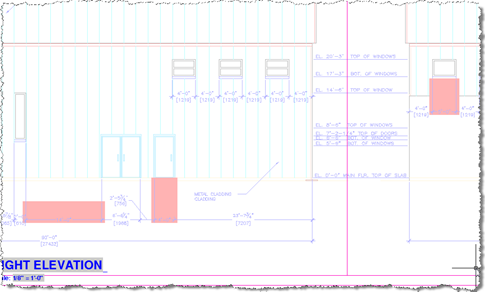
Thanks again to Stephen Preston, our DevTech Americas Manager, for developing this very useful little utility. You can find an earlier version of this code – which I'd converted to C# and extended to cover text entities – in this previous post. June's Plugin of the Month is now live: Dimension Patrol for AutoCAD. This one was kicked off by a suggestion from Shaan Hurley: a tool for designers and CAD Managers to quickly check drawings for dimensions with overridden text (which, logically enough, could mean the dimensions no longer accurately reflect their associated distance or value). Sometimes the best…
-
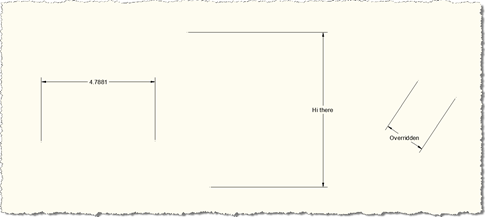
Thanks to Stephen Preston for providing the prototype that I extended for this post. He put it together in response to a suggestion for a new Plugin of the Month from Shaan Hurley, who thought a "dimension finder" tool for locating overridden dimension text would be useful for people. This code may well develop into that tool, but for now it's being posted in its current, admittedly still somewhat rough, state. The below code implements a couple of overrules using the mechanism introduced in AutoCAD 2010: one to highlight dimensions in a drawing which have had their text manually overridden…
-
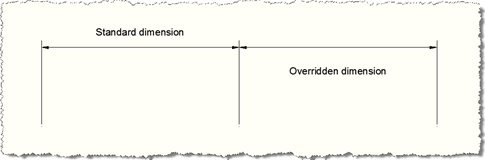
A request came in by email during last week's vacation: I have been looking around to find a way about creating Dimension Style Overrides, but have not really had any success at anything yet. I have created program in which I do create several dimension styles, but I just keep getting lost with the overrides. This seemed like a really good topic to cover, so this post contains some simple code that to create a dimension style and two nearly-identical linear dimensions: both use our newly-created dimension style but the second of the two also contains some Dimension Style Overrides,…
-
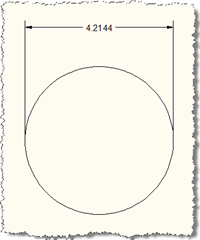
I'm still a little frazzled after transcribing the 18,000 word interview with John Walker (and largely with two fingers - at such times the fact that I've never learned to touch-type is a significant cause of frustration, as you might imagine). I'm also attending meetings all this coming week, so I've gone for the cheap option, once again, of dipping into my magic folder of code generated and provided by my team. The technique for this one came from a response sent out by Philippe Leefsma, from DevTech EMEA, but he did mention a colleague helped him by suggesting the…
-
In the original post in this series, we introduced a basic application to number AutoCAD objects, specifically blocks with attributes. In the second post we extended this to make use of a generic numbering system for drawing-resident AutoCAD objects, and in the third post we implemented additional commands to take advantage of this new "kernel". In this post we're going to extend the application in a few ways: firstly we're going to support duplicates, so that the LNS command which parses the current drawing to understand its numbers will support automatic and semi-automatic renumbering of objects with duplicate numbers. In…
-
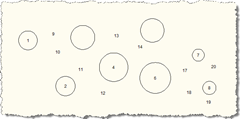
In the last post we introduced some additional features to the original post in this series. In this post we take advantage of - and further extend - those features, by allowing deletion, movement and compaction of the numbered objects. Here's the modified C# code, with changed/new lines in red, and here is the updated source file: 1 using Autodesk.AutoCAD.ApplicationServices; 2 using Autodesk.AutoCAD.Runtime; 3 using Autodesk.AutoCAD.DatabaseServices; 4 using Autodesk.AutoCAD.EditorInput; 5 using Autodesk.AutoCAD.Geometry; 6 using System.Collections.Generic; 7 8 namespace AutoNumberedBubbles 9 { …
-
In the last post we saw some code to perform simple sequential numbering of blocks (reflected in a particular attribute contained in each block). In this next installment we'll extend the code by introducing a NumberedObjectManager class, which will manage the activities related to maintaining the sequence of numbers used by the various blocks. The main code will create an object of this class which will be used extensively in this and the next post by a number of new commands. Here's the updated C# code, with changed & new lines marked with a red line-number. For your convenience here…
-

I'm now back from a fantastic break in Italy and am trying hard to catch back up. Next week I'm off again to San Diego (work, this time), which may cause further interruptions in blog postings. This question came through from Genésio from Brazil: I wish jig a leader with an bubble in the and of the leader, at the same time. Can you help me. Perhaps post the solution in your blog (through the interface). It took me a while - frustratingly long, in fact, and probably this is not exactly what Genésio is after - but here's what…
-

Some more fun with multileaders... this post shows some code that adds multiple leader lines to a multileader/MLeader, each of them "spraying" out from the central text. We ask the user for the central point and the location of the first leader along with the number of leader lines to "spray". These lines then get created at evenly spaced angles around from this initial location. I can't think of anything immediately useful about this technique, other than it was fun to write the code and it shows how to add multiple leader lines. It also generates some fun results. 🙂…