Notification / Events
-
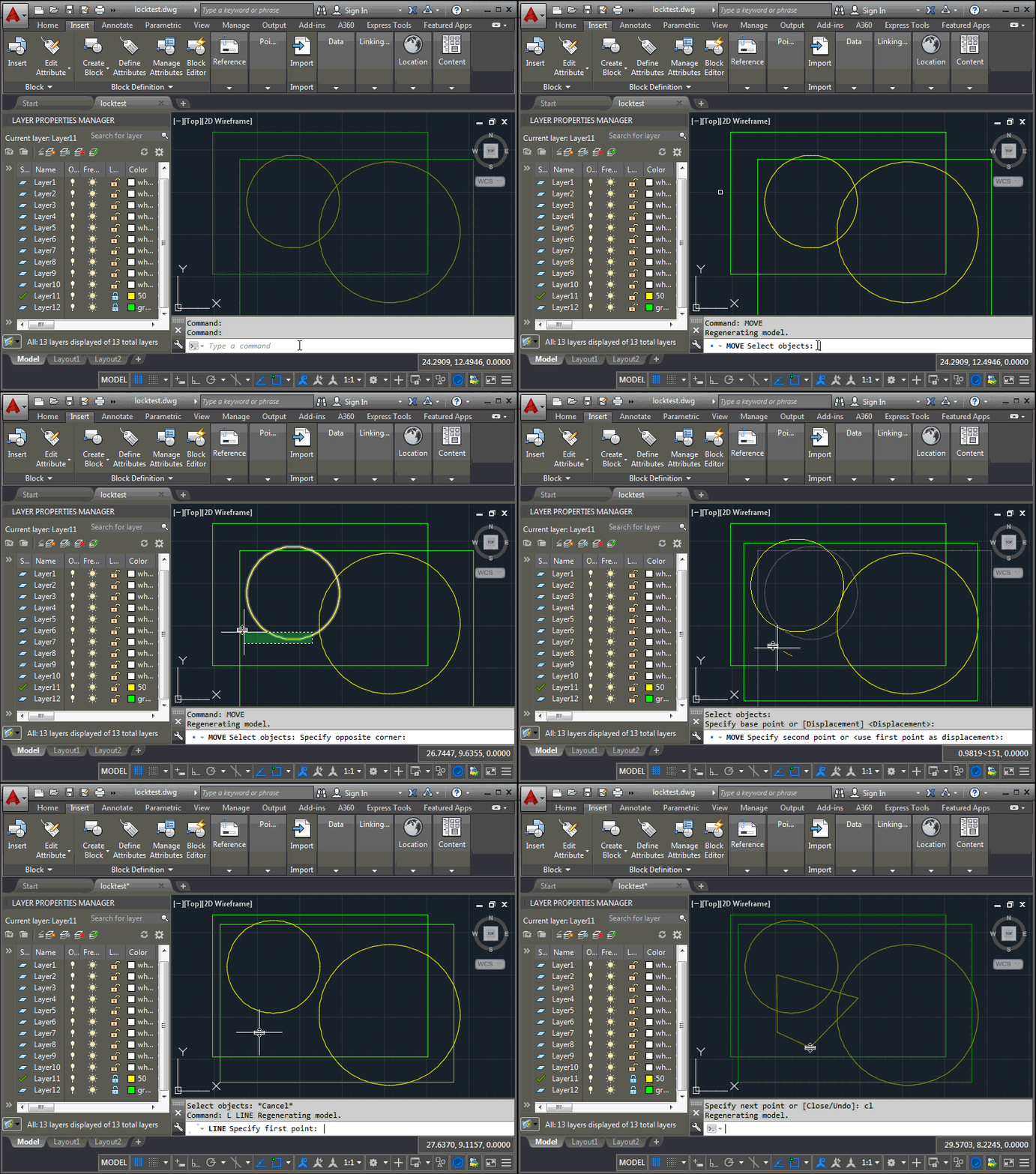
This question came up during last week's accelerator, and is part of the reason I spent creating the last post: is it possible to selectively unlock certain layers for the duration of commands that have been specified by the user? Let's take an example: you have layers that should remain locked, apart from when using the MOVE command (COPY and ERASE should not work). The approach I took was to maintain a dictionary mapping command names to lists of layers to unlock. When a command is launched – which we can tell using the Document.CommandWillStart event – we check whether…
-
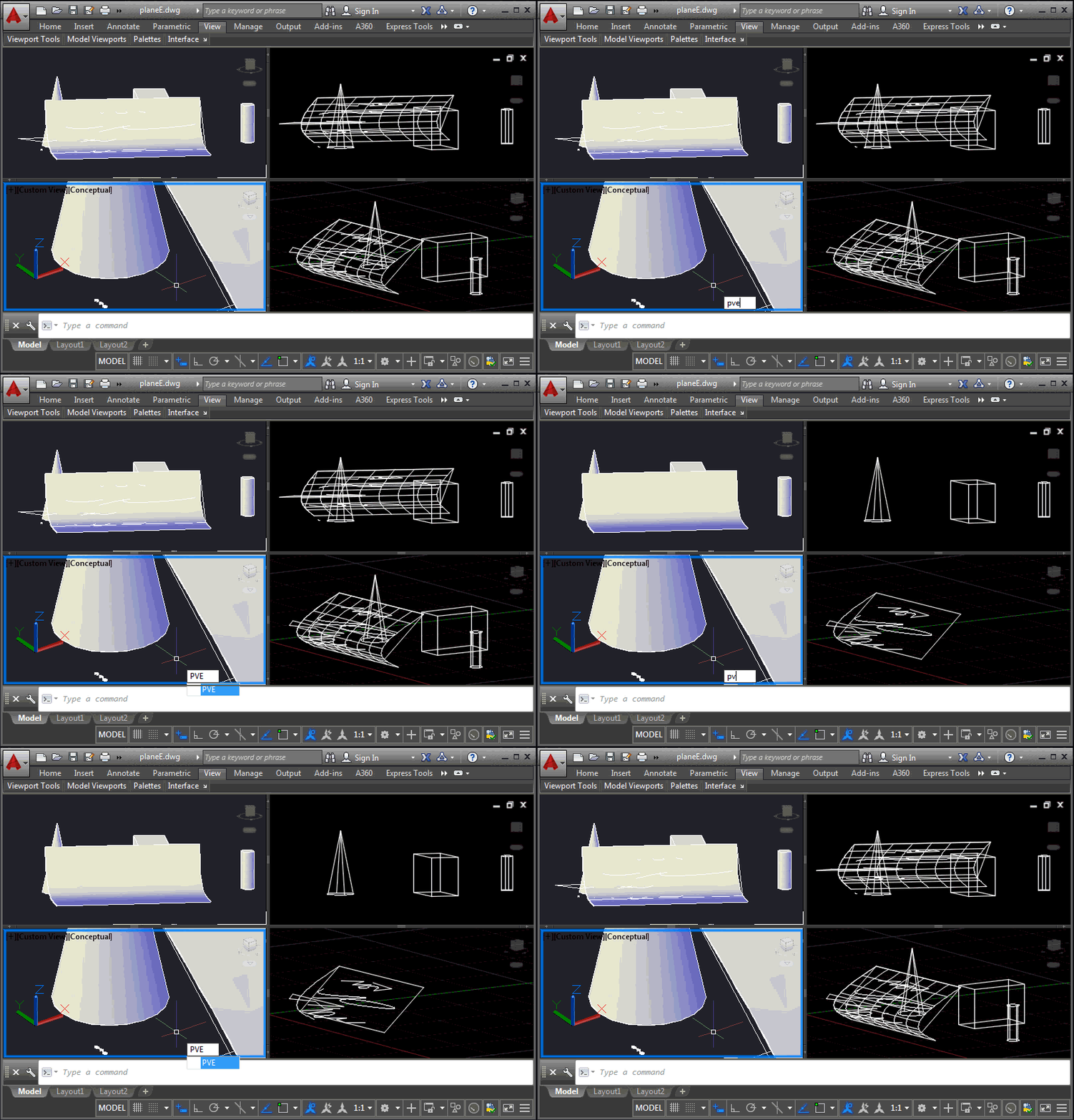
This is a problem that developers have been struggling with for some time, and it came up again at the recent Cloud Accelerator: how to control the display of AutoCAD geometry at a per-viewport level, perhaps to implement your own "isolate in a viewport" command. It's certainly possible to control layer visibility at the viewport level, of course, but this is sometimes at odds with how users wish to use layers for their own purposes. An application may want to isolate geometry in a certain location from a number of layers, for instance, and it becomes cumbersome to hijack the…
-
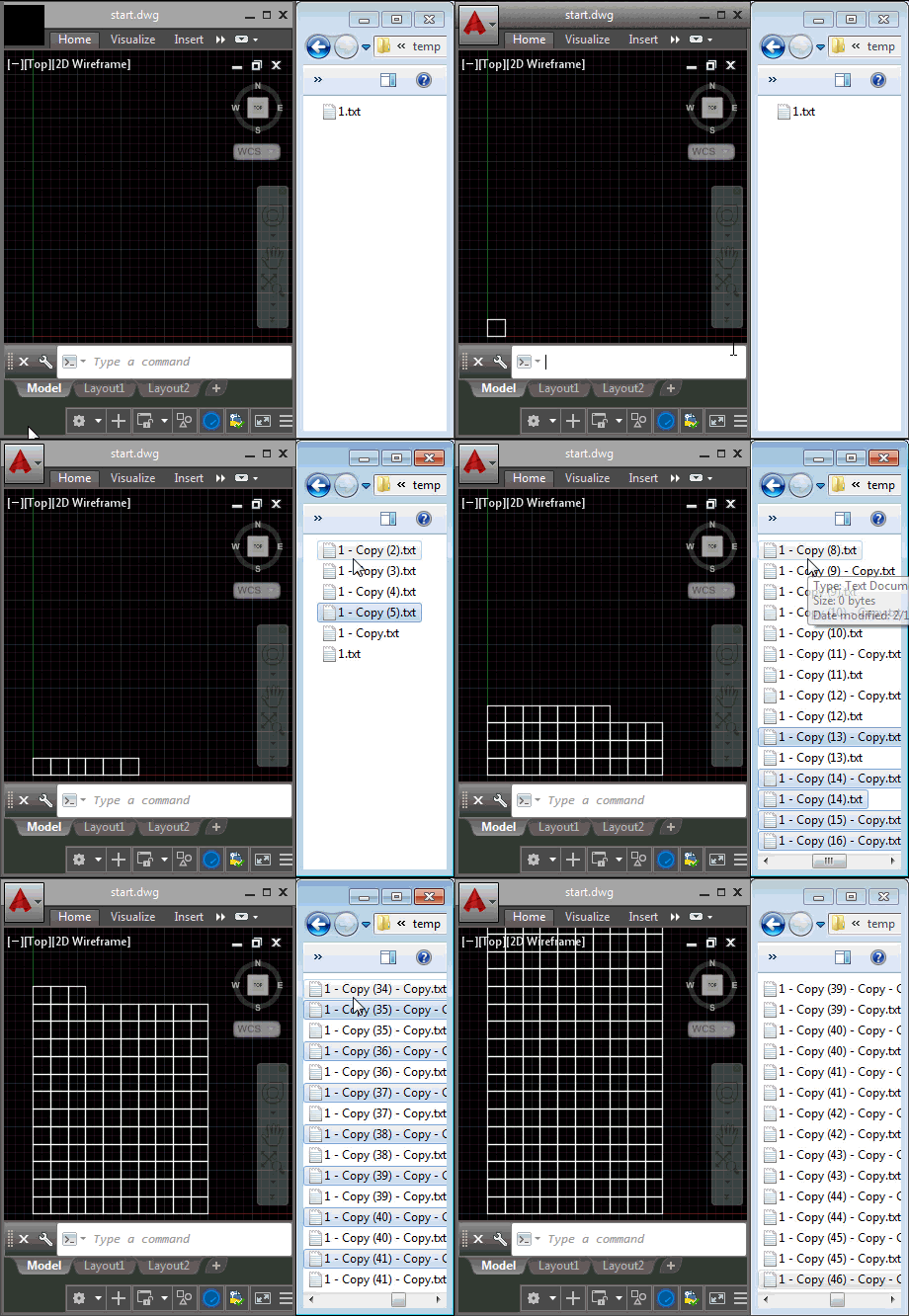
Last week we introduced the ExecuteInCommandContextAsync() method and saw it in action from a context menu click event. In today's post we're going to see how it can be used for a lot more: we're going to use it to respond to external, operating system-level events (although admittedly we're handling the event in-process to AutoCAD via .NET). What we're actually going to do is fire off a command inside AutoCAD – in our case we're going to use RECTANG to create square polylines – each time we find that a file has been placed in a particular folder (in our…
-
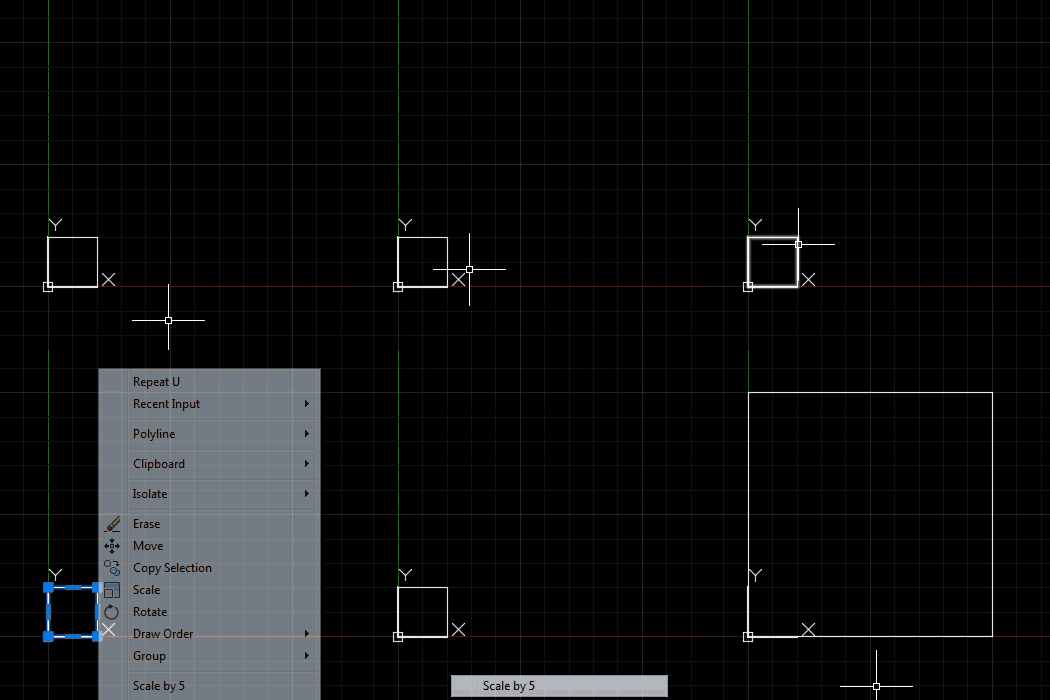
It's time to start looking in more detail at some of the new API capabilities in AutoCAD 2016. To give you a sense of what to expect in terms of a timeline, this week we'll look at a couple of uses for DocumentCollection.ExecuteInCommandContextAsync() and next week we'll look at point cloud floorplan extraction and (hopefully) security and signing. The first use of ExecuteInCommandContextAsync() I wanted to highlight was one raised in a blog comment a couple of months ago. The idea is simple enough: we want to be able to launch a command reliably from an event handler, in our…
-
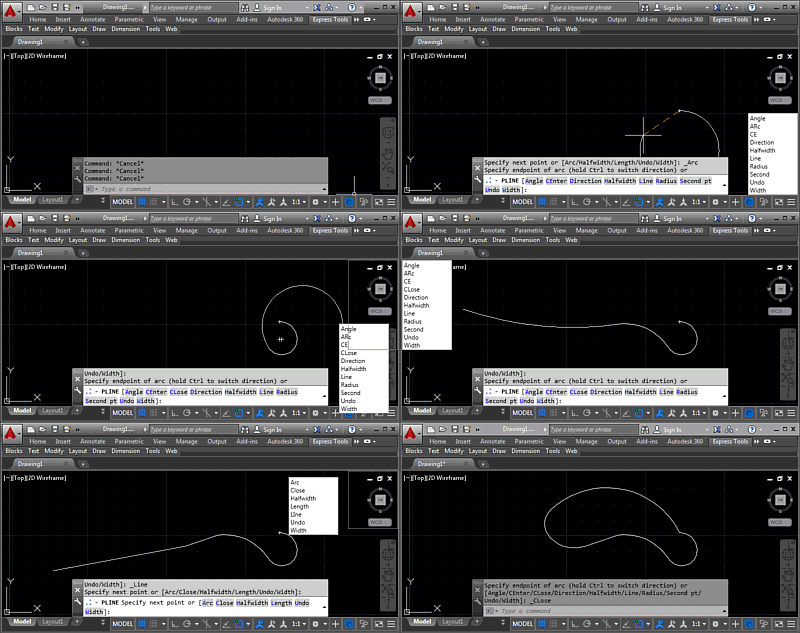
In this post we're wrapping up this mini-series on docking, which is part of a much broader story arc around a "command-line helper" tool, of course. But then we're reaching the end of that, too, I suspect, as the app's just about done. Hopefully it's ready for posting to Autodesk Labs, at least. Last time we added right-click dragging to allow our keywords window to be moved around without interrupting the active command. Now we're taking it a step further to preview docking at one of the four corners of the drawing window, as well as to actually dock the…
-
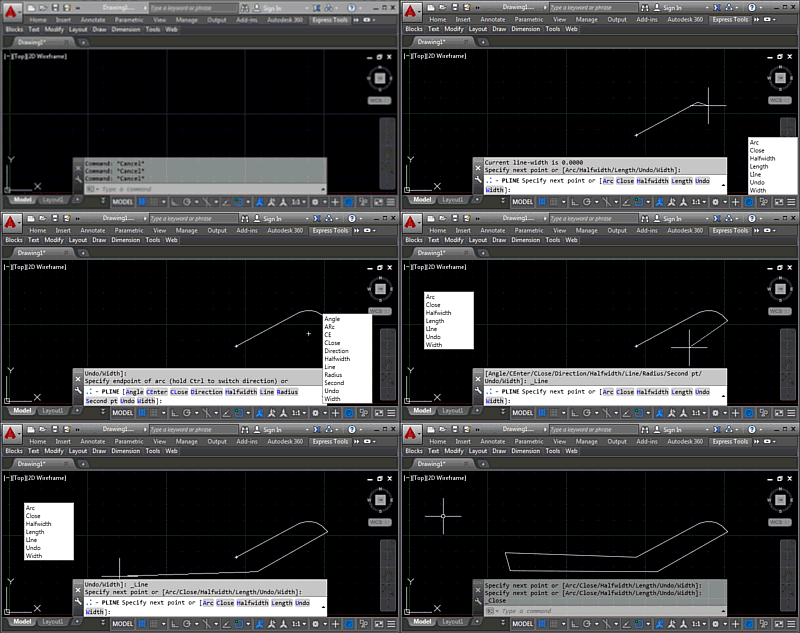
I'm happy to say that the implementation I mentioned in the last post ended up being pretty straightforward. Which is actually great, as I have some important posts to work on for next week. 🙂 Today we're going to take a look at the next stage of the "command-line helper" implementation: basic right-click movement of the global keywords dialog, so we can set a custom location for the dialog without needing to use the KWSDOCK command. Here's the code in action: The main work for this stage was to add support for right-click, mouse move and right mouse-button up events,…
-
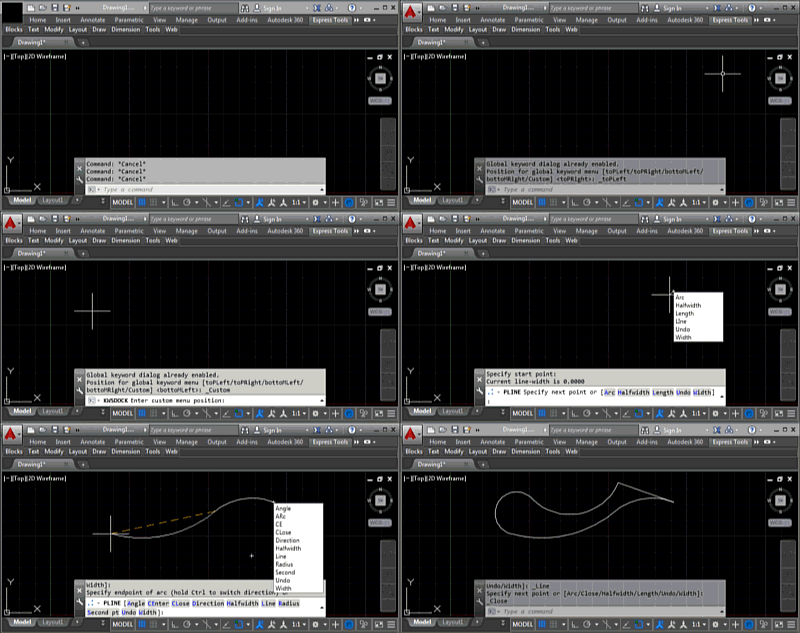
During the course of this week we're going to look at extending the command-line helper sample posted last week by allowing our global keywords window to "dock" to the four corners of the drawing window as well as to remain fixed at a custom location somewhere on the screen. I use the term "dock" here loosely, as we're really just placing it in one of the corners of the drawing window. If we wanted a modeless dialog that was properly docked into AutoCAD then we'd almost certainly want to use a PaletteSet. Here's a quick video demonstrating the KWSDOCK command,…
-
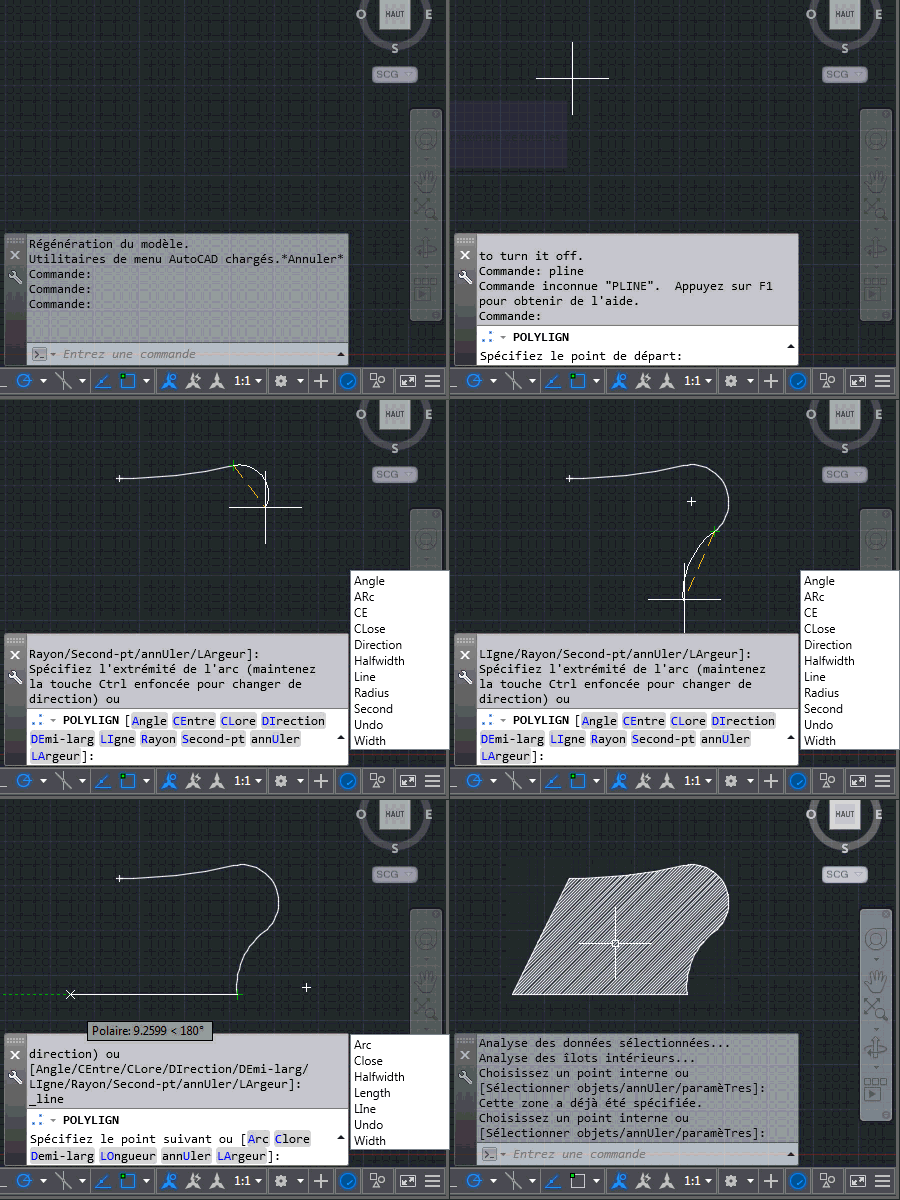
Today we're going to look at the implementation talked about in the last post: we're going to see how it's possible to use the Application.PreTranslateMessage() method to hack AutoCAD's message-loop and basically convert typed keywords into global ones. This is actually pretty neat (yes, even if I do say so myself 🙂 and frankly I'm surprised it works. Here's the overall approach: Track the characters typed into the command-line Add individual characters into a list Backspace removes the tail of the list Arrow-keys invalidate the tracking: if the user accesses entries in the command-history we can't deal with that, and…
-
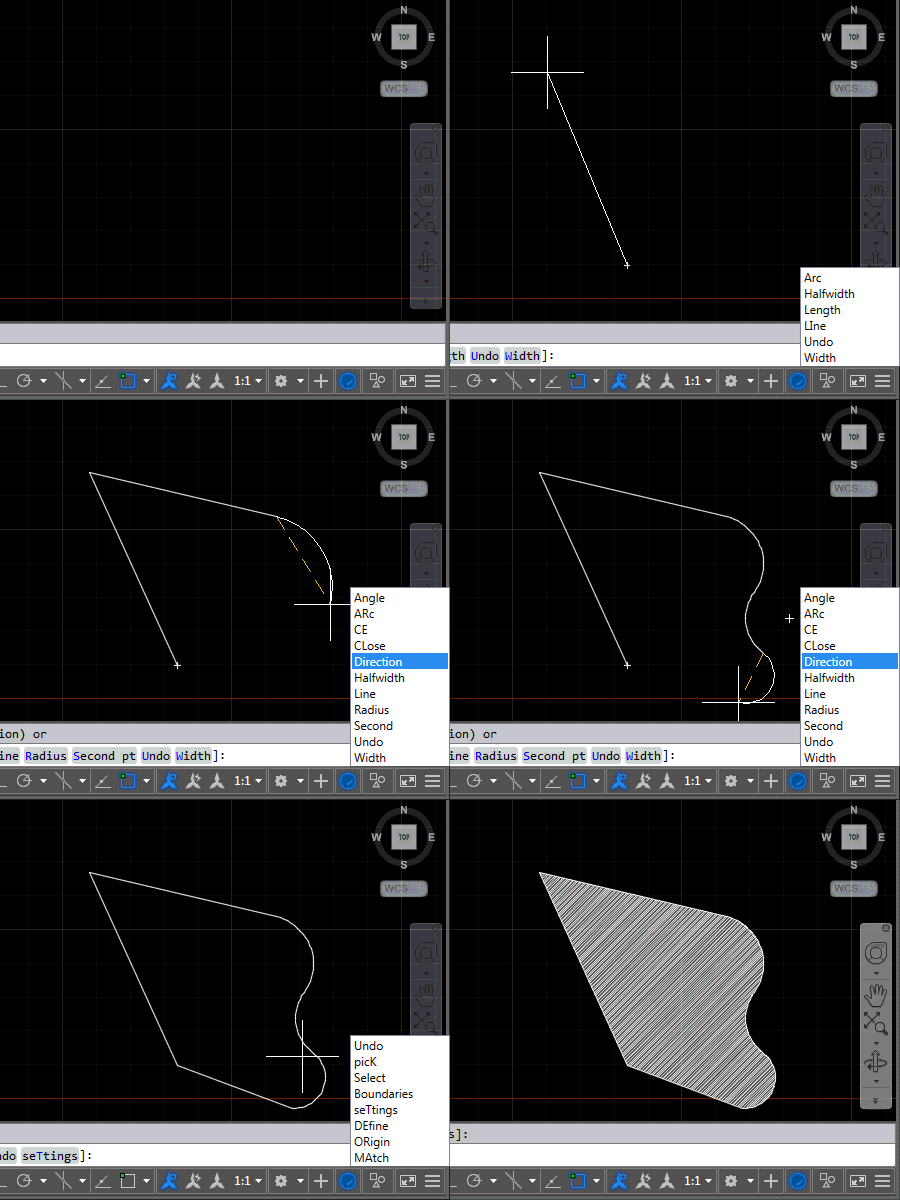
This post carries on from this series from a couple of weeks ago: Adding a global keyword menu to AutoCAD using WPF – Part 1 Adding a global keyword menu to AutoCAD using WPF – Part 2 Enabling global commands on localized AutoCAD versions using .NET The overall goal behind these posts was to create a "command-line helper" tool to make it easier for people who know the English version of AutoCAD (or an AutoCAD-based vertical) to work with a corresponding localized version. Basically because some people learn AutoCAD using an English version – perhaps during their studies – but…
-
Here's a quick piece of code to finish up the week to complement what we saw earlier. The idea is that on localized AutoCAD versions this code will allow the user to enter English commands without needing the underscore prefix. The code works by detecting an "unknown" command and then attempting to execute it again after prefixing an underscore to launch a global command. Which may or may not work, of course, so we certainly need to set a flag to avoid descending into an infinite loop of commands being called while prefixed by an ever-expanding legion of underscores. Aside…