Jigs
-
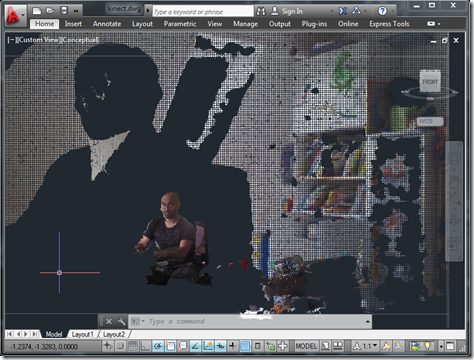
As promised in the last post, today we're going to see the adjusted point cloud import workflow applied to the previously posted Kinect integration samples. This was also an opportunity to look at the improvements in version 1.5 of the Kinect for Windows SDK. When the SDK was announced, my initial reaction was "OK, but what we really need is finger-tracking", especially as it was right around the time Leap Motion made their big announcement. But there have nonetheless been some really interesting capabilities added to the Kinect SDK with version 1.5: Seated mode skeletal tracking You can choose to…
-
Ah, the joys of jetlag. After getting up with jetlag at 3am, yesterday, I finally worked out what was wrong with my inconsistently performing speech recognition approach shown in this previous post. I tracked down this helpful piece of advice on the Microsoft forums, which explained that the Kinect Audio capability really needs to be initialized on a MTA (multi-threaded apartment) thread. Moving the relevant initialization to a function marked with the [MTAThread] attribute and then spawning a thread to execute it made all the difference – the code now behaves predictable and effectively. I added a few more enhancements…
-
Yesterday evening, I had a nice chat by phone with a local development partner, here in Switzerland. I'm meeting with a member of his development team, next week, and we were establishing a way of us identifying one another at the train station. Rather than offering to wear a pink carnation, I suggested the visitor check the photo on my blog before coming. The developer – who had seen me in person, before – suggested it might be helpful if he mentioned to his colleague that I was "short and bald"… I'm apparently shorter than he'd initially expected – clearly…
-
As promised, here's my handout for CP3840, the main class I'm teaching at this year's AU. Introducing Kinect Since Kinect for Xbox 360® was launched on November 4th, 2010, the device has taken the world by storm: it became the quickest selling consumer electronics device ever (according to the Guinness Book of World Records), selling 8 million units in the first 60 days. This record has since been surpassed, but still. Kinect was originally intended to be a controller for the Xbox 360 gaming system – allowing you to play games without a controller, or, as Microsoft like to say,…
-
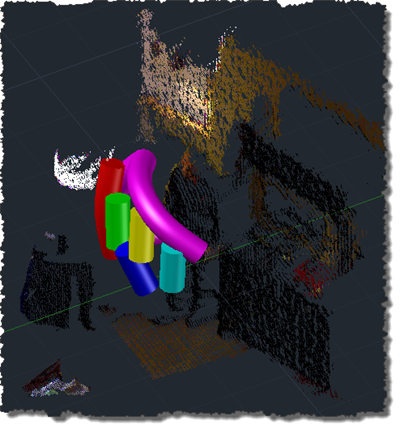
This post follows on from this recent post which showed a flat port of the previous OpenNI/NITE code which swept a single solid along a spline path defined by the user being tracked by the Kinect device. As mentioned, the previous approach was ultimately flawed, as adding vertices to our spline path made the whole thing problematic (as the sweep operation became less and less likely to succeed). The updated code adopts a slightly different approach: it creates the solid in segments, creating a new segment whenever there's an error encountered or when the current segment exceeds a certain length.…
-
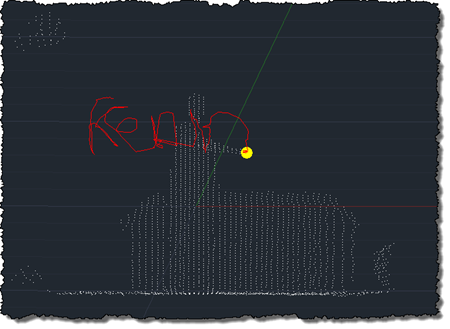
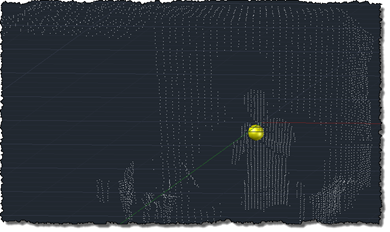
After using the Microsoft Kinect SDK to bring point clouds into AutoCAD and then to track skeleton information, I'm happy to report that I now have an equivalent implementation of this previous post, where we used OpenNI and NITE to understand gestures captured by the Kinect and draw 3D polylines inside AutoCAD. This implementation is a bit different from the last, mainly in that – given the additional calculation needed to map points into "skeleton space" when building out point cloud – I no longer transform all the points and then select a sampling. This implementation passes a sampling value…
-
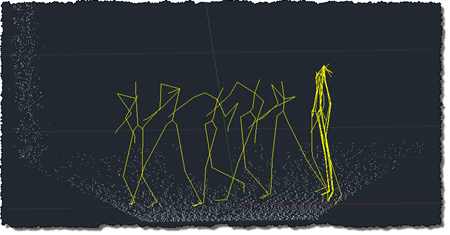
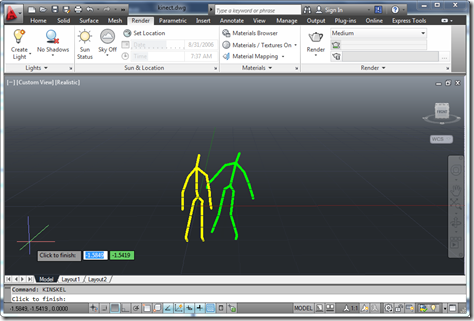
To follow on from my post showing how to get point cloud information from Kinect into AutoCAD – using Microsoft's official SDK – this post looks at getting skeleton information inside AutoCAD. The code in today's post extends the last – although I won't go ahead and denote the specific lines that have changed – by registering an additional callback called by the Microsoft runtime which, in turn, stores data in memory to be displayed when the jig's WorldDraw() is next called inside AutoCAD. The main thing to note is what's needed to map the skeleton information into AutoCAD's world…
-
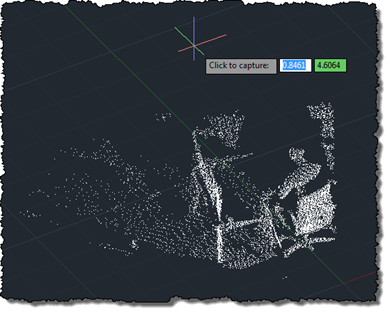
As mentioned, last week, I've been working away to port my previous OpenNI/NITE AutoCAD-Kinect integration across to the official (although still in Beta) Microsoft Kinect SDK. Today's post presents a very basic implementation – essentially equivalent to the code in this previous post – which makes use of the Microsoft Kinect SDK to bring a colourised point cloud into AutoCAD. As in the previous post, the txt2las tool is still currently needed to bring the generated point cloud into AutoCAD. It's worth noting that the Microsoft SDK is a) much simpler to install/deploy and b) provides more reliable colourisation of…
-
After focusing on a manual process for sweeping a solid inside AutoCAD in this previous post, it seemed to make sense to attempt to automate more of that process. In the code in this post, we take a standard circular profile – of a user-specified radius – and sweep it along the path defined by the user's hand movements. Back in the original Kinect integration example we created a 3D polyline path linking every position of the user's hand detected by Kinect. This makes a very jittery path for our purposes, so we're going to define a spline along fit…
-
I suspect that many of you who have worked with point clouds will have come across this issue: the standard CIRCLE command in AutoCAD will create the circle on the plane of the active User Coordinate System (UCS), even when the circle is defined by three points on its circumference. This behaviour is probably fine for the majority of 2D drafting activities, but if you want to create circles from a point cloud – by selecting points from its perimeter using the Node object snap – then it's less than ideal. The code in today's post implements a very simple…