Notification / Events
-

I might also have called this post "Overruling AutoCAD 2010's entity display and explode using Boo", as it complements the equivalent posts for C#, F#, IronPython and IronRuby, but I felt it appropriate to combine the post with an introduction to what Boo is all about. What is Boo and how did I come to look into it? Knowing of my recent interest in the various scripting technologies being made available for .NET, a colleague at Autodesk recently pointed me at the Boo programming language (and here is the official page for the language, including its various downloads). First, to…
-
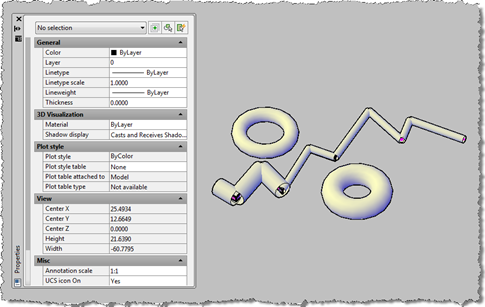
I've been meaning to get to this one for a while. This post takes the OPM .NET implementation and shows how to use it to allow modification of data persisted with an object: in this case we're going to use the XData in which we store the "pipe radius" for the AutoCAD 2010 overrule sample we've recently been developing. To start with, I needed to migrate the OPM .NET module to work with AutoCAD 2010, which meant installing Visual Studio 2008 SP1. Other than that the code migrated very easily, and the project (with the built asdkOPMNetExt.dll assembly) can be…
-
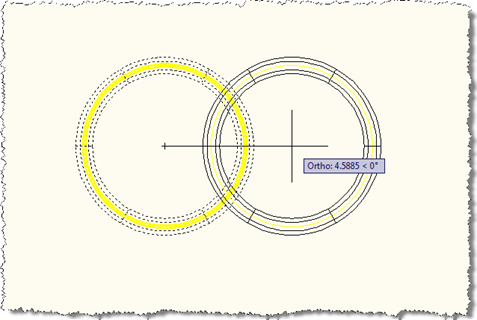
It's quite common for AutoCAD developers to use Extended Entity Data (XData) to tag objects their application cares about. This is certainly the approach taken in the recent series showing how to overrule the graphics display for an object – we store a "pipe radius" in XData attached to the Line or Circle we want to have a 3D profile. That's fine, but what if we're storing a unique identifier with an object in XData that we do not want copied with the object? The Overrule API in AutoCAD 2010 allows you to hook into the DeepClone of an object…
-
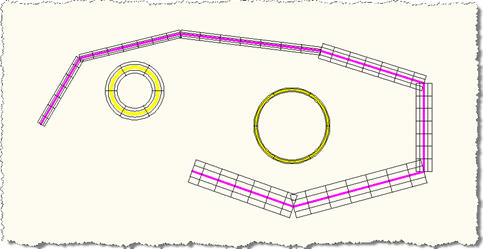
I am really starting to love the new Overrule API in AutoCAD 2010, and I still feel as though I'm just scratching the surface. This question came in overnight from Danny Polkinhorn (thanks, Danny! 🙂 : It's exciting to see a very usable implementation of 'custom' objects in .NET. Obviously, this implementation protects what could be proprietary business intelligence from being sent around, but it brings up a question. What process would you use to 'explode' these elements so that you could send the drawing to someone without your code, but with the custom elements in it? My first thought…
-

In the last post we looked at some code that attaches additional data to individual entities, allowing them to be drawn independently with different visual properties via the new Overrule API in AutoCAD 2010. A couple of comments – one from Qun, who provided the original F# sample, and one from Tony Tanzillo – have prompted me to optimize the code somewhat. Tony pointed out, very validly, that as the previous code registers its overrule against Drawable objects it will get called for every entity (and various objects besides) which could clearly impact performance. Qun pointed me to some interesting…
-
In the last post we looked at some C# code to customize the display of all Lines and Circles within AutoCAD, adding a thickness (or a diameter) to make them look more like pipes. This was, in turn, based on this F# post. The previous code implemented an overrule that allowed us to insert our own graphics for every instance of the types of object we cared about. [A quick note on the previous implementation: we actually register the overrule to be called for all "drawable" objects: the inheritance tree for the Circle class is: Drawable –> DBObject –> Entity…
-
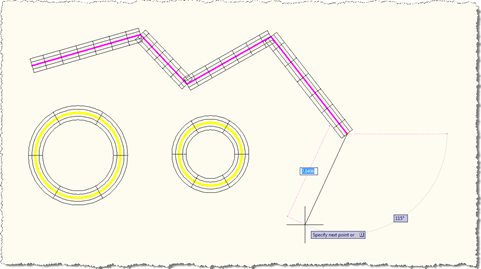
The code in this post is a direct port of the F# code in this previous post, which was entered by Qun Lu in the recent F# programming contest. Someone – very validly - commented on the fact the post involved both a new language and a new API, which was probably pushing things a little from a learning perspective. 🙂 Without repeating my various comments in the previous post, I will reiterate the fact that this API is extremely interesting for developers who wish to customize the appearance and behaviour of standard AutoCAD objects without going through the pain of implementing full…
-
This is the first post in a series looking at the new APIs in AutoCAD 2010, and follows on from this post looking at the migration steps required. I've copied the information in this post from the recently-published Platform Technologies Customization Newsletter, a quarterly newsletter available to ADN members. A big thank you to Stephen Preston, Fenton Webb and Gopinath Taget for putting the material together. AutoCAD 2010 New API Overview AutoCAD 2010 has some really cool APIs. Please download the ObjectARX 2010 Beta SDK and review the Migration Guide for a complete list of changes and additions. [This is…
-
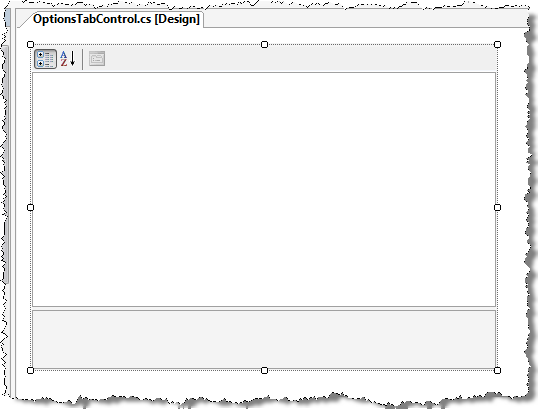
This post extends the approach shown in this previous post to implement a realistic editing and storage mechanism for application settings. It uses the .NET PropertyGrid control to display a custom class, allowing editing of a number of properties. This class is also serializable, which means we can use the .NET Framework to save it out to an XML file on disk. Some readers may have their own approaches to saving custom application settings, whether in the Registry or elsewhere: this post is primarily about displaying properties rather than providing a definitive "how to" for storing custom application settings. I…
-
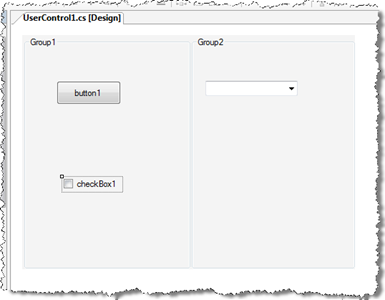
A big thanks to Viru Aithal, from our DevTech India team, for providing the code that inspired this post. Update: it turns out I didn't look deeply enough into the origins of the code behind this post. The code that inspired Viru's code that inspired mine came from our old friend Mike Tuersley, who's delivering a class on customizing the Options dialog at this year's AU (in just over a week). Thanks, Mike! 🙂 One way that applications often want to integrate with AutoCAD is via the dialog displayed by the OPTIONS command. Luckily it's relatively easy to add your…