2015
-
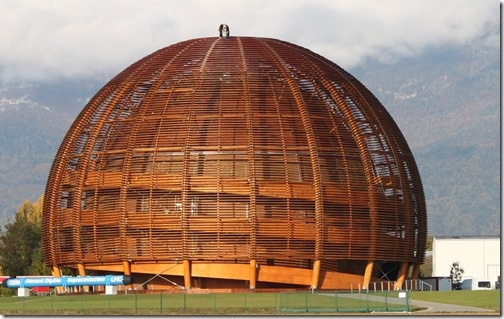
When I was in Prague recently I spent some time with Alex Vinckier and Kris Riemslagh from hsbcad, an ADN member and provider of software for the offsite construction industry. I've corresponded and spoken with Alex and Kris a number of times during my time at Autodesk, but this was my first opportunity to meet them in person. They suggested I coordinate with another member of the hsbcad team – Alex's twin brother, Karel – to visit to one of their best customers, who happens to be based just 40km from my home. So it was that Karel and I…
-
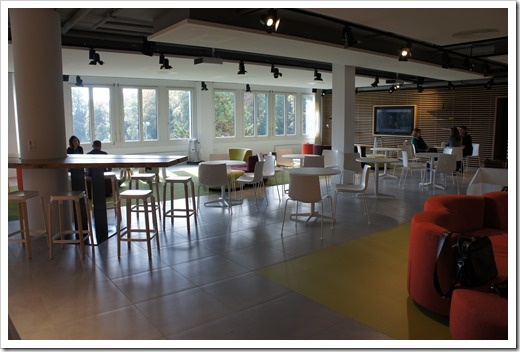
Today was an interesting day: in the morning Autodesk Neuchâtel opened a new common space, while in the afternoon I headed across with a development partner to meet an AutoCAD user doing some really interesting things with wood. More on that in the next post. For now, here are a few snaps of the new office space: I really like the new astroturf area. Although our facilities team didn't seem very open to the idea of us installing 5-a-side goals at either end of it. In the corner we have a little Lab space, with a couple of 3D printers,…
-
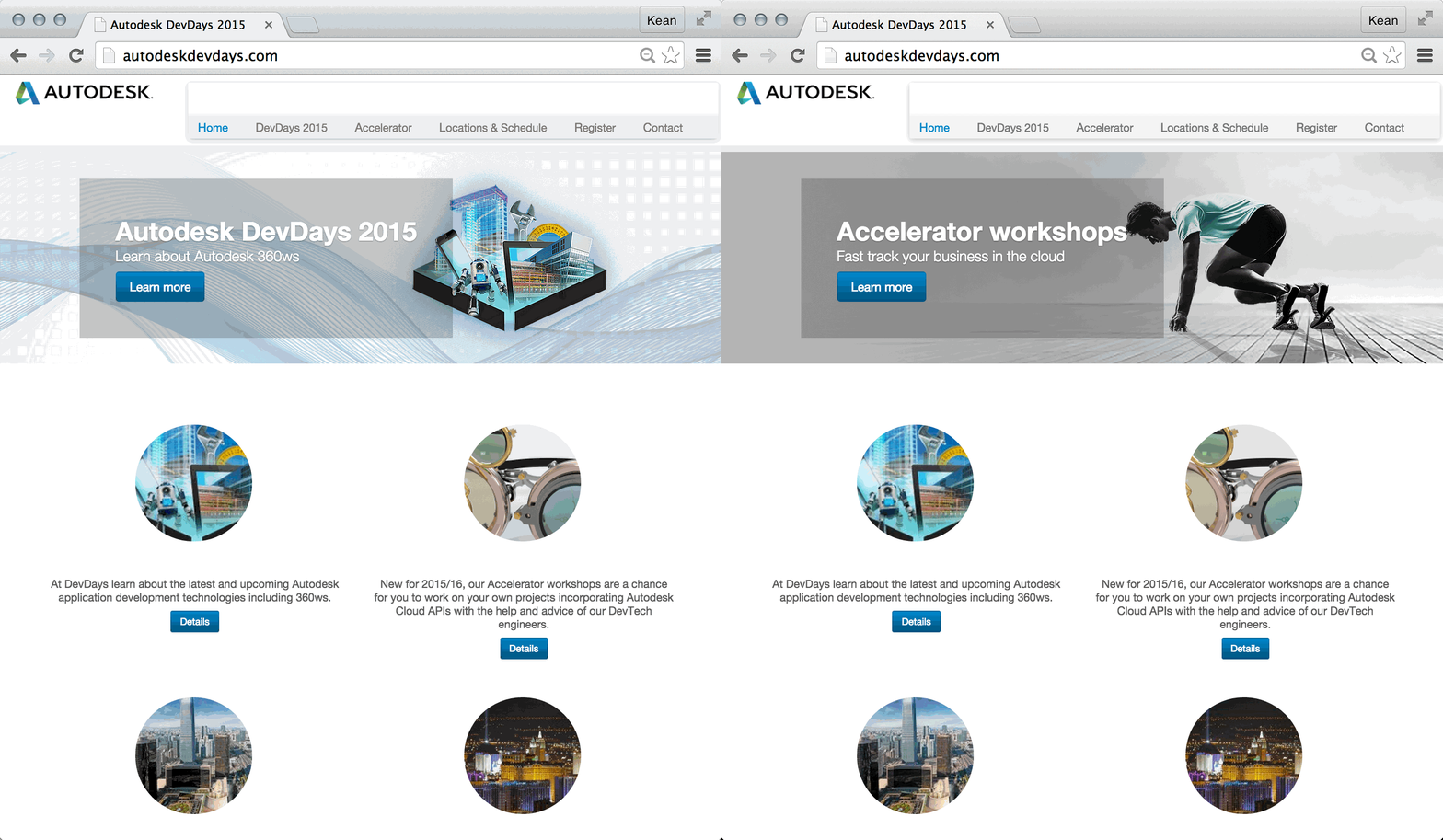
Members of the Autodesk Developer Network have started receiving information on how to register for the upcoming series of DevDays being held around the world. Thanks largely to the positive experience of running Cloud Accelerators in different locations, the ADN team has shifted their thinking for this year's tour: rather than visiting 15+ cities around the world, the team has reduced the number of locations to a few per geography but increased the amount of time being spent in each. 3-4 day Accelerators will be held in a number of cities adjacent to the more traditional DevDay events. This gives…
-
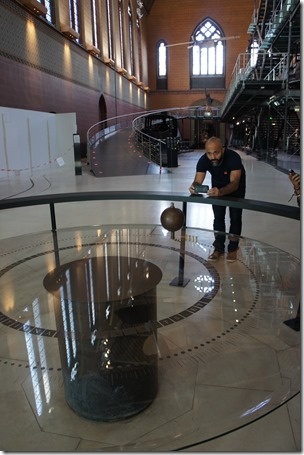
My best attempt to describe this technical, industrial museum is as a Mecca for Makers. It's not a funky new space with a bunch of hipsters manning 3D printers – not that I have a problem with such spaces… I love those spaces 🙂 – rather it's a shrine to all manner of human invention and creation since before the industrial revolution. The first thing I had to see on entering the museum, this morning, was Foucault's Pendulum – with the museum playing a key part in Umberto Eco's incredible novel of the same name, this was a "must see"…
-
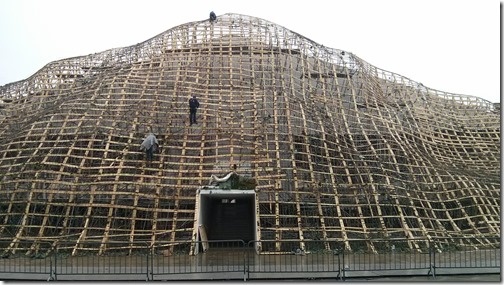
I've headed to Paris with the family for a few days, this week. We're staying in our first Airbnb-booked apartment in the 11th arrondissement. So far, so good! As the forecast for today looked a bit rainy, we decided to postpone our daytrip to Disneyland Paris until tomorrow and take the opportunity to visit the Louvre instead. Which turned out to be a good thing, as it's closed on Tuesdays, and on Wednesday we've already planned to climb the Eiffel Tower. What fun. Anyway, as we were leaving the Louvre, walking to the île de la Cité to visit Notre…
-
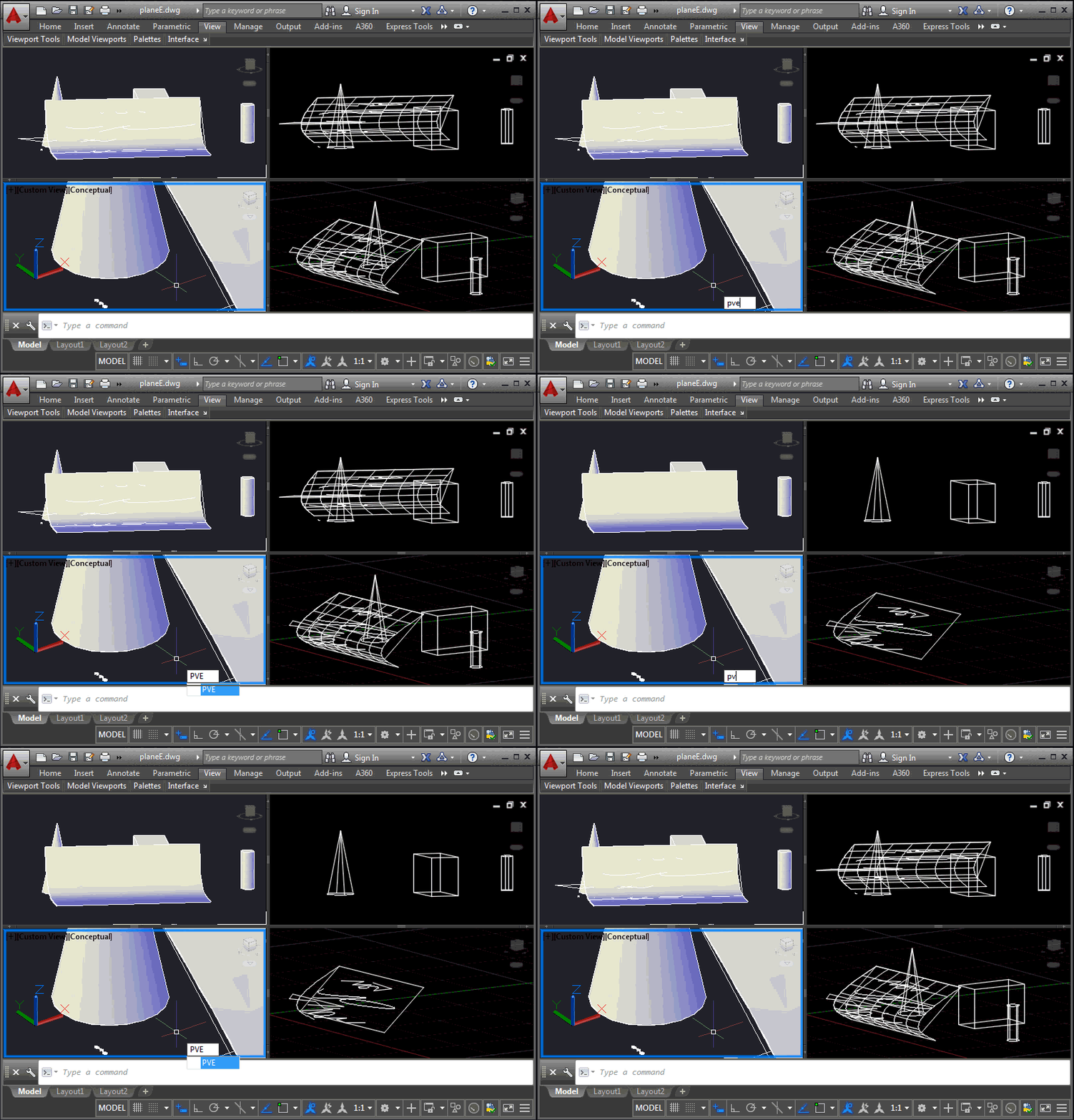
This is a problem that developers have been struggling with for some time, and it came up again at the recent Cloud Accelerator: how to control the display of AutoCAD geometry at a per-viewport level, perhaps to implement your own "isolate in a viewport" command. It's certainly possible to control layer visibility at the viewport level, of course, but this is sometimes at odds with how users wish to use layers for their own purposes. An application may want to isolate geometry in a certain location from a number of layers, for instance, and it becomes cumbersome to hijack the…
-
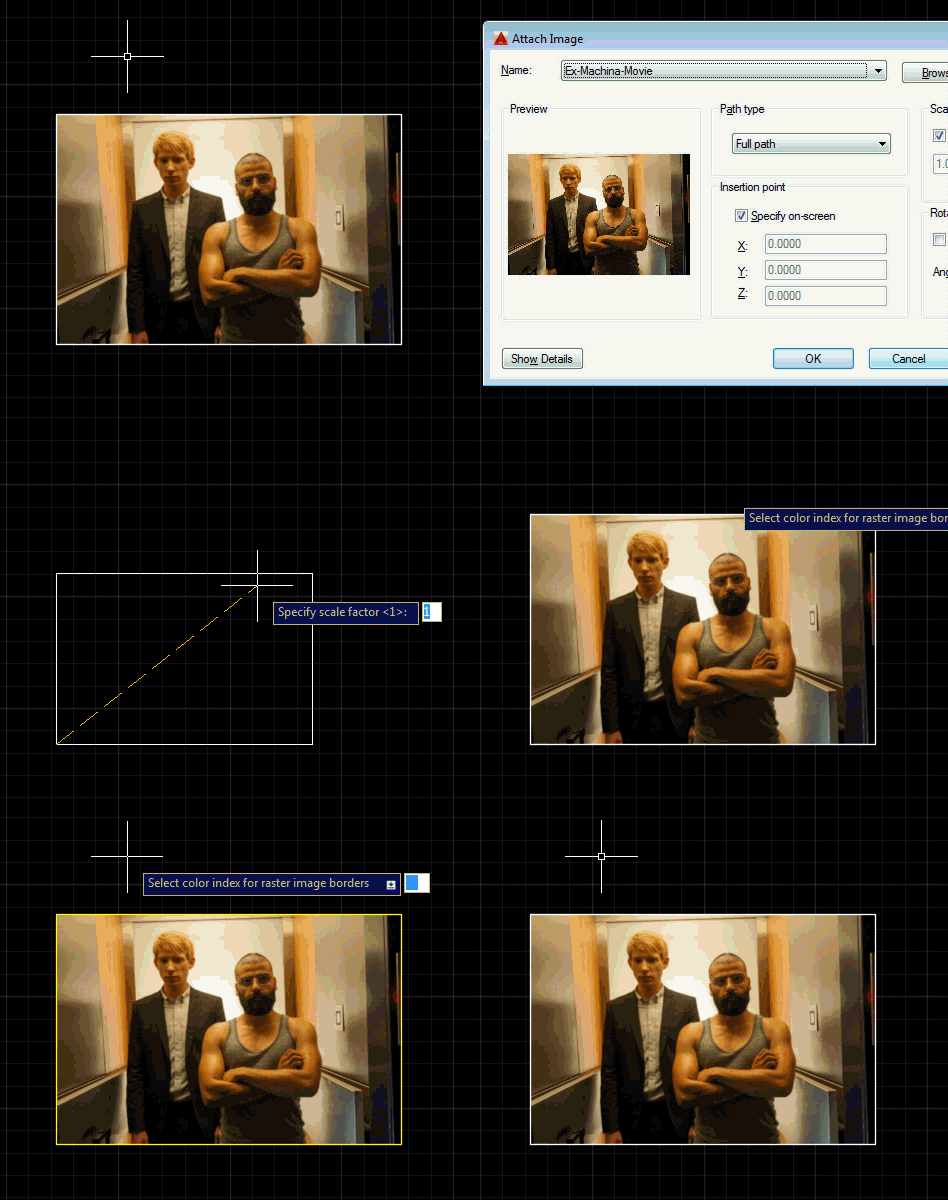
This is a question that came up at the recent Cloud Accelerator in Prague: how can you change the border colour for all raster image objects in the drawing? We could do this by placing the raster image on a particular layer, but the developer was looking for a global override. The answer ended up being really simple with a DrawableOverrule. Here's some C# code that does this: using Autodesk.AutoCAD.ApplicationServices; using Autodesk.AutoCAD.DatabaseServices; using Autodesk.AutoCAD.EditorInput; using Autodesk.AutoCAD.GraphicsInterface; using Autodesk.AutoCAD.Runtime; namespace RasterImageOverrule { public class RasterImageDisplayOverrule : DrawableOverrule { public short Color { get; set; } …
-
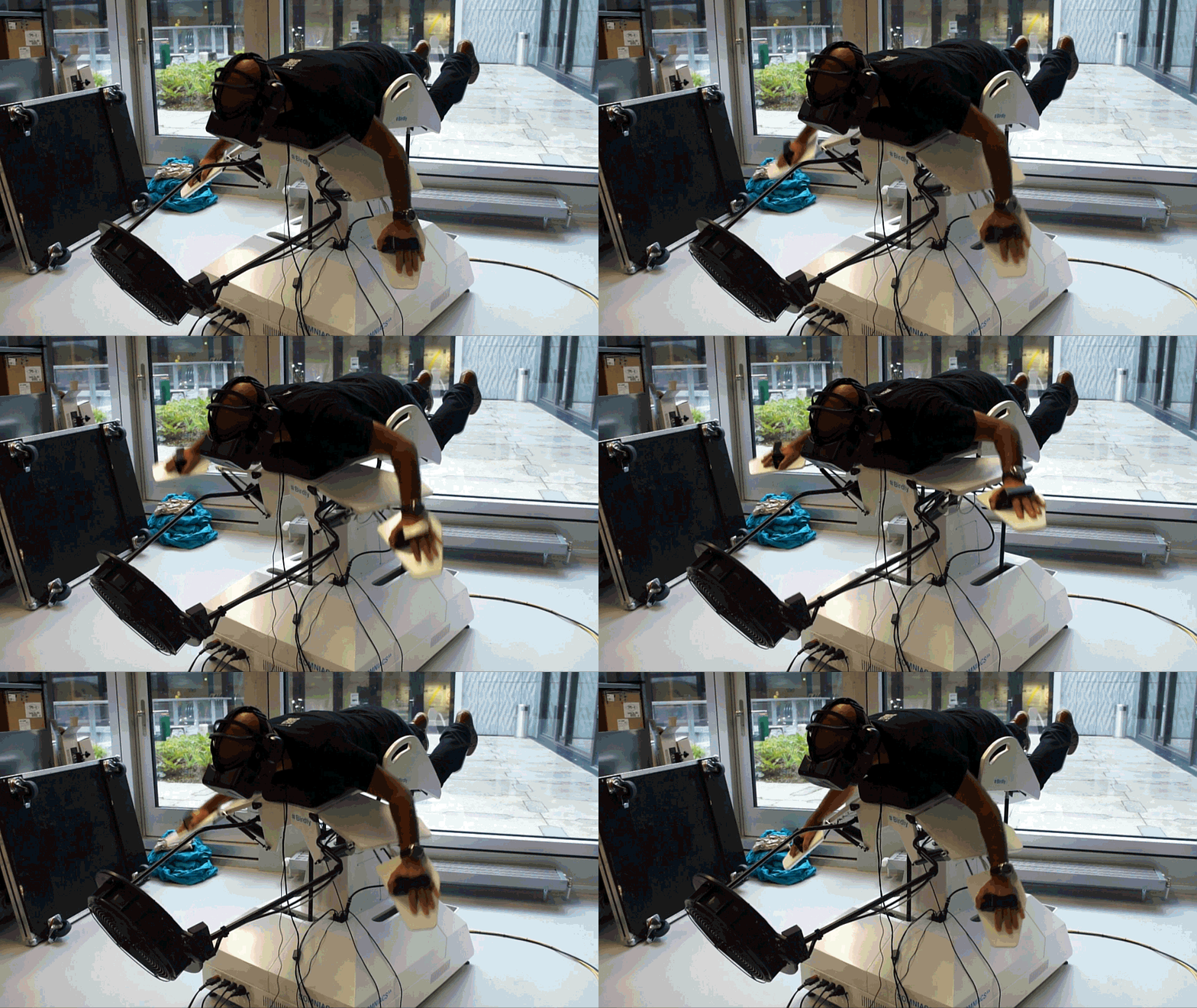
Birdly is an immersive Virtual Reality experience that let's you fly like a bird through virtual cityscapes. To get a sense for how it works, check out this video: Birdly - Splitscreen from maxR on Vimeo I first heard about Birdly from Brian Kling, a friend and colleague in our Neuchâtel office who tried it out earlier this year at the Lift conference in Geneva. He came back really excited about the exhibit, and his excitement was contagious. Since then I've been looking for an opportunity to experience it firsthand. I'm happy to say the opportunity finally presented…
-
In the last post we saw a "general" function to erase all the entities in a drawing that fulfill a specified condition. We used it to erase all the zero-length lines in a drawing. But as I'd mentioned at the end, I thought there was an opportunity to generalize the mechanism even further. Here's what I came up with (and I've included a suggestion by Parrish Husband to create an additional extension method for Curve.IsZeroLength()). using Autodesk.AutoCAD.ApplicationServices; using Autodesk.AutoCAD.DatabaseServices; using Autodesk.AutoCAD.Geometry; using Autodesk.AutoCAD.Runtime; using System; namespace ZeroLengthEntities { public static class Extensions { /// <summary> …
-
A question came in by email, yesterday, and despite having a few mini-projects in progress that were spawned during last week's event in Prague, I couldn't resist putting some code together to address it. The developer wanted to purge zero-length geometry: the simplest way to solve the problem is to run "_-PURGE _Z" at the command-line, but I saw this more as an opportunity to create a simple helper that would loop through all the entities in a drawing and erase any meeting a specified condition. In this case it would be curves with a length less than the global…