2015
-

Tomorrow marks the 20th anniversary of the day I joined Autodesk. I know: it's tomorrow, not today, but then you really can't beat good Beatles lyrics (and it hopefully helps reset the cosmic balance after quoting an Olivia Newton John song in the title of the last post ;-). I already used this title – somewhat prematurely – 5 years ago, but hey. As I'm feeling a touch nostalgic, here's a BBC video about computer graphics & animation – and even CAD! – from 1983: it was around this time I first became interested in computers. I recommend watching this episode…
-
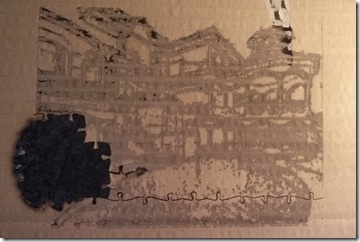
After building a web-site to create files that help make laser-cuttable jigsaws, it made sense to actually go ahead and cut some. In the flesh, so to speak. My initial findings weren't good: I'd assumed that I could output 2D solids from AutoCAD – each representing a pixel to be engraved on the jigsaw – and that the laser cutting software (in our case LaserCut 5.3) would at least see the boundaries. But nothing at all loaded – apart from the cutting geometry for the pieces, of course. In fairness, the question has come up a few times as to…
-
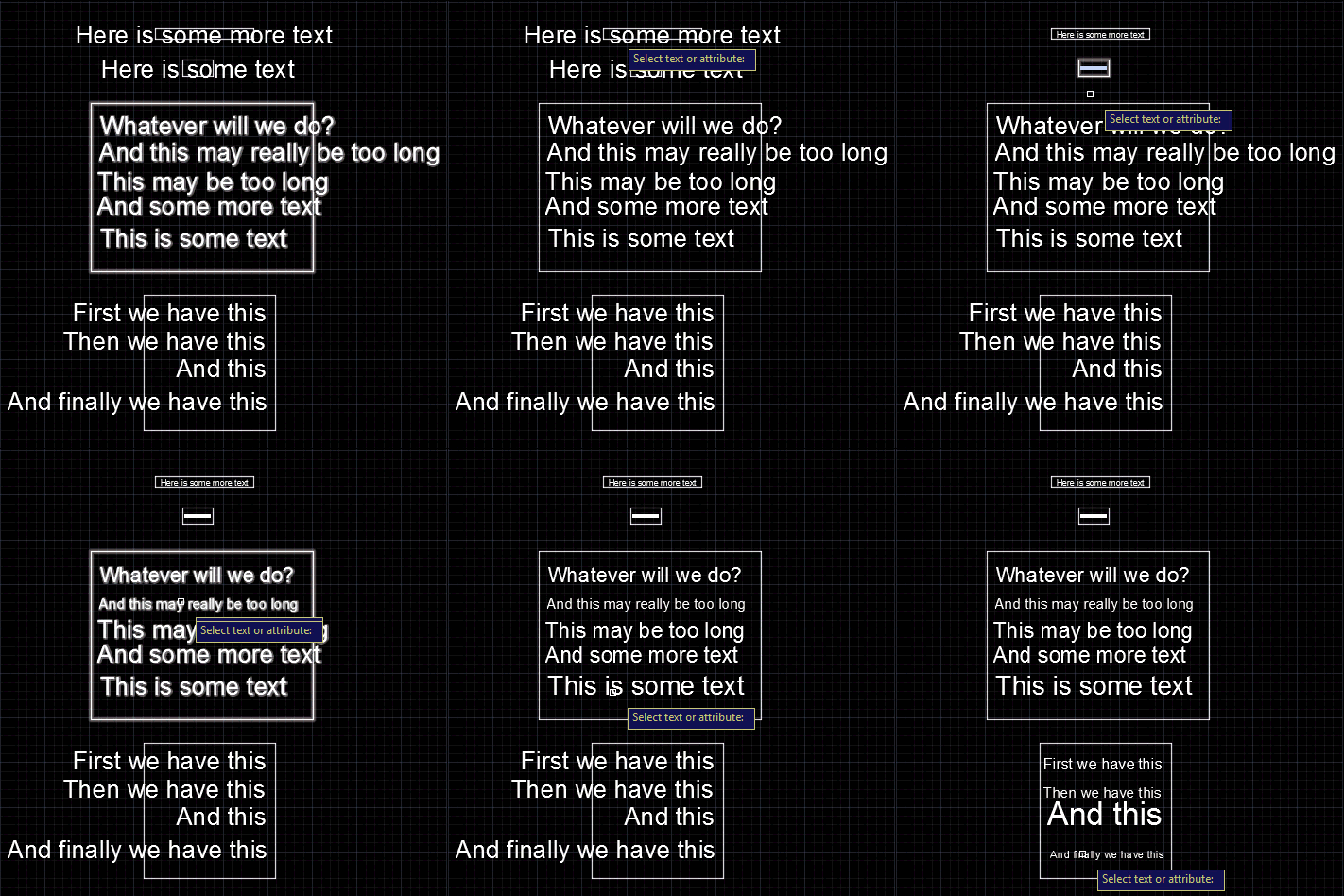
We started this series by looking at how to get the centroid of a region, and then how to create text that fits an arbitrary space. In this post we're going to wrap up by looking at the original question of how to resize block attributes to fit their container. The core algorithm is actually very similar to the code we saw in "space labelling" application: it's simply been refactored to be more general and forms the basis for both the previous and the new commands. Here's the C# code: using Autodesk.AutoCAD.ApplicationServices; using Autodesk.AutoCAD.BoundaryRepresentation; using Autodesk.AutoCAD.DatabaseServices; using Autodesk.AutoCAD.EditorInput; using Autodesk.AutoCAD.Geometry;…
-

After going down the path of making this blog responsive, it made sense to do the same for Jigsawify.com: I think it's a really nice illustration of the potential for AutoCAD I/O to use the web-site from your mobile phone to generate a DWG in the cloud. The site itself was functional enough on mobile: the issue related more to making the UI usable without having to zoom in and out all the time both to see the results and then use the various UI elements. The "responsive" technology underpinning the Typepad template I used for this blog is Bootstrap.…
-
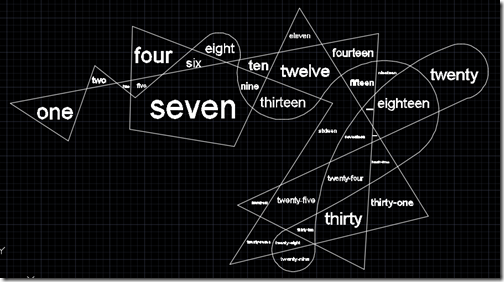
After the last post, where we saw how to get the centroid of a Region, today we're going to use that information to place some text inside a detected space. To restate our process from last time: The user selects a point Call Editor.TraceBoundary() to determine the containing space Call Region.CreateFromCurves() with the resulting geometry Determine the centroid of the Region Check whether the centroid is actually inside the Region If it is, then generate some text to place (we could also have asked the user for this, of course)… … and then calculate the size of the text such…
-
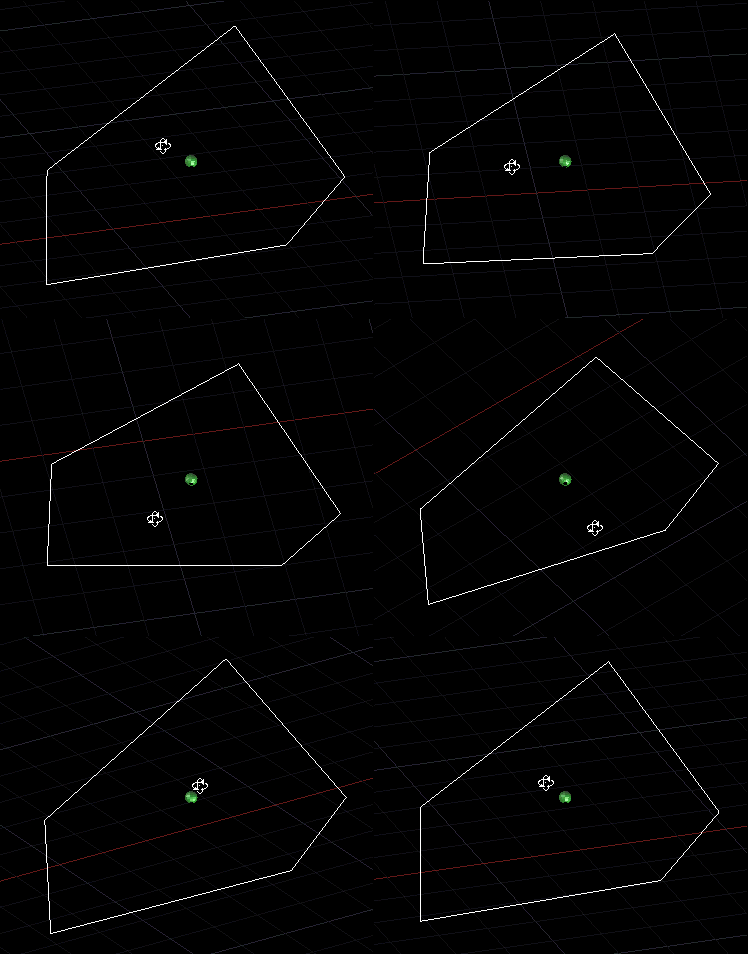
This week we're going to look at an interesting problem: how to create text that fits into a particular space. The scenario was originally presented (to me, anyway) by Alex Fielder, early last year (thanks, Alex!), but it's taken a while for me to get to it. Alex wanted to check for the extents of block attributes overflowing their containers. I may well go ahead and implement that, in due course, but first I wanted to let the user select a space and create some text to fill it. Let's take a look at how to make this happen. Here's…
-
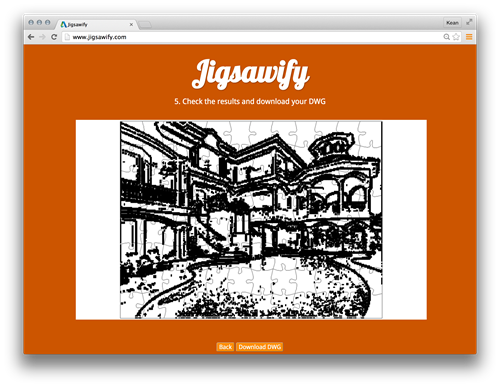
I mentioned recently that I'd hit a limitation with the amount of data that could be passed as embedded JSON data to an AutoCAD I/O Activity, and so decided to rearchitect my site to post the data at a URL and have the Activity download and use the data from there. The system worked well until a security flaw was fixed by the AutoCAD I/O team, earlier this week: it turns out the approach of manually downloading the additional payload from the Activity itself wasn't supposed to work. And now, sure enough, it doesn't. 🙂 This video does a great…
-
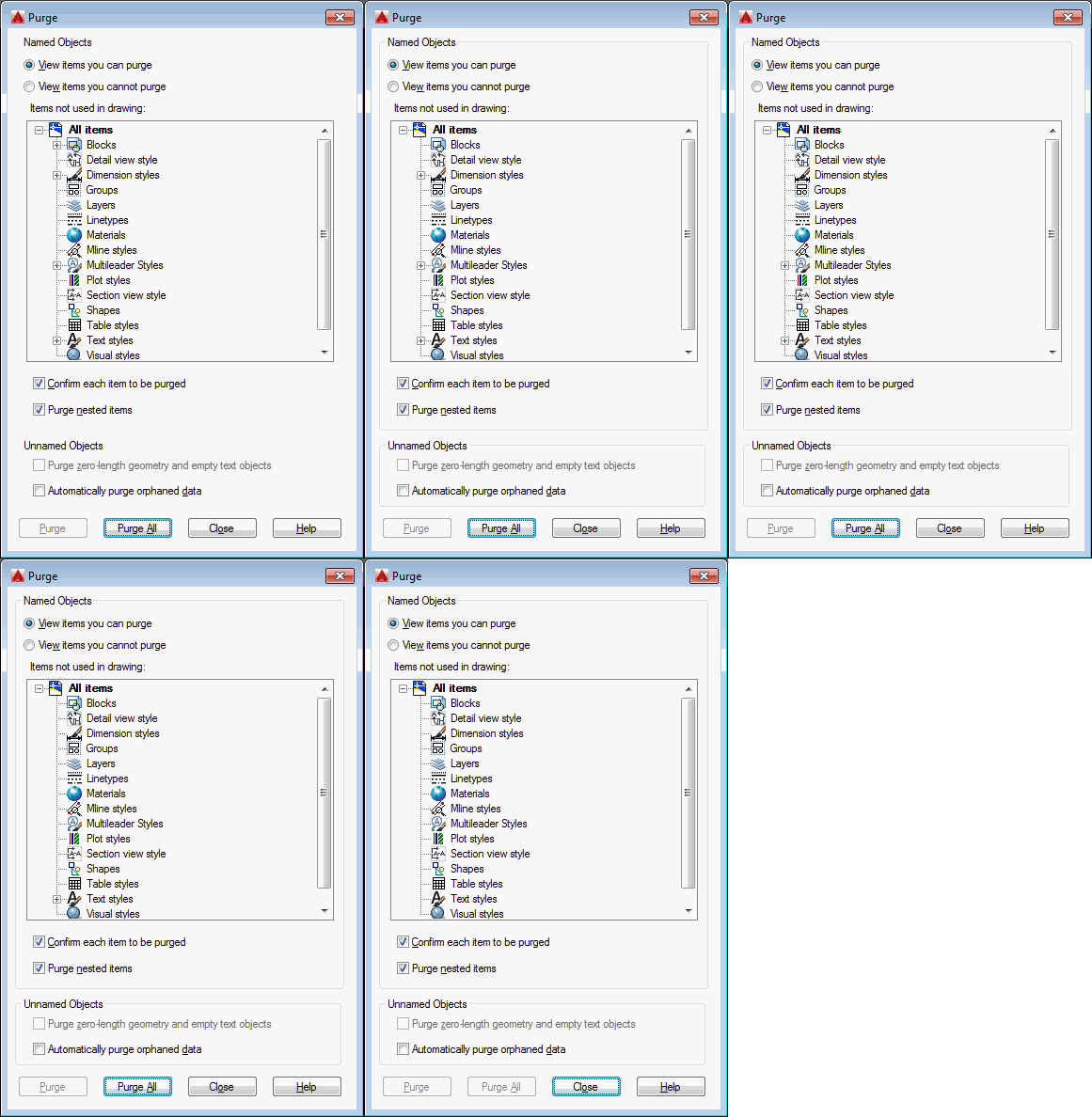
In the last post we introduced a static C# class containing extension methods for the ObjectId and Transaction classes. The new Transaction methods allow you to more easily "lock" objects, whether because they're "system" objects you want to keep around in every drawing or because they're objects that shouldn't be purged at whim by users. Under the hood, the implementation uses Xrecords stored in the Named Objects Dictionary that contain hard-pointer references to the various locked objects. This stops the PURGE command from removing them, but also allows us to check via Database.Purge() – or our new ObjectId.IsErasable() shortcut –…
-
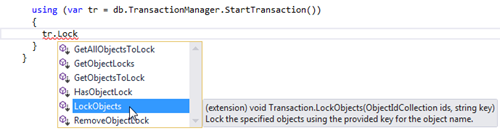
This is one of those topics that has been at the back of my mind for a number of years. Here's a question I received via a blog comment back in 2009: I was wondering if there's an easy way to modify the objects to purge. For example, if a particular text style was included in the drawing that I did not want to be purged. Can this easily be done? Here's how I responded, at the time: There are a couple of ways: You can maintain your own list of objects "to keep" and remove any items that are…
-

So yes, I'm back flying again. I'm not travelling anywhere, though. Some of you will remember my abortive attempts at UAV piloting from around a year ago. My Quanum Nova has been gathering dust, since then (it's also in pieces because I tried – so far unsuccessfully – to install a Bluetooth telemetry module). But I'm motivated to get back on that particular horse thanks to a discovery I made a week ago. On a whim, I bought a micro-drone called the Hubsan X4 H107C. This is an incredible little device: you can pick one up for around $50 and…