Geometry
-
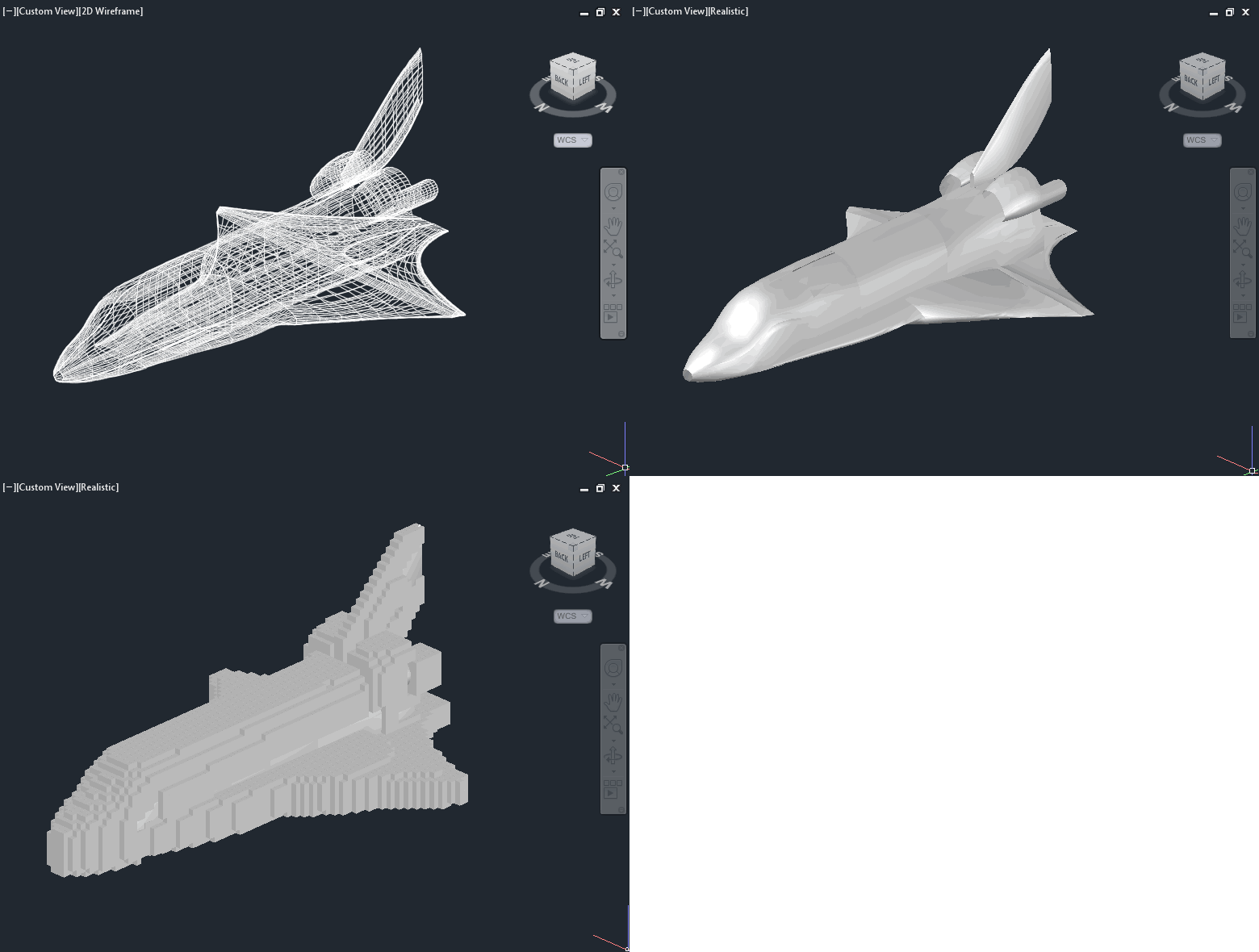
After last week's post on importing Minecraft data – in this case from Tinkercad – into AutoCAD, in today's post we're going to focus on the ultimately more interesting use case of generating Minecraft data from AutoCAD. We're going to see some code to dice up 3D AutoCAD geometry and generate blocks in a .schematics file using Substrate. Our "dicing" process – a term I've just coined for iterating through a 3D space, chunk by chunk – is going to use a couple of different approaches for determining there's any 3D geometry in each grid location. Firstly, though, we going…
-
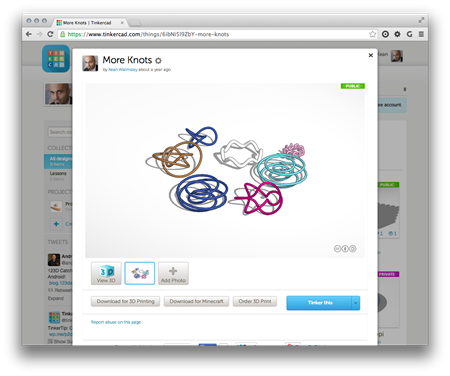
A mere 2 among 100 million registered users, my boys are crazy about Minecraft. I've been looking into how I might be able to help them use Autodesk tools (well, AutoCAD) to generate Minecraft content. In this post we'll take a look at importing Minecraft data into AutoCAD, but ultimately the creation/export story is clearly more interesting (something we'll look at in the next post, I expect). To investigate dealing with Minecraft data – bearing in mind I didn't actually know anything much about its file formats – I took a look at the Minecraft export you can perform from…
-
In yesterday's post we saw a simple implementation of two commands to translate between geographical locations (latitude-longitude values) and drawing points inside AutoCAD. In this post we're extending that to access the current coordinate system, as returned by the GeoLocation object attached to the current drawing. Which in some ways should be simple, but then the CoordinateSystem property actually returns XML data, not just the simple coordinate system name you probably passed in when choosing it (see the IGR command, below, to see what I mean): <?xml version="1.0" encoding="utf-16" standalone="no" ?> <Dictionary version="1.0" xmlns="http://www.osgeo.org/mapguide/coordinatesystem"> <ProjectedCoordinateSystem id="SWISS"> …
-
I received a question from Coralie Jacobi, recently, in response to this recent post: Saw your post a while ago on the geolocation in 2015. This functionality is something that we will use a great deal and I will definitely be writing some code to utilize it. What I'd like to see in your blog is something that would show me how to get to the lat\long values of the location I have picked and convert them to the coordinate system that I have selected instead of having the user have to stipulate the location in AutoCAD. In this post…
-
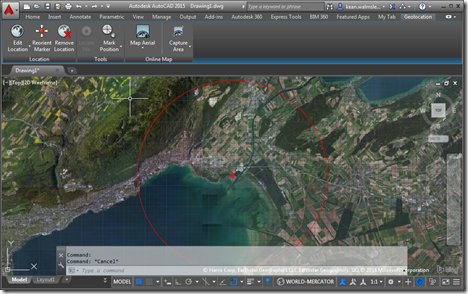
AutoCAD's geo-location API is a topic I've been meaning (and even promising) to cover for some time now. So here we are. 🙂 The below code sample is based on one shown at ADN's DevDays tour at the end of 2013 – for the AutoCAD 2014 release – but the API ended up not being fully usable (at least as far as I recall: someone should jump in and correct me if I have this wrong) until the 2015 release. I've taken the opportunity to use Editor.Command() to call a couple of commands synchronously – to turn on the GEOMAP…
-
To follow on from yesterday's post, today we're taking a look at a more interactive – and iterative – approach to getting the length of a pipe (defined by a surface generated from an imported SAT file, we're not talking about native Plant 3D objects). This is the second task discussed in the introductory post in this series. We're going to add a CTRLINES2 command that asks the user to select pipe section after pipe section, and will only generate the centreline for a newly-selected section if it's contiguous to the section of pipe that's being "managed" (i.e. whose length…
-
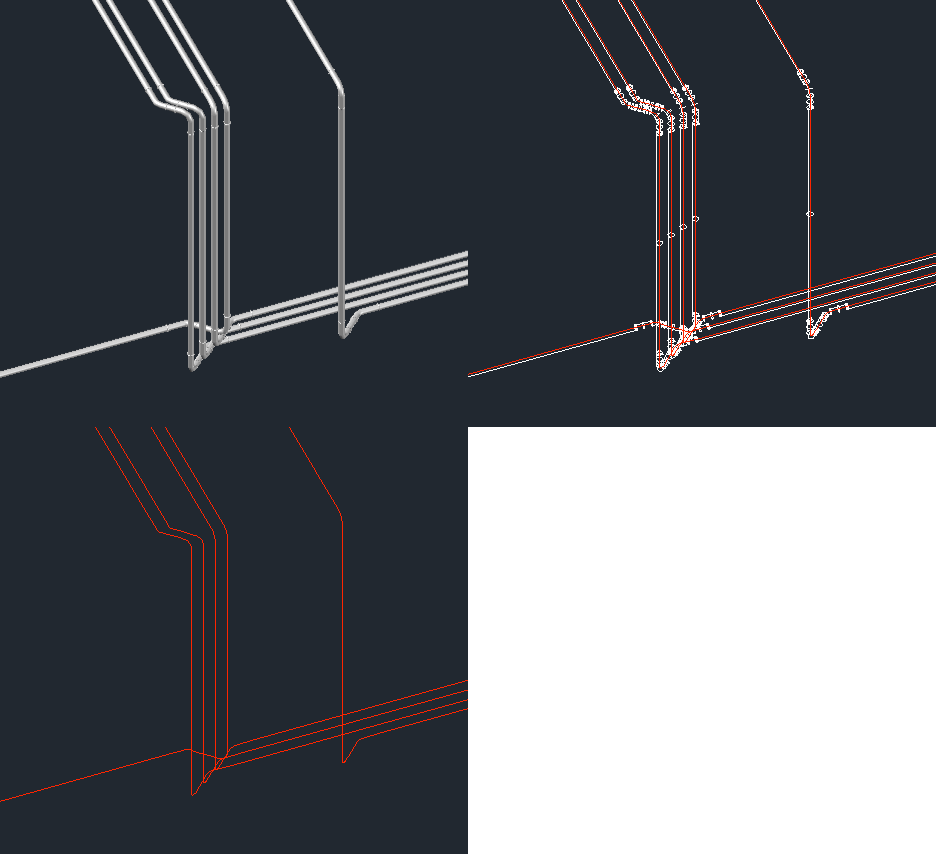
After introducing the series in the last post, today we're going to look at one potential approach for this problem: we will extract and create centrelines for surface objects created after an SAT from an external piping system has been imported into AutoCAD as well as providing a basic command to count their lengths. The code has evolved somewhat since we first saw it in this previous post: it now handles a number of previously problematic scenarios, such as the centrelines for pipe flanges being captured – it now discards polylines that intersect any cross-section circles that get captured, as…
-
Since publishing this recent post to simplify the process of generating centrelines for surfaces representing pipes – as imported from an external piping system that only generates SAT files – I've been thinking on and off about how best to simplify the process of measuring the lengths of these various "pipes". Greg Robinson's comment over the weekend spurred me on even further (thanks, Greg! :-): I'm musing on how one might code up the logic of creating a single continuous 3D poly from the horrid collection of surfaces the step file (.sat) make. This is a daunting logic issue. As…
-
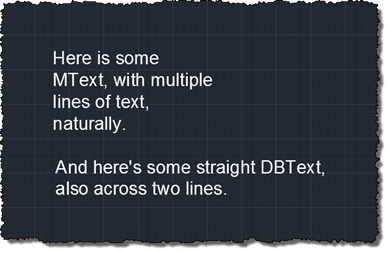
Another interesting question came in by email, this week. Fredrik Skeppstedt, a long-time user of the TXTEXP Express Tool, wanted to perform a similar operation using C#: to explode text objects – as TXTEXP does – but then be able to manipulate the resulting geometry from .NET. TXTEXP is an interesting command: in order to explode text objects, it actually exports them to a Windows Metafile (.WMF) using the WMFOUT command, and then reimports the file back in using WMFIN. This, in itself, is trickier than it sounds, as WMFOUT creates the graphics in the file relative to the top…
-
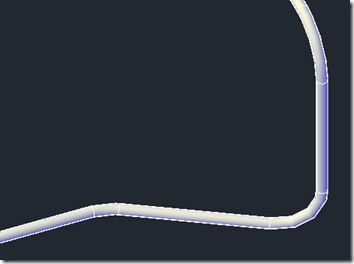
This was an interesting one. I received an email from someone working on a significant BIM project that required external validation of some piping data coming from a competitive system. This system generates SAT files that – when imported into AutoCAD – represent pipes as surfaces rather than native AutoCAD (meaning Plant 3D or MEP) pipe objects. The challenge was to determine the length of these pipes inside AutoCAD, despite the fact they aren't pipes at all. Fun! 🙂 The first thing I did was to take a look at the DWG data, to see what the pipes look like.…