Geometry
-
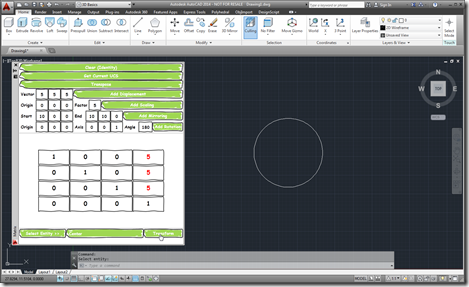
As I started on my linear algebra class, some weeks ago, I decided to dust off the Transformer app I'd written a few years ago and make sure it works in AutoCAD 2014. It actually really helped me in creating appropriate transformation matrices for certain parts of the course. Coincidentally, a few days ago, I received an email from a colleague – who isn't a programmer but seems to be working on a very interesting side project – who was interested in taking matrix input from an external system and using that to transform AutoCAD geometry. This colleague wanted the…
-

It's my mum that first pointed me at Coursera. Yes, that's right: my mother. That's quite an admission for a software professional to make, I'm sure you'll agree, but then my mother does spend more time listening to the radio than I do (and there's been some recent coverage of Coursera on BBC Radio 4). Despite this ignorance I'm actually very interested in the area of Massive Online Online Courses (MOOCs). A couple of years ago I talked about Khan Academy (which is not really classified as a MOOC, as such, but might be considered a comparable resource) and its…
-
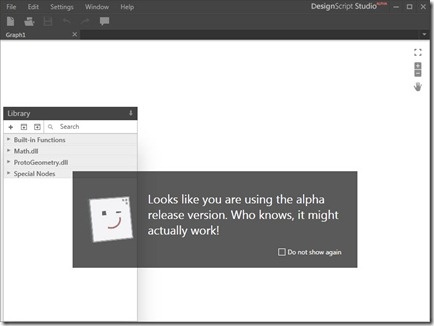
In case you missed it, last week Scott Sheppard announced the availability of a new version of DesignScript on Autodesk Labs. This release unveils DesignScript Studio which brings a visual programming environment to the DesignScript language. People who are familiar with Rhino Grasshopper or SoftImage's ICE will be aware of the benefits of working with a graphical tool for mapping associations and flows of data. I personally prefer working directly in code, myself, but there are certainly times when this kind of tool can help unravel complexity. The other primary feature is a new lightweight OpenGL-based script execution tool that…
-
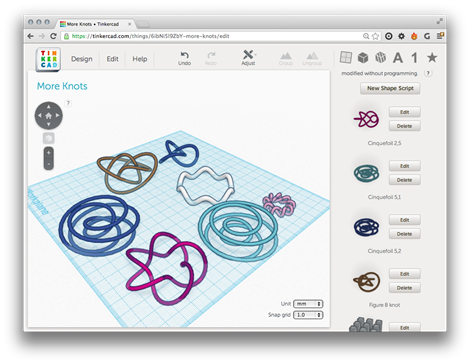
After working out how generally to use Brandon Cole's Shape Script code to display mathematical shapes in Tinkercad, I carried on looking for some interesting functions to "plot". I ended up finding definitions for two Cinquefoil knots, specifically the (2,5) and the (5,2) variations (I also tried the (5,1), but that ended up looking just like the (5,2)). This "page that once was" helped a great deal with the underlying formulae, as of course did the online derivative calculator (Brandon tells me he personally used Wolfram Alpha to calculate his derivatives, a site I've blogged about in the past). Here…
-
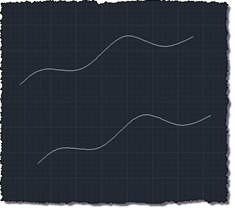
I received this question in a blog comment: How to determine the NurbCurve3d center between two NurbCurve3ds? I chose to interpret this in the following way: given two NurbCurve3d objects, create a NurbCurve3d that sits exactly between the two. NurbCurve3d are "AcGe" classes – which means they're non-graphical – so I've broadened the scope to deal with Splines as they have a close relationship with the NurbCurve3d class (in fact there are handy methods to convert between the two classes). Here's some more information on NURBS, for those with an interest. I've also chosen to deal with one fairly specific…
-
I've learned a few things since the last post, where we complemented AutoCAD's new JavaScript API with some additional .NET functionality to work around an issue that existed in the code we'd developed in the previous two posts. Firstly, I found out there's a better way for your jig to display transient graphics than via "manual" calls to addTransient(), updateTransient() and eraseTransient(). Acad.Jig exposes an update() function you can call, passing in the xml fragment representing your geometry. The jig will manage the display of the transient and clear it at the end. (Thanks to Sherry Tan for pointing me…
-
Just to complement yesterday's post showing how to define a simple jig using JavaScript, here's the same code from a separate .js file: var doc = Acad.Application.activedocument; var center = new Acad.Point3d(0, 0, 0); var radius = 0; var trId; function pointToString(pt) { var ret = pt.x.toString() + "," + pt.y.toString() + "," + pt.z.toString(); return ret; } function createCircle(cen, rad, first) { // Build an XML string containing data to create // an AcGiTransient that represents the circle var cursor = ''; var drawable =…
-
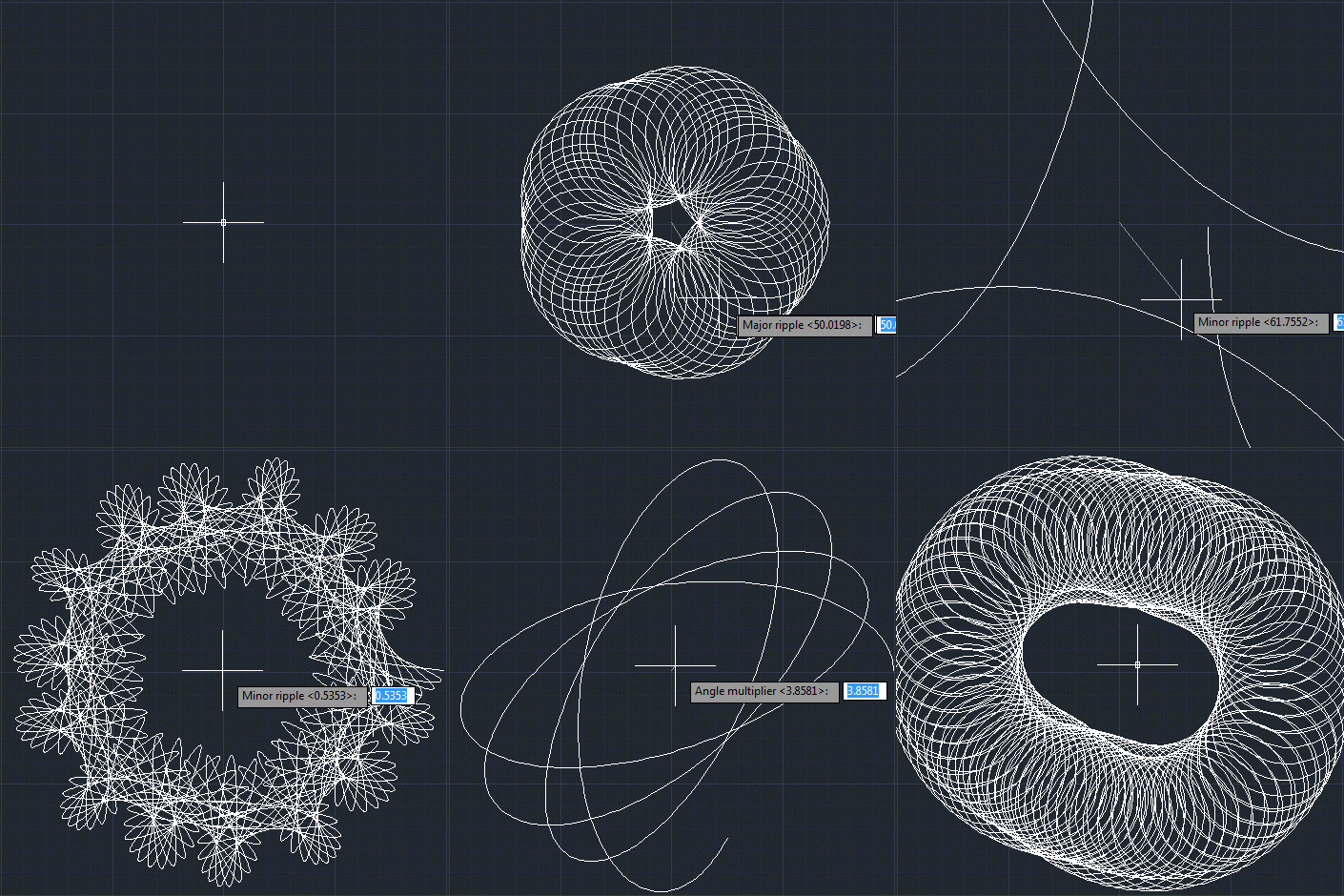
Or otherwise named "Creating an AutoCAD jig to dynamically display a guilloché pattern using F#". But then why pass up the chance for a Jerry Maguire reference? 🙂 Anyway, to continue on from last week's post, Doug – who had presented the original challenge – went on to suggest that I give it the same treatment as Spiro. Basically to implement a jig to display the guilloche pattern dynamically as you input the various options. I understand the difficulty in understanding the nature of the geometry being created in the previous version… the fact that I'd named the original variables…
-
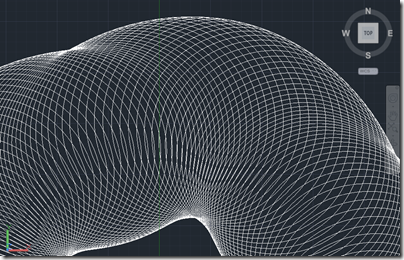
Here's a fun one to finish up the week. And no, it isn't a belated April Fool's gag. 😉 I should probably say right away that you won't be printing money after reading this blog post, but you might know more about some of the security measures used by those who do. A couple of weeks ago, I received an email from Doug Bell at PaperMoneyWorld.net: I have tried your Spiro for AutoCAD and I enjoy it very much. I would like to challenge you to another function I would like to see that is related to the spirograph. I'd…
-
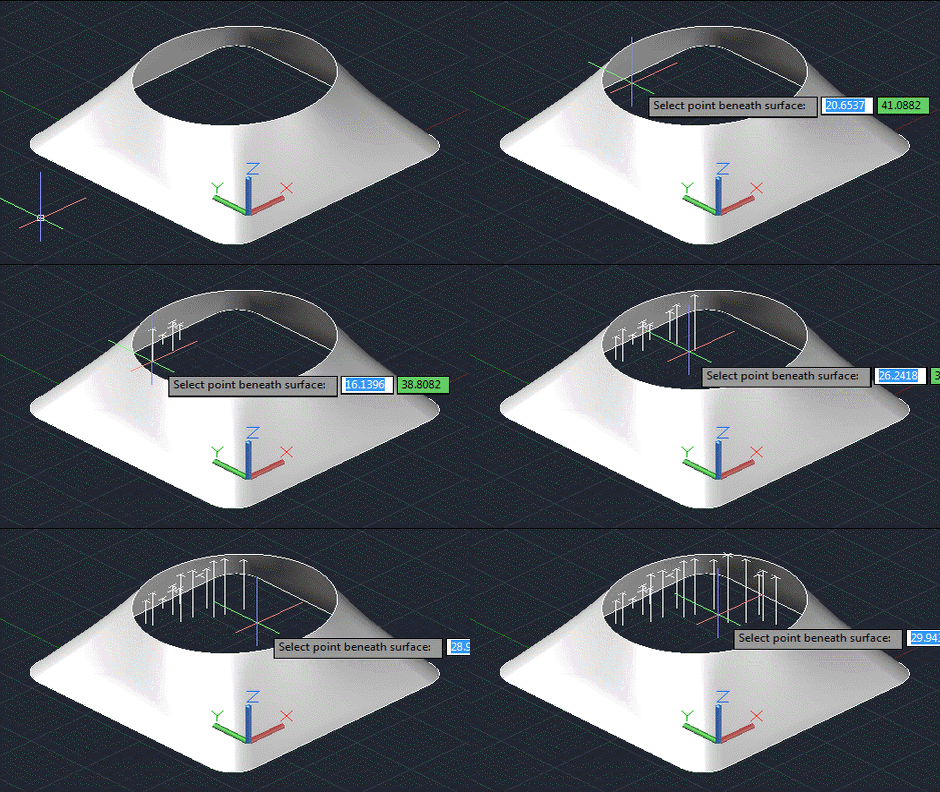
As predicted in the first post in this series, today's post looks at a slightly more robust and user-friendly approach for determining the point on a surface found by firing a ray normal to a selected X,Y point in the plane of the current UCS. Here's the updated C# code that now includes an additional command called POXY (that's a shortened form of PointOnXY, but will hopefully bring a smile to the lips of British readers): using Autodesk.AutoCAD.ApplicationServices; using Autodesk.AutoCAD.DatabaseServices; using Autodesk.AutoCAD.EditorInput; using Autodesk.AutoCAD.Geometry; using Autodesk.AutoCAD.Runtime; using AcDb = Autodesk.AutoCAD.DatabaseServices; namespace SurfaceIntersection { public class Commands {…