Geometry
-
Here's an interesting question that came in from Nick Gilbert via a blog comment: Is there a simple way to get the geometric extents of the group? As discussed in this previous post, the Group object in AutoCAD presents itself as a collection of geometric objects (or entities, in ObjectARX-parlance). But a Group, in itself, isn't a geometric object: it's an aggregator of objects that are. So there isn't – as Nick is clearly aware – a simple GeometricExtents property of the Group object. But we can access the contents of the Group and combine their various GeometricExtents, returning an…
-

As promised yesterday, this post deals with modifying your CRX module to make it work with AutoCAD I/O. A quick reminder on what writing a CRX app means for .NET developers: we're still creating a .DLL (unlike ObjectARX developers, whose CRX modules have the .crx extension), but it can only reference AcDbMgd.dll and AcCoreMgd.dll (not AcMgd.dll). Importantly the module must be loadable – and testable – in the Core Console. The basic C# code we're going to extend is from this previous post. The real change that's required for commands to work in AutoCAD I/O is how they get user-input…
-
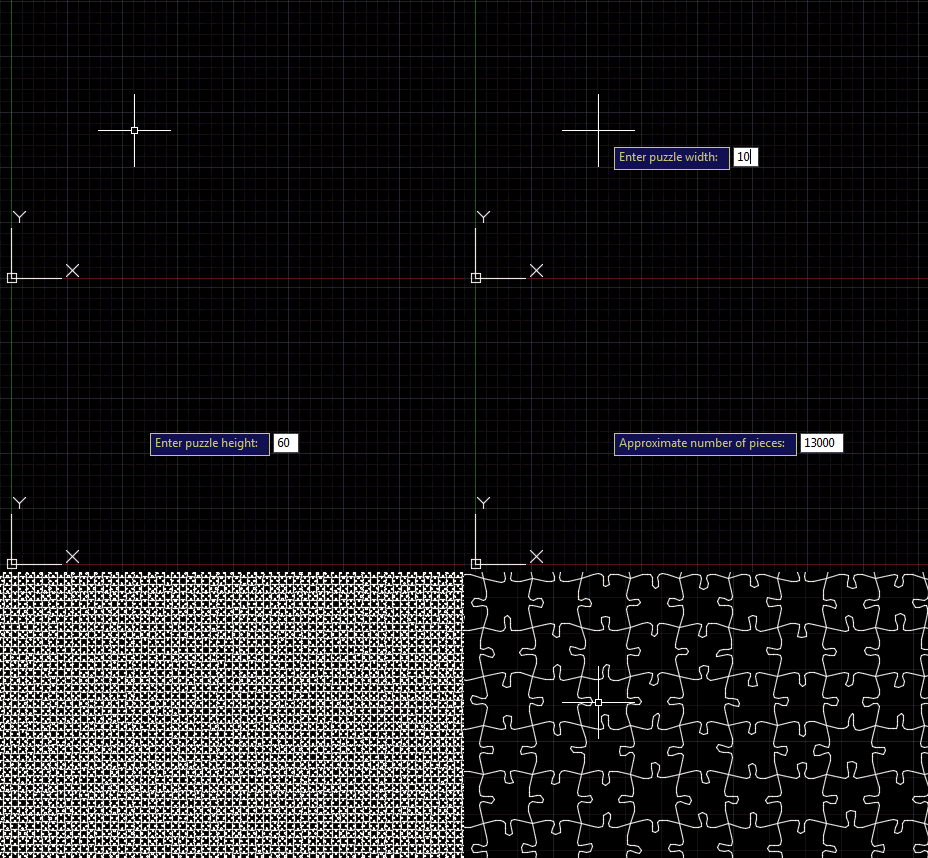
Following on from the last post, where we saw an outline for this series of posts on AutoCAD I/O, today's post adds a command to our jigsaw application that creates the geometry for a jigsaw puzzle of a specified size and with a specified number of pieces. As jigsaw puzzle pieces are largely quite square, it actually took me some time to get my head around the mathematics needed to calculate the number of pieces we need in each of the X and Y directions to make a puzzle of a certain size. And it's (with hindsight) obviously not possible…
-

The title of this post is probably a bit misleading: I'm not actually going to show how this works, today, but I do intend to plot a path for addressing this topic over the coming weeks. I was spurred on by a tweet I received a couple of hours ago: @keanw Dear kean, I've been looking into AutoCAD I/O and it looks like it may only execute "scripts"; so no .NET API calls or LISP? — Cyborg (@CyborgEvilHam) May 13, 2015 The short answer to this is "yes, it's absolutely possible!". But readers of this blog are clearly interested in…
-
After seeing some code to create basic jigsaws in AutoCAD – and then a quick look at fabricating them using a laser cutter – in today's post we're adding a "wiggle" factor, making the shape of the tabs more unique than in the prior version of the application. This has been integrated into the existing JIG and JIGL commands, but we've also added a new command called WIGL, which applies a wiggle to the tabs of existing jigsaws (it basically checks the selection for splines with 6 fit points and runs our algorithm against those). The amount of wiggle is…
-
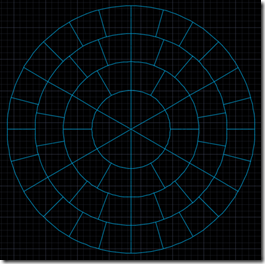
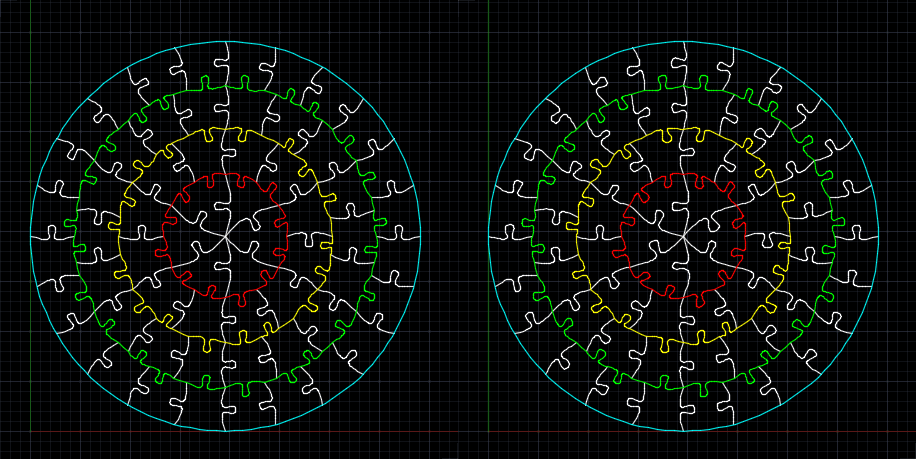
Too. Much. Fun. As mentioned in the last post, a colleague came to me with a problem… for an internal team-building exercise, he needed to manufacture a circular, 60-piece jigsaw puzzle with 6 groups of 10 pieces, each of which should be roughly the same size. The pieces will also have some text engraved on them, but that's a minor detail. I searched the darkest corners of the Internet to find an online tool to generate a pattern for this, but then realised I'd spend my time more effectively by writing one myself and sharing it here. So that's what…
-
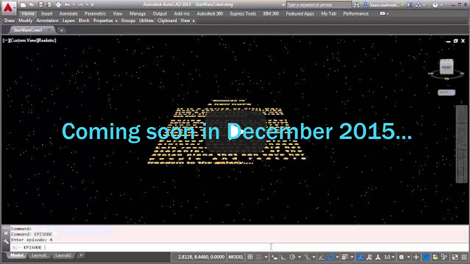
Happy Friday! It's time to unveil the completed Star Wars opening crawl inside AutoCAD… After an intro and seeing various pieces implemented, in today's post we're going to add the crawl text and animate its movement into the distance. The initial blue text The theme music The star field The disappearing Star Wars logo The crawling text As the surprise "bonus" item 6, I decided to add a planet and – at the end of the crawl – shift the view downwards to show its surface: an effect I've seen in the opening crawl for at least one of the…
-

Now that we've introduced the series and seen how to add some introductory text, theme music and a field of stars, it's time for the Star Wars logo. The initial blue text The theme music The star field The disappearing Star Wars logo The crawling text The logo came, once again, from the HTML opening crawl, which embeds some SVG content representing it. I copied this into a standalone SVG text file, ran it through a web-service to translate it to DXF and then opened that inside AutoCAD. The outlines of the letters (or groups of letters) were continuous polylines…
-
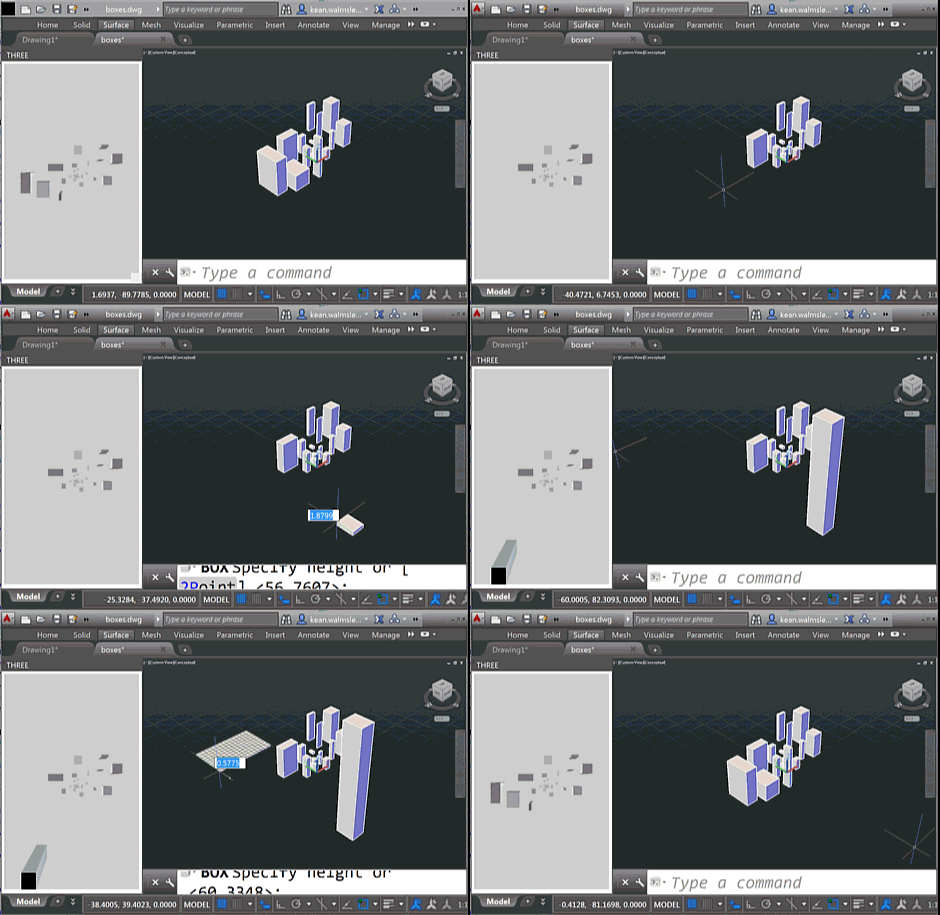
To follow on from yesterday's post, today we're going to look at two C# source files that work with the HTML page – and referenced JavaScript files – which I will leave online rather than reproducing here. As a brief reminder of the functionality – if you haven't yet watched the screencast shown last time – this version of the app shows an embedded 3D view that reacts to the creation – and deletion – of geometry from the associated AutoCAD model. You will see the bounding boxes for geometry appear in the WebGL view (powered by Three.js) as you're…
-
The title of this one is a little specific – the post actually deals with the scenario of passing data from .NET to an HTML-defined palette, as well as some other tips & tricks – but it's something I wanted to show. Here's the basic idea: whenever a closed curve gets added to the drawing, we want to display its area as the only item in an HTML palette. We also want the palette to update when objects get erased, etc., which makes life somewhat trickier. To set the scene, here's a quick screencast of the finished application in action…