User interface
-
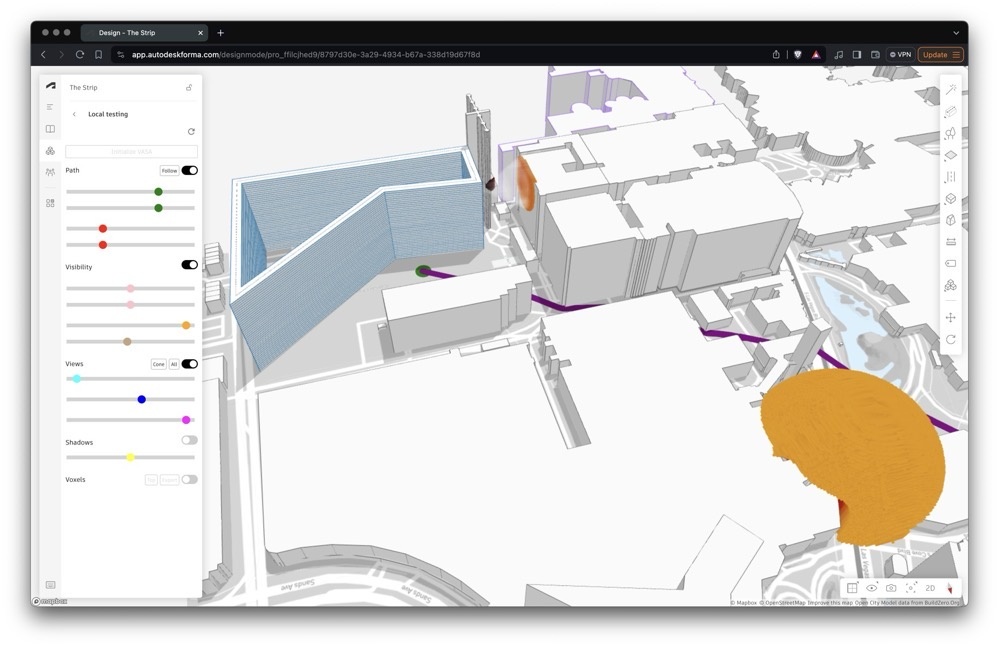
I've been talking quite a bit about our use of VASA inside Forma via our WebAssembly build of the toolkit (which is still not currently available publicly). I've done quite a lot of work to improve that particular prototype and I'm happy to say it's shaping up nicely: the UX is much better than it was, for instance. I'll be talking about our work on this at an upcoming Autodesk-internal tech conference, and as part of the preparation for this I've spent a few days building a pure Dynamo equivalent of the extension. VASA's Dynamo package is available in the…
-
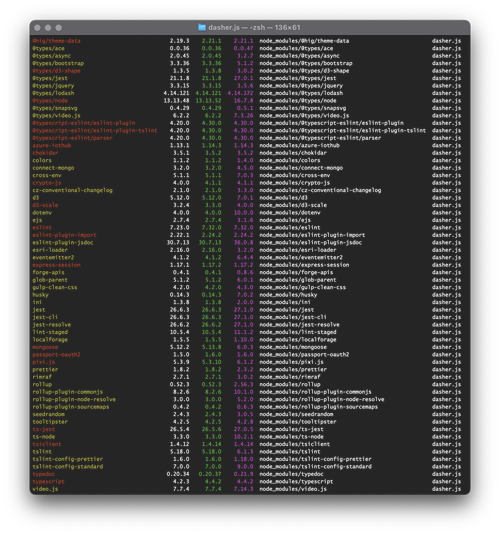
Over the last week I've been heads-down on core Dasher work, but with very little visible result. Here's why. Early last week I received an email telling me that it was time to dig into Dasher's use of 3rd party components and make sure there weren't any security issues. (This isn't something unusual – all our products go through this, and many of our research projects, too.) As anyone working on web development projects will know, it's important to go through from time to time to reduce the technical debt that accumulates due to the use of old libraries and…
-
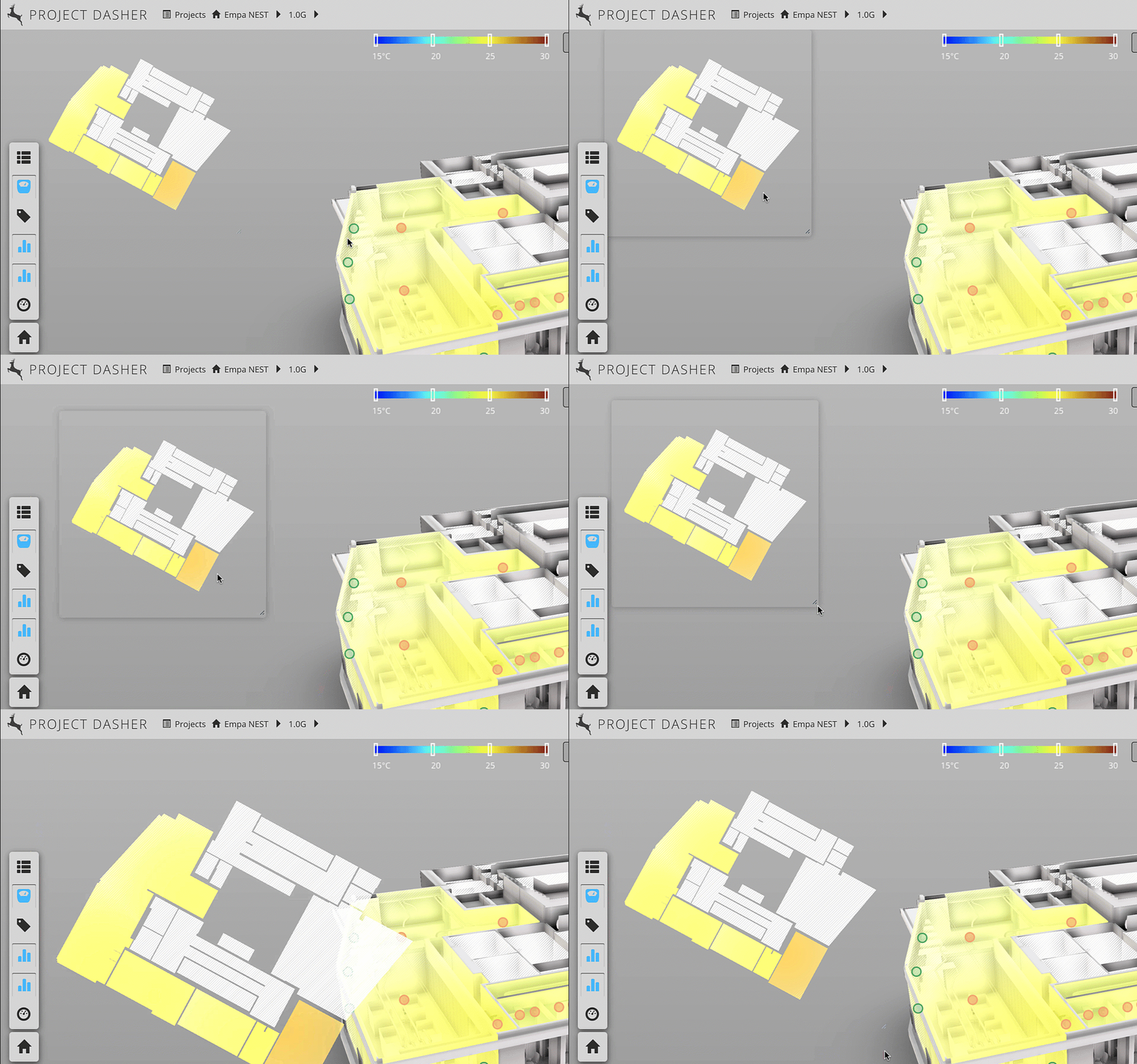
In this recent post we looked at a new 2D heatmap capability that we've added to Project Dasher. In this post we look at what was needed to make this heatmap resizable – but with a fixed aspect ratio – as well as being movable and displayed with a transparent background. Luckily, this previous post shows how to create a transparent, movable window – which we already use to show our surface shading legend – so we were able to use that as a basis for today's implementation. Firstly, let's take a look at it working. Note the fact the…
-
In this final (for now, anyway) part of the series, we're going to look at the approach taken in the Dasher 360 kiosk mode to loop the demo indefinitely (although with variations, as mentioned last time) until someone interrupts by moving the mouse. The first piece of this is to track the mouse. We do this by attaching an event handler to 'mousemove'. Here's the TypeScript code we're using: onMouseMove = (event: any): void => { this._canvasX = event.canvasX || event.clientX; this._canvasY = event.canvasY || event.clientY; if (this._startX !== null && this._startY !== null && this._inKioskMode…
-
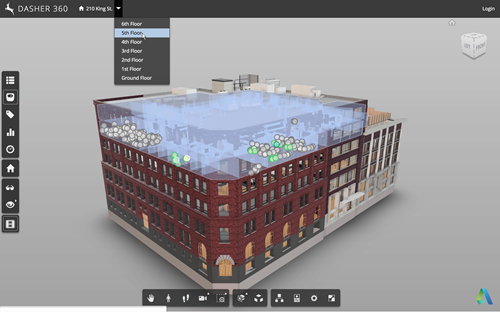
Now that we've seen how to move a fake cursor across the screen, let's talk about how best to use this technique to implement a demo mode for your Forge viewer-based application. Something I mentioned last time was that – for our purposes – this code needs to be fairly adaptable, whether for different views, models or screen configurations. It also needs to be easy for us to modify or extend. Inside Dasher 360 we've implemented a number of different extensions. Many of these have their own UI, typically launched by a button. One of the first things I did…
-
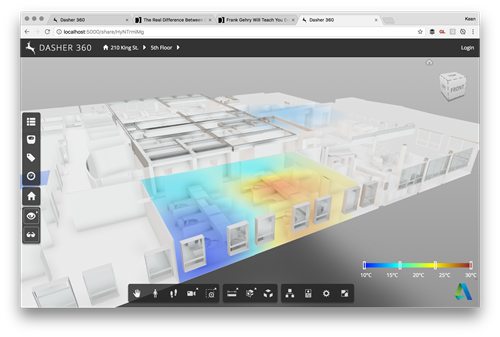
As a follow-up from Tuesday's post, I wanted to hide the title bar of the dialog showing the legend for our surface shading feature. It turned out to be really easy: we're deriving from DockingPanel and we simply need to override the initialize() method and choose not to create either the title bar or the close button. All we do in the method is create "move handlers" that allow the dialog to be moved by clicking and dragging anywhere on it: very important if you no longer have a title bar on your dialog. Here's the TypeScript class I ended…
-
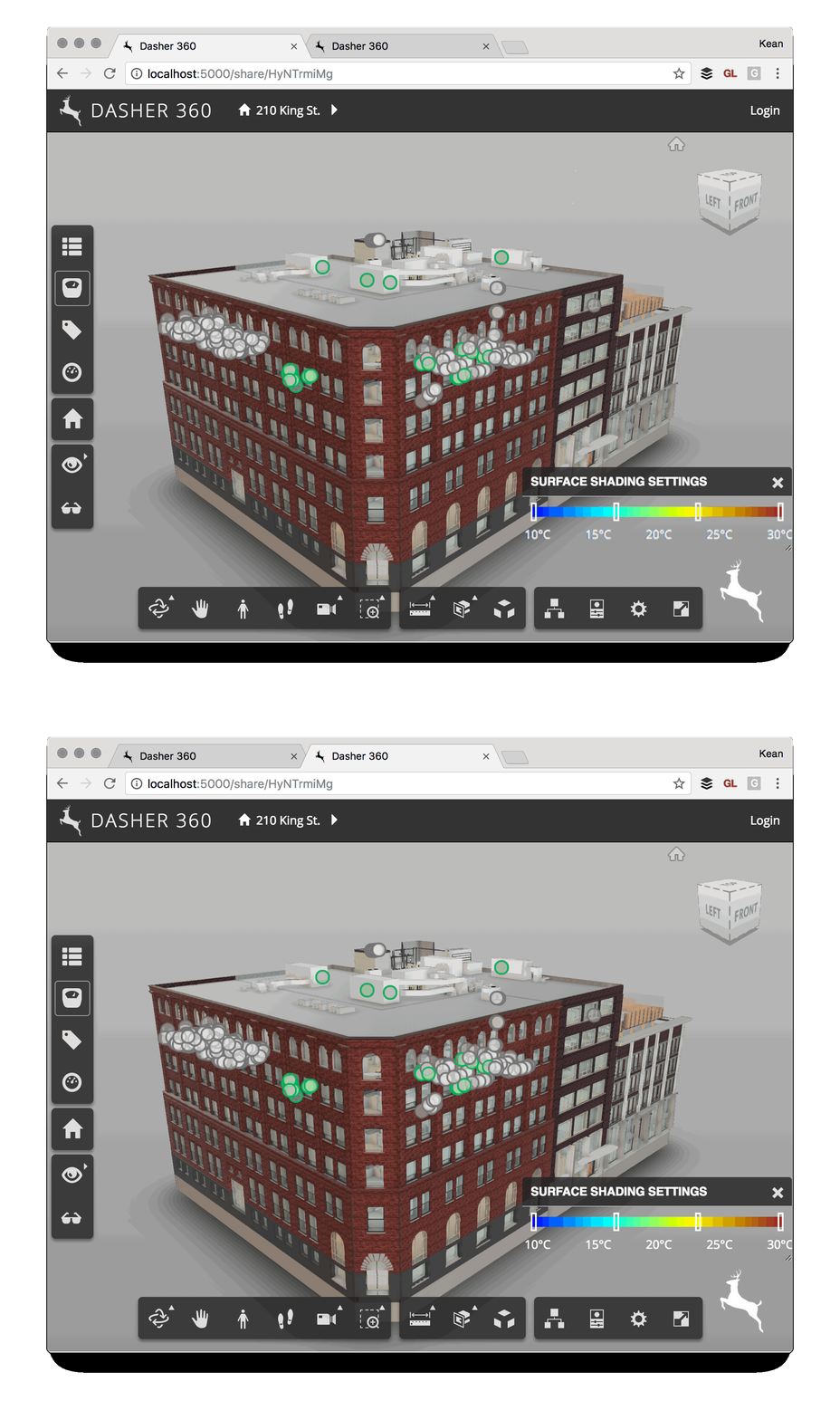
I've been mocking up some UI additions for Dasher 360, today. A big chunk of my time was spent working out how to make flyouts work for vertical toolbars (something I'll address in a future post, if there's interest), but I've just been fighting another problem that's probably not really an issue for anyone using standard DPI (and non-"retina") screens. I've been drawing text to a standard HTML canvas and it's been really ugly. After some minutes of searching the web, I found out it was probably due to my MacBook Pro's retina display. Here's the code I integrated (from…
-
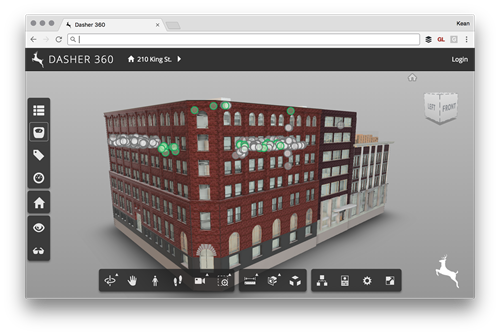
Today I was asked to add the ability to place a custom logo onto an instance of the Forge viewer (in my case for Dasher 360, of course). It seemed like an interesting one to share, as I'm sure others have the same requirement. There are probably lots of ways to solve this – for instance by adding the image with its own camera as an overlay inside the Forge viewer's 3D scene – but I decided to stick to something simple and have the browser overlay the image. There are a few changes needed for this to work. Firstly…
-
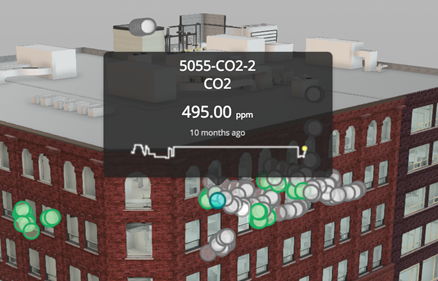
In the last post we talked about a recent optimization to Dasher 360, where we implemented a point cloud rather than individual SVG-based markers for our various sensors. As mentioned, last time, this was pretty straightforward to get working, but did add some complexity: rather than having seperate DOM-resident markers – which can easily have separate tooltips assigned – we now have a single object and need to be able to display tooltips when individual points in the cloud are hovered over. Here's the basic algorithm we used to determine when an individual sensor was being hovered over: Implement a…
-
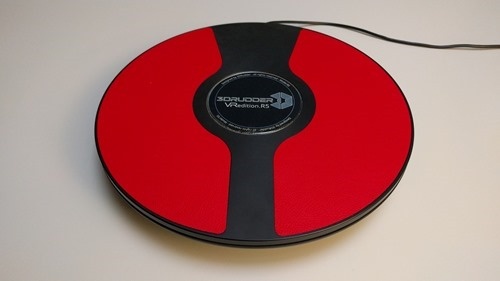
It's Friday – and a holiday in the US – so it's time for some fun… Some weeks ago I received an interesting device through the post. It's called the 3D Rudder and is made by a startup in Marseille. They've basically created a foot-controlled joystick with three degrees of freedom, so you can control roll, pitch and yaw, all while keeping your hands free. The makers of the 3D Rudder originally intended it for navigating in 3D design applications – one of the founders is an architect by background – so their interest in me playing with it is…