User interface
-
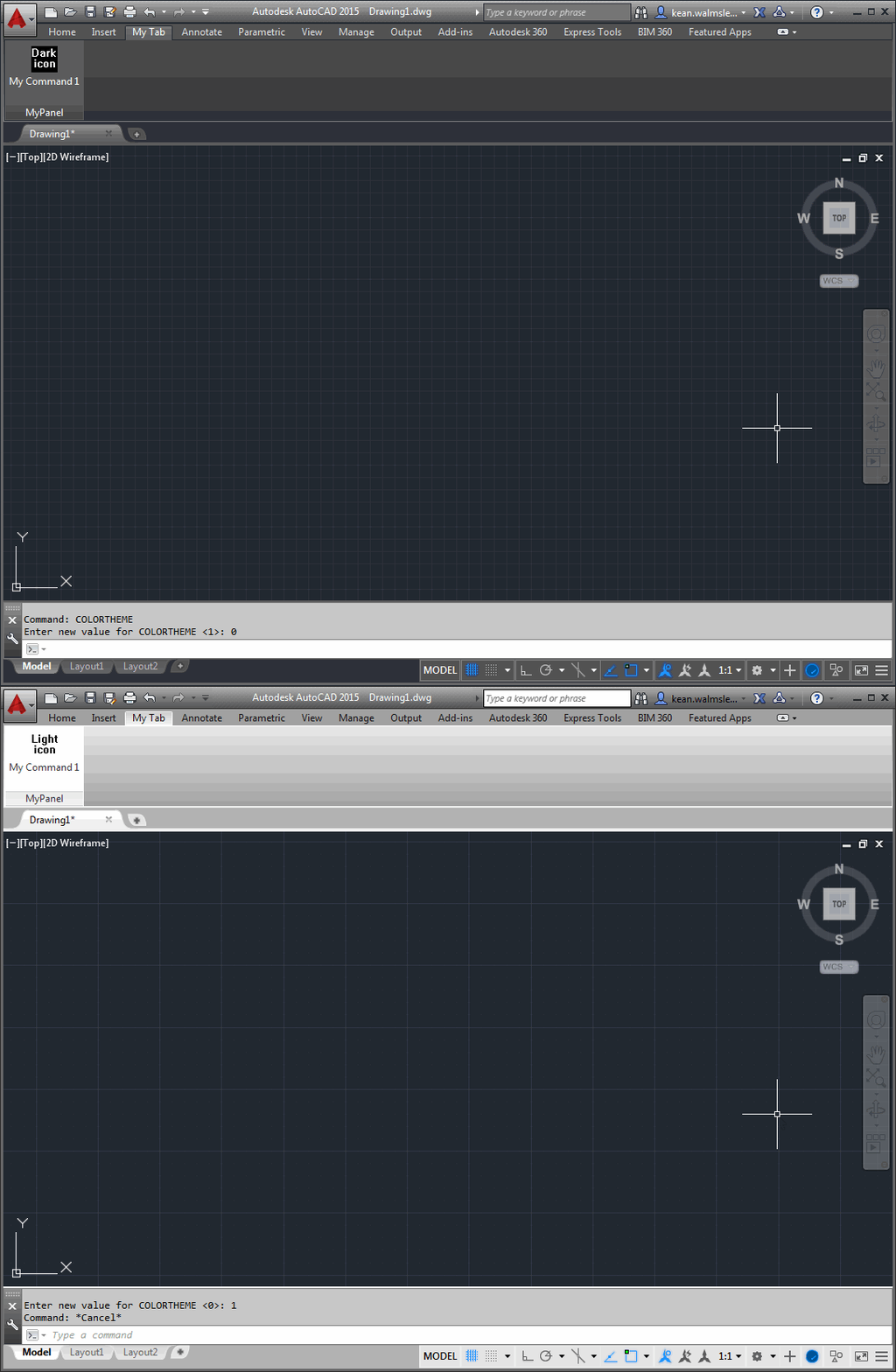
After a little fun last Tuesday around a pink theme for AutoCAD – for which I got at least a few "we should totally do that"s from internal folk in response, so watch this space 😉 – today we're going to talk more seriously about what's needed to support the dark theme in your applications. But before that, a big thanks to Lee Ambrosius, who owns – and does a fantastic job with – AutoCAD's developer documentation. Lee pointed out the online documentation which helped me create this post. If you're interested in the work Lee and team has been…
-
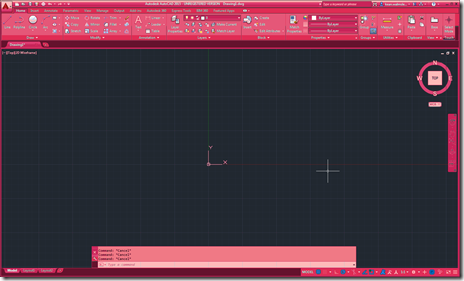
During the AutoCAD team's efforts to introduce the dark theme in the 2015 version, work was done to more easily support additional themes. A lot of work was needed to create the underlying mechanism but now it's really easy to add your own themes. To test the mechanism, the AutoCAD team has created a sample theme that turns AutoCAD into various shades of pink. It works programmatically by adjusting the various UI elements, so you really don't need much code of your own to implement it. My 5-year old daughter absolutely loves it – she's extremely interested in what I…
-
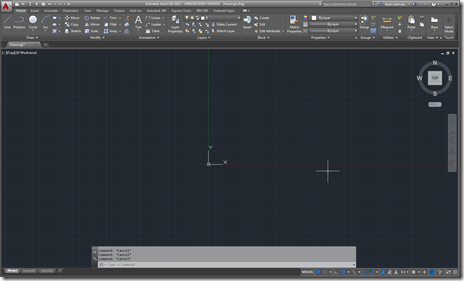
I've just arrived home from a 10-day trip to the Bay Area. It was a really interesting visit – as usual – but I'm happy to be home (even if I'm writing this at 3am, once again fighting jetlag). The news has started to come out about AutoCAD 2015 – much of it fed by the Autodesk bloggers' day on Monday, which I unfortunately didn't attend – so it seemed timely for me to talk about the updates more from a developer's perspective. Let's look at the major features of AutoCAD 2015, starting with the user interface enhancements. The most…
-
I'm up in the mountains for the week as the kids have their winter half-term break (which in Switzerland is actually intended for kids to ski… very civilized :-). I'm going to take a few meetings and probably write a few blog posts, but otherwise I'm planning on hitting the slopes whenever I get the chance. I did want to comment on how my research into right-click menus ended up, last week. I put together some code that made use of the technique shown in this previous post to create and load a partial CUIx file containing our OBJECT_ACAD_TABLE shortcut…
-
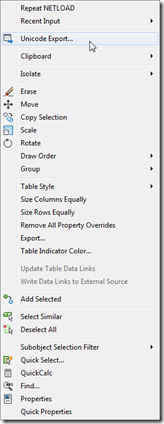
To follow on from yesterday's post, today we're going to look at an alternative implementation that – rather than modifying the Edit shortcut menu that appears for all object types – adds our custom menu item to the shortcut menu associated with a specific type of object. In our case we want to associate the menu item we introduced yesterday with Table objects. The way to associate shortcut menus in CUI with a particular object is to add an alias with "OBJECT_{DXFNAME}": in our case {DXFNAME} will be ACAD_TABLE, making the alias "OBJECT_ACAD_TABLE". You can also add an alias which…
-
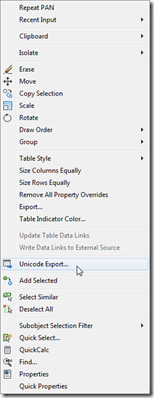
A big thanks to Parrish Husband for both suggesting this topic and providing the majority of the code in this post. Parrish had been attempting to extend the technique shown in this aging post to include an icon with the content menu item. At least one person had done this before, according to the blog comments, but had found – just as Parrish did – that the added icon didn't line up with the others in the menu. In fact it completely messed up the alignment of all the other icons in the menu: less than ideal behaviour. So Parrish…
-
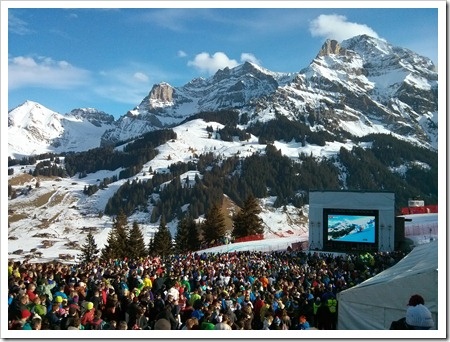
I was up in Adelboden, this weekend, for the Men's FIS World Cup Slalom and Giant Slalom events. Yes, just watching – not participating 🙂 – although I did get the chance to catch a few much gentler slopes on my snowboard during the course of the weekend. On the Saturday – during the Giant Slalom – there was a pretty amazing incident: a young Norwegian competitor, Henrik Kristofferson, very nearly hit a television worker during his first run down. Thankfully no-one was hurt, and Henrik was very understanding about the whole thing (he was given a restart but, given…
-
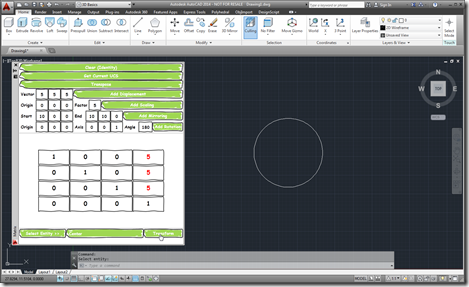
As I started on my linear algebra class, some weeks ago, I decided to dust off the Transformer app I'd written a few years ago and make sure it works in AutoCAD 2014. It actually really helped me in creating appropriate transformation matrices for certain parts of the course. Coincidentally, a few days ago, I received an email from a colleague – who isn't a programmer but seems to be working on a very interesting side project – who was interested in taking matrix input from an external system and using that to transform AutoCAD geometry. This colleague wanted the…
-
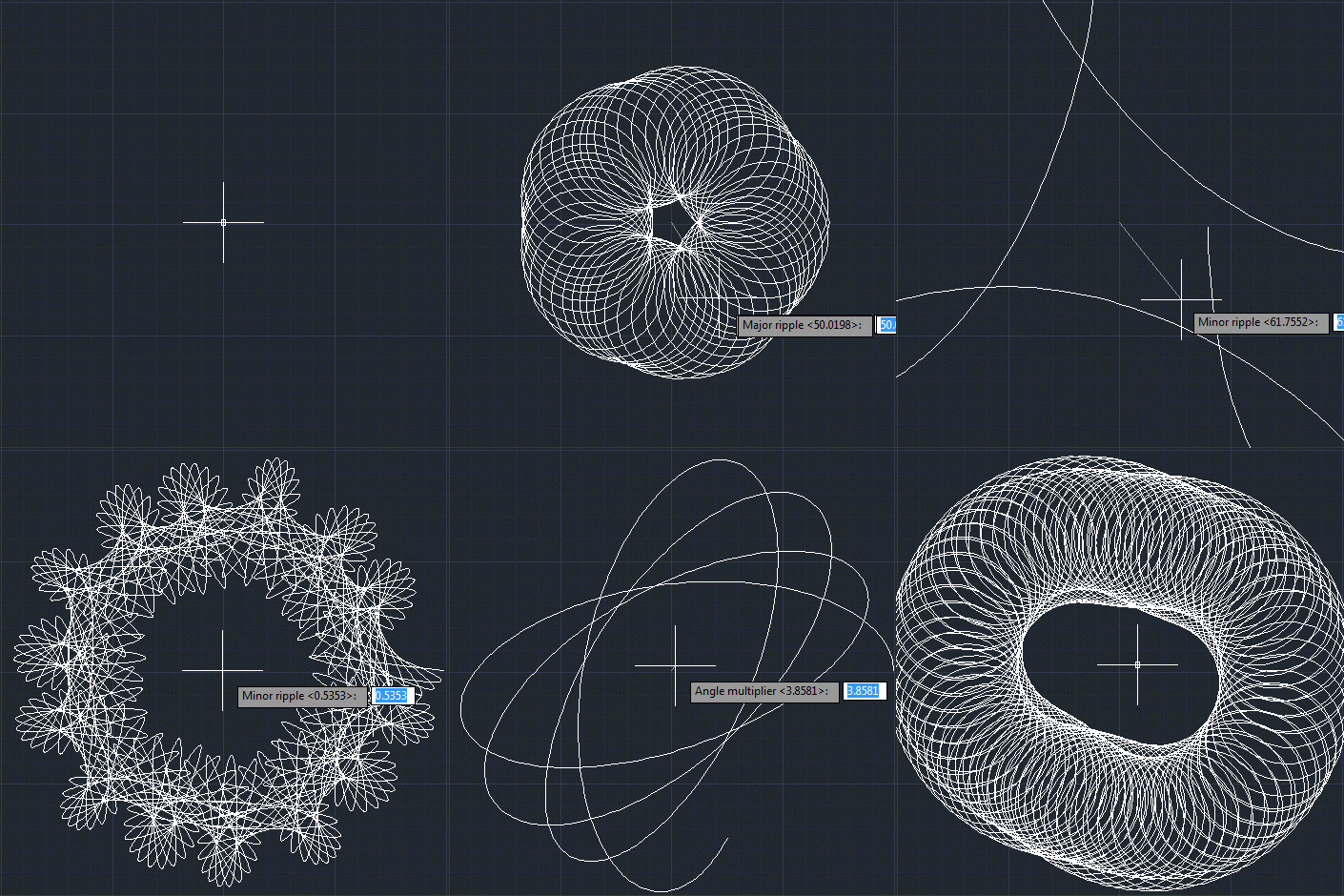
Or otherwise named "Creating an AutoCAD jig to dynamically display a guilloché pattern using F#". But then why pass up the chance for a Jerry Maguire reference? 🙂 Anyway, to continue on from last week's post, Doug – who had presented the original challenge – went on to suggest that I give it the same treatment as Spiro. Basically to implement a jig to display the guilloche pattern dynamically as you input the various options. I understand the difficulty in understanding the nature of the geometry being created in the previous version… the fact that I'd named the original variables…
-
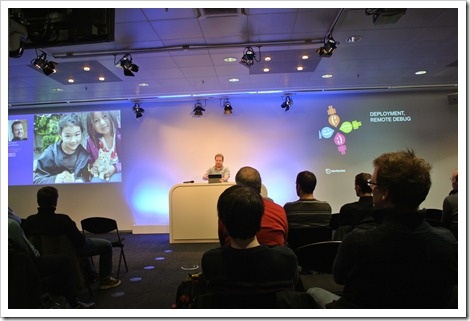
I headed cross to the Zurich area on Tuesday afternoon – which is quite a trek from where I live, around ~2.5 hours by train – to attend the first Zurich .NET Developer meet-up. The event was held in the Microsoft office in Wallisellen: they kindly provided beer and the meeting room, while the session itself was organised by members of the local .NET community. Considering the weather – a pretty serious snowstorm hit the country that day – the event was surprisingly well attended. The main topic of the session was MVVM Light, a lightweight framework developed by Laurent…