APS (Forge)
-
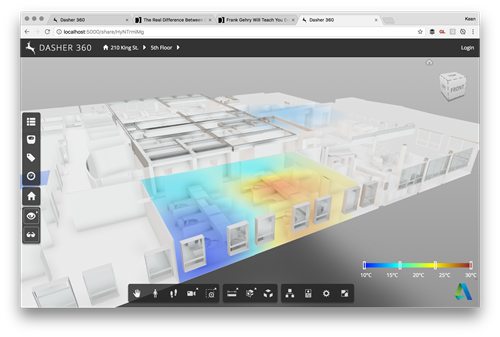
As a follow-up from Tuesday's post, I wanted to hide the title bar of the dialog showing the legend for our surface shading feature. It turned out to be really easy: we're deriving from DockingPanel and we simply need to override the initialize() method and choose not to create either the title bar or the close button. All we do in the method is create "move handlers" that allow the dialog to be moved by clicking and dragging anywhere on it: very important if you no longer have a title bar on your dialog. Here's the TypeScript class I ended…
-
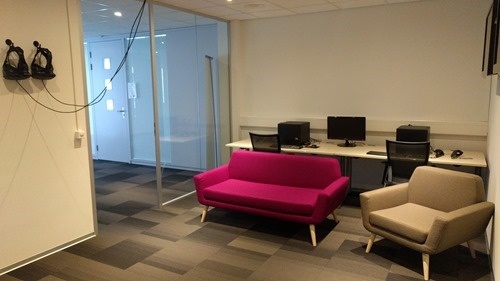
Our VR room received its finishing touches yesterday, when our furniture was delivered. Even before being officially ready, the room has seen some more usage. A group of our Enterprise Support managers gave it a try recently after one of their meetings in the Neuchatel office, for instance. Tomorrow I'll host a "drop in" morning for local Autodesk employees to come by and try it out, which should be fun. I expect it'll be a few weeks before everyone gets to try it, given the interest people have already expressed in what VR can offer Autodesk customers. Before that, though,…
-
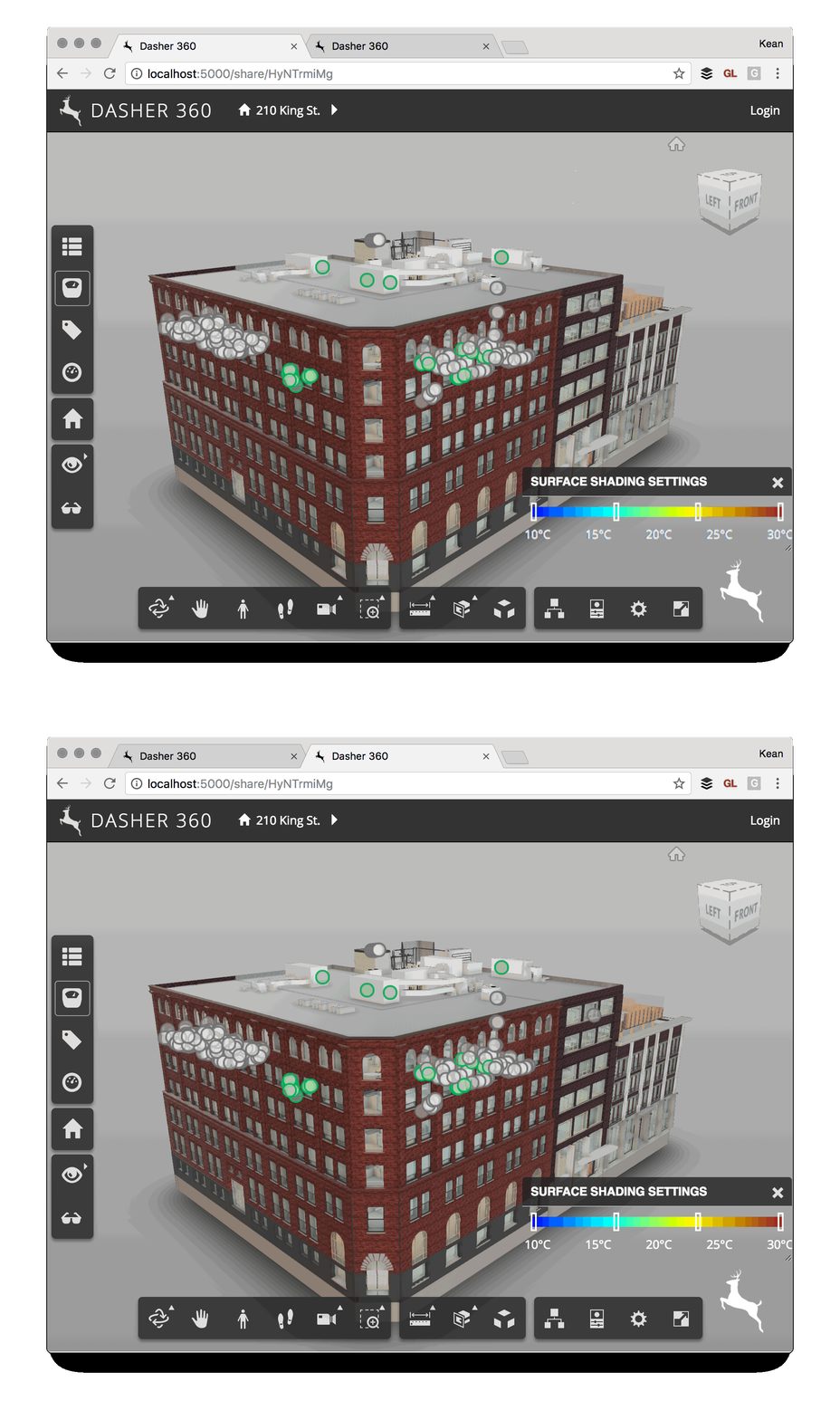
I've been mocking up some UI additions for Dasher 360, today. A big chunk of my time was spent working out how to make flyouts work for vertical toolbars (something I'll address in a future post, if there's interest), but I've just been fighting another problem that's probably not really an issue for anyone using standard DPI (and non-"retina") screens. I've been drawing text to a standard HTML canvas and it's been really ugly. After some minutes of searching the web, I found out it was probably due to my MacBook Pro's retina display. Here's the code I integrated (from…
-
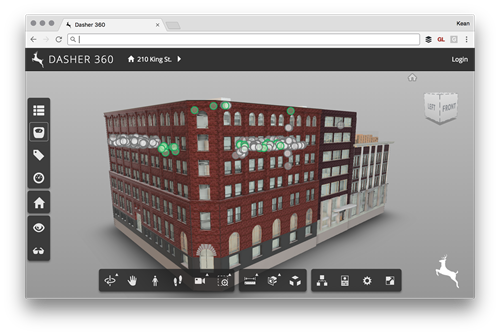
Today I was asked to add the ability to place a custom logo onto an instance of the Forge viewer (in my case for Dasher 360, of course). It seemed like an interesting one to share, as I'm sure others have the same requirement. There are probably lots of ways to solve this – for instance by adding the image with its own camera as an overlay inside the Forge viewer's 3D scene – but I decided to stick to something simple and have the browser overlay the image. There are a few changes needed for this to work. Firstly…
-
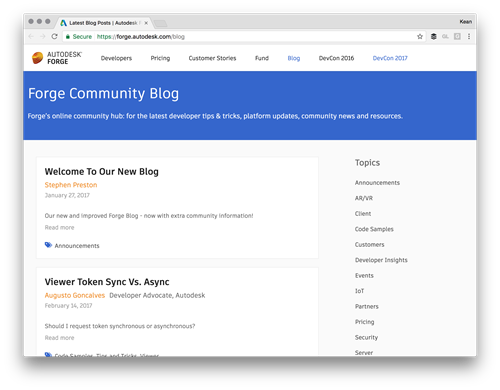
The Forge team (many of whom I worked with back when I was part of the Autodesk Developer Network organisation) have created a new developer blog focused on all things Forge. You'll find a lot of the usual suspects who contributed to the Cloud & Mobile DevBlog (in fact that particular blog's content has already been migrated across to the new site with the Forge branding). I expect lots of helpful information will be posted during the coming weeks/months/years. Be sure to bookmark it and check back regularly. Now if only I could find out how to search the blog's…
-
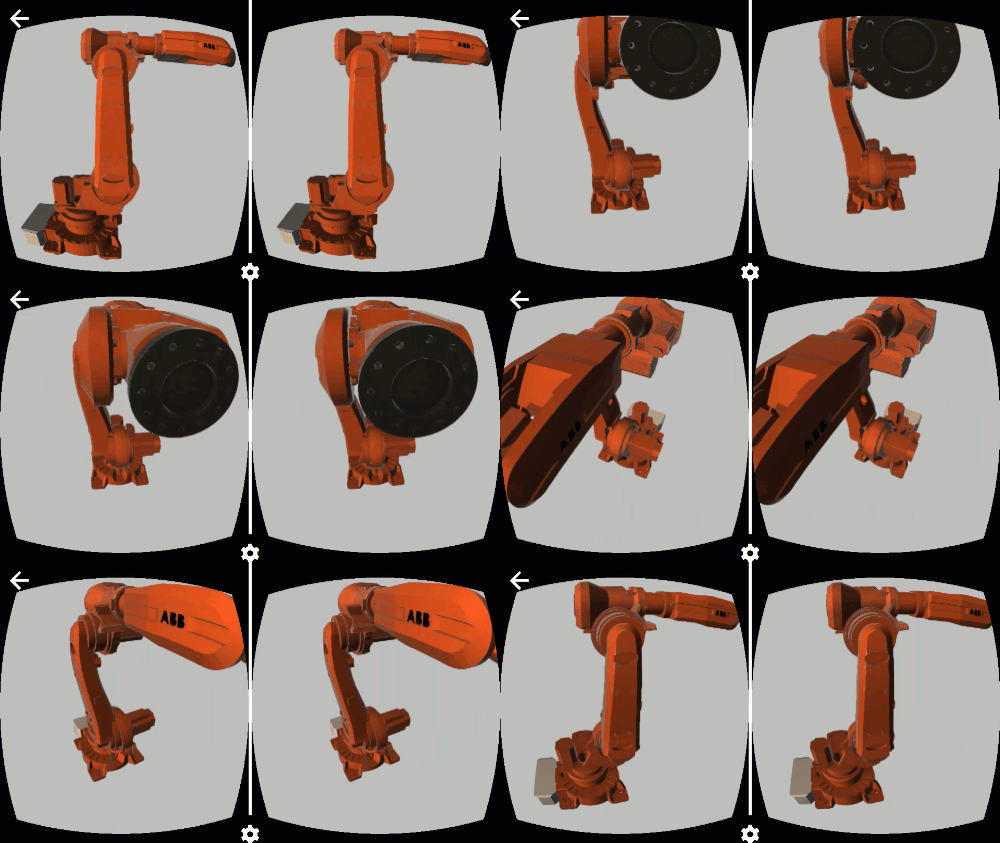
There's a lot happening in the world of WebVR at the moment. Today's big news is that Chrome 56 has now been released for Android, bringing WebVR support to Daydream phones (other devices to follow). This is an important landmark on the journey towards ubiquitous WebVR-capable devices. At some point we'll be getting a desktop version of Chrome that has WebVR, too: for now I'm still testing with Chromium, as suggested by the WebVR download instructions. The other noteworthy event – at least from Autodesk's perspective – is the release of v2.13 of the Forge viewer. This brings some VR-related…
-
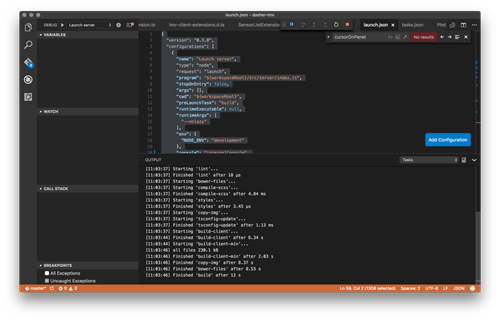
Yesterday I finally took the time to work on one of those tasks that had previously never quite bubbled up to the top of my priority list. Since I've been working on Dasher 360 I've put up with using the developer tools built into Chrome for debugging. While these are pretty good – especially with source-map support, allowing us to debug the source TypeScript code – which is the main reason I haven't taken the time to do otherwise, they do have their limitations: just for instance, you very often start to edit code in the debugger before realising you're…
-
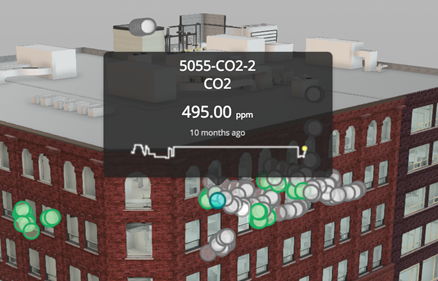
In the last post we talked about a recent optimization to Dasher 360, where we implemented a point cloud rather than individual SVG-based markers for our various sensors. As mentioned, last time, this was pretty straightforward to get working, but did add some complexity: rather than having seperate DOM-resident markers – which can easily have separate tooltips assigned – we now have a single object and need to be able to display tooltips when individual points in the cloud are hovered over. Here's the basic algorithm we used to determine when an individual sensor was being hovered over: Implement a…
-
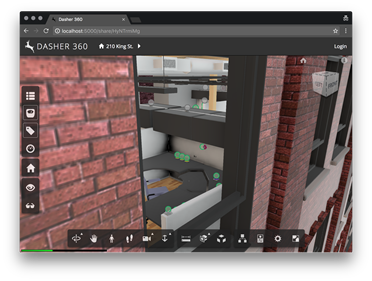
At the Forge Accelerator in Munich, back in December, while I spent most of my time answering what questions I could about Forge I also showed up with a question of my own. In the original prototype of Dasher 360 we used code from a very helpful sample that showed how to add SVG markers to the DOM inside the Forge viewer. The original sample showed this in the context of adding markup to a model: on our side we wanted it to mark the location of sensors in the model. While this was great for small numbers of sensors,…
-
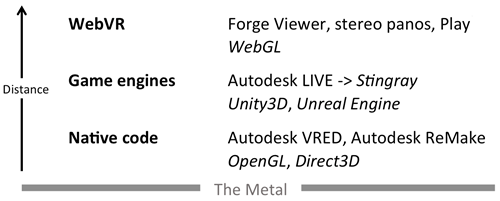
I received an email from a development partner yesterday checking in on Autodesk's VR offerings. It occurred to me that while I've spoken about them at the DevDays in the US and Europe, I haven't posted anything here. So here's some fairly up-do-date information on what technologies Autodesk has in the VR space. The way I've been tending to classify VR offerings in general is around the "distance from the metal": i.e. how much (relatively speaking) of the software stack does the executing code need to go through to get down to the display hardware. This is a somewhat arbitrary…