Graphics system
-
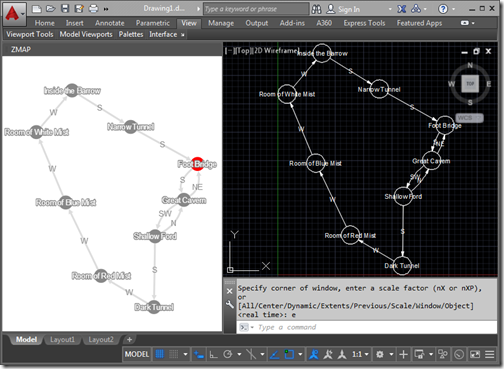
In the last post we saw how we could integrate an HTML and JavaScript palette hosting Cytoscape.js into AutoCAD to map progress made in a text adventure. In today's post we take the additional step of converting the graph data into AutoCAD geometry. To be clear, there's a bit more to this post than having fun mapping old-school interactive fiction inside AutoCAD: I can think of lots of scenarios where you might want to use a comparable tool to build a graph of data and lay it out manually before bringing the graph into AutoCAD as native geometry. But I'm…
-
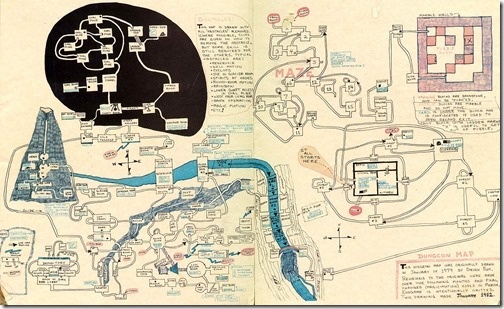
I mostly despise jetlag but once in a while manage to harness it for something positive. I remember some great trips to Asia, waking up at strange times to experience the dawn, walking the streets and seeing everyday life starting up around me. These days I typically find jetlag to be a bit of a curse, but this weekend I ended up using it to tackle a fun challenge: generating maps for Z-machine games such as Zork inside AutoCAD. Something I mentioned in a recent blog post but was reminded of last Thursday while catching up with Christer Janson in…
-
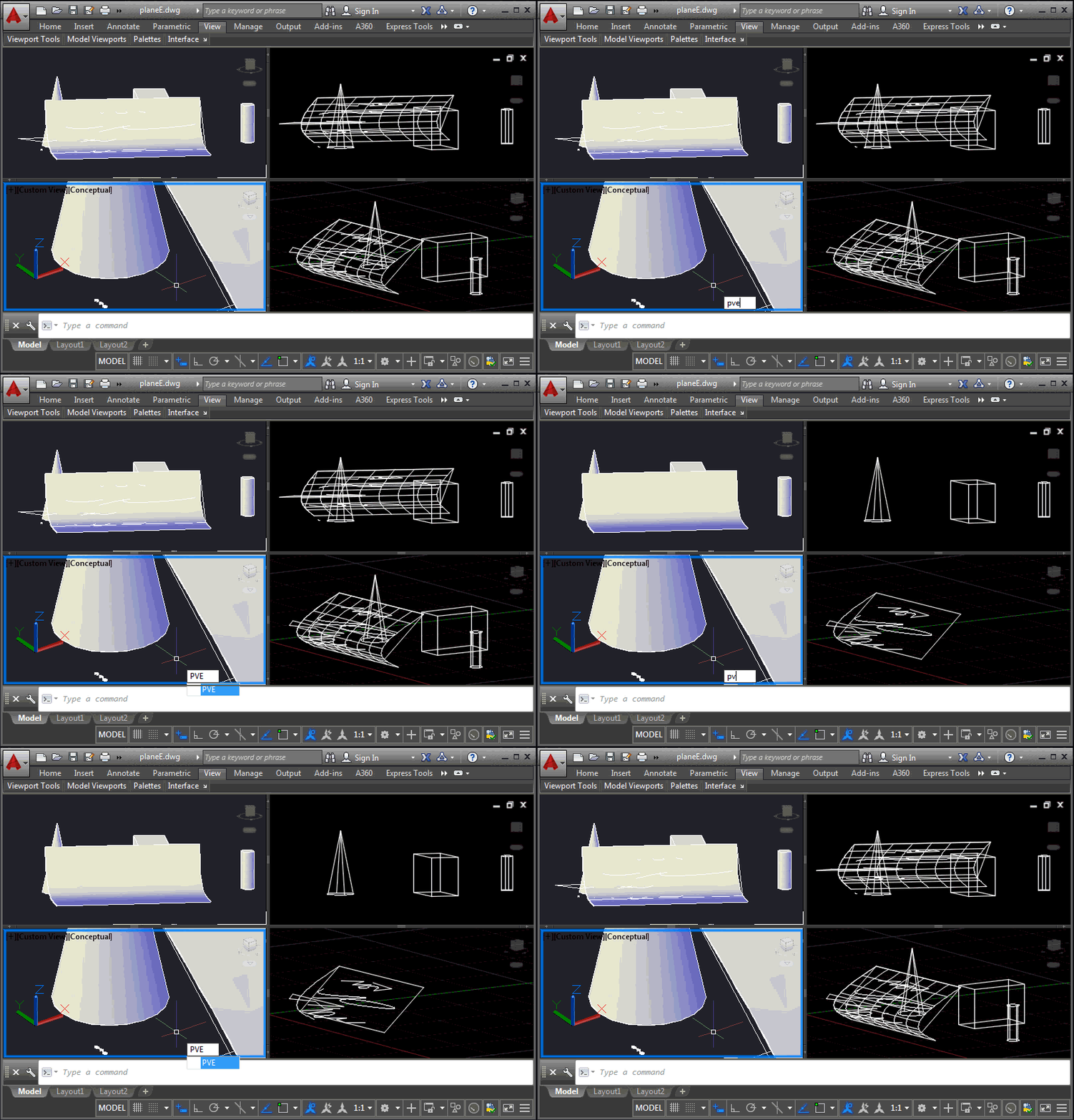
This is a problem that developers have been struggling with for some time, and it came up again at the recent Cloud Accelerator: how to control the display of AutoCAD geometry at a per-viewport level, perhaps to implement your own "isolate in a viewport" command. It's certainly possible to control layer visibility at the viewport level, of course, but this is sometimes at odds with how users wish to use layers for their own purposes. An application may want to isolate geometry in a certain location from a number of layers, for instance, and it becomes cumbersome to hijack the…
-
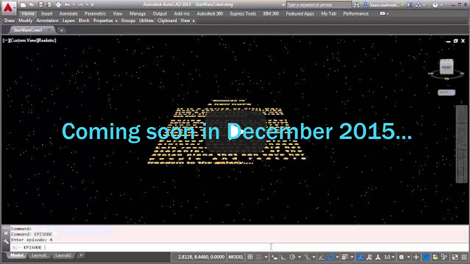
Happy Friday! It's time to unveil the completed Star Wars opening crawl inside AutoCAD… After an intro and seeing various pieces implemented, in today's post we're going to add the crawl text and animate its movement into the distance. The initial blue text The theme music The star field The disappearing Star Wars logo The crawling text As the surprise "bonus" item 6, I decided to add a planet and – at the end of the crawl – shift the view downwards to show its surface: an effect I've seen in the opening crawl for at least one of the…
-
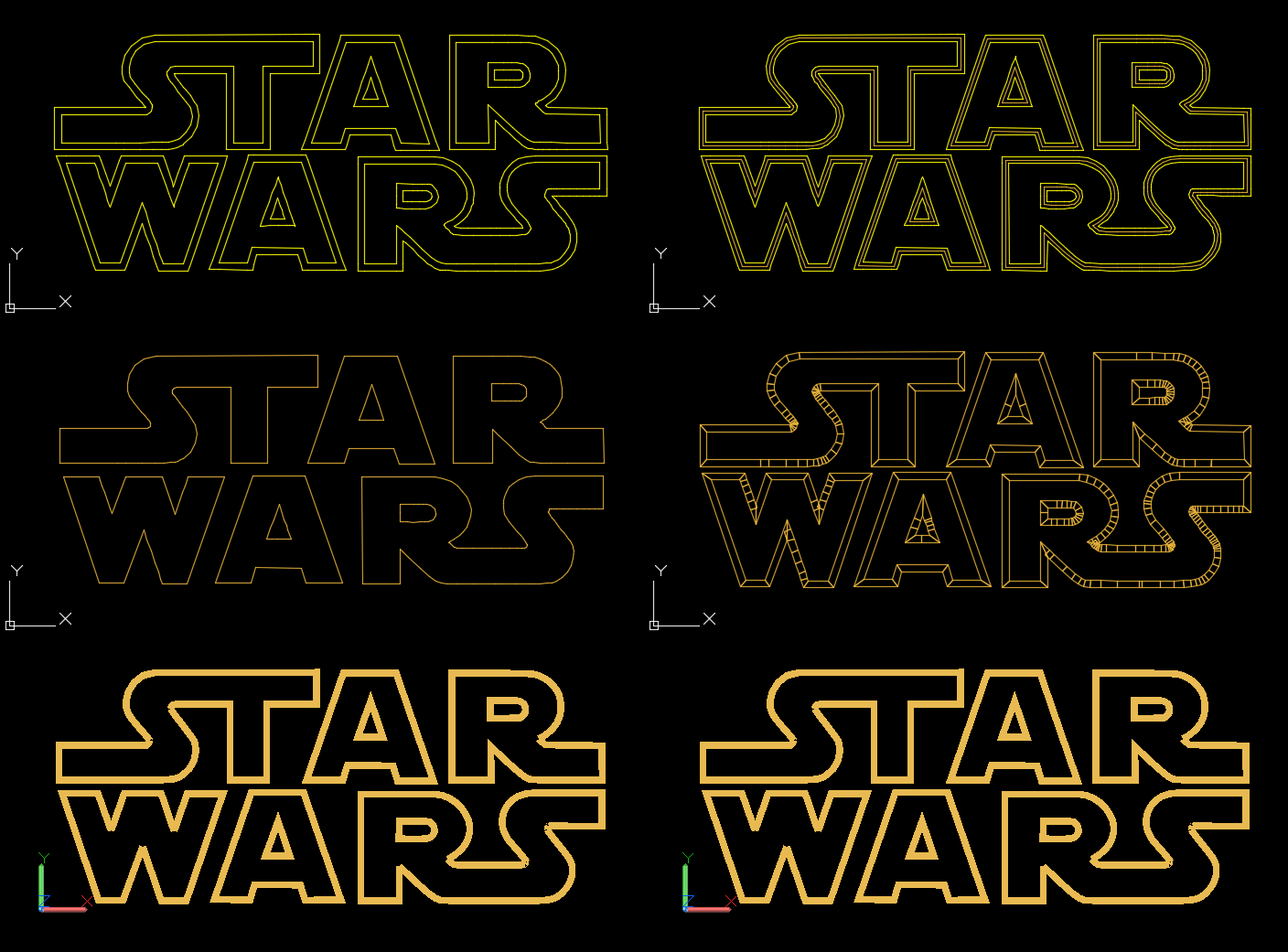
Now that we've introduced the series and seen how to add some introductory text, theme music and a field of stars, it's time for the Star Wars logo. The initial blue text The theme music The star field The disappearing Star Wars logo The crawling text The logo came, once again, from the HTML opening crawl, which embeds some SVG content representing it. I copied this into a standalone SVG text file, ran it through a web-service to translate it to DXF and then opened that inside AutoCAD. The outlines of the letters (or groups of letters) were continuous polylines…
-
After introducing this series in the last post, today we're going to address the first 3 items on our TODO list: The initial blue text The theme music The star field The disappearing Star Wars logo The crawling text The following two items are fairly significant, in their own right, so they'll each take a post of their own to complete. Oh, and I've thrown in a surprise item 6, which I'll unveil when we implement the crawling text. Before we dive in, it's important to make some points about the code: because this is mainly just a bit of…
-
Happy New Year, everyone! As mentioned in the last post, I took a couple of weeks off over the holiday period, extending Autodesk's annual "week of rest" between Christmas and New Year to a full fortnight. This time of year clearly has religious significance for many. Some go to church, to temple or even to Stonehenge, some watch one or more of the Star Wars trilogies – arguably which they choose depends on how devout they are. I only ended up watching one Star Wars film, over the holiday period, and while it was from the Despecialized Edition, I don't…
-
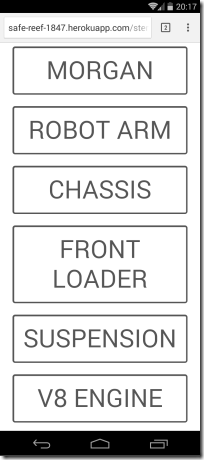
After introducing the topic, showing a basic stereoscopic viewer using the Autodesk 360 viewer and then adding full-screen and device-tilt navigation, today we're going to extend our UI to allow viewing of multiple models. Firstly it's worth pointing out that for models to be accessible by the viewer that makes use of my client credentials, I also need to upload that content with the same credentials. You can follow the procedure in this previous post to see how you do that, although I believe the ADN team has created some samples that help simplify the process, too. Once you have…
-
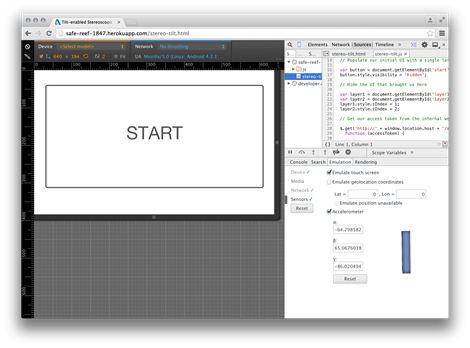
I'm heading out the door in a few minutes to take the train to Zurich and a (thankfully direct) flight from there to San Francisco. I'll have time on the flight to write up the next part in the series, so all will be in place for this weekend's VR Hackathon. In today's post we're going to extend the implementation we saw yesterday (and introduced on Monday) by adding full-screen viewing and device-tilt navigation. Full-screen mode is easy: I borrowed some code from here that works well, the only thing to keep in mind is that the API can only…
-
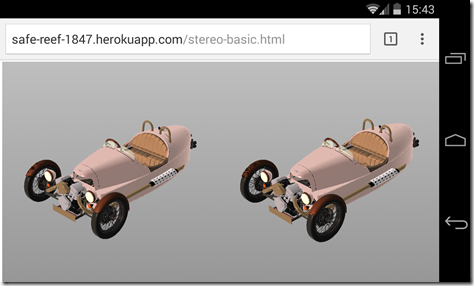
After yesterday's introduction to this series of posts, today we're going to dive into some specifics, implementing a basic, web-based, stereoscopic viewer. While this series of posts is really about using Google Cardboard to view Autodesk 360 models in 3D (an interesting topic, I hope you'll agree ;-), it's also about how easily you can use the Autodesk 360 viewer to power Google Cardboard: we'll see it's a straightforward way to get 3D content into a visualization system that's really all about 3D. Let's start with some basics. We clearly need two views in our web-page, one for each eye.…