Graphics system
-

Many thanks to Holger Rasch who worked out how to fix the code in this previous post. It really doesn't matter that 3 years have passed, Holger – I have no doubt people will greatly appreciate the fact the code can now run without causing the annoying display issues it produced previously. Holger made a few adjustments to the implementation to make sure the persistent hatch loop gets added and removed in the right places. Here's the updated C# code: using Autodesk.AutoCAD.ApplicationServices; using Autodesk.AutoCAD.DatabaseServices; using Autodesk.AutoCAD.EditorInput; using Autodesk.AutoCAD.Geometry; using Autodesk.AutoCAD.Runtime; using Autodesk.AutoCAD.Colors; using System; namespace HatchJig { class…
-
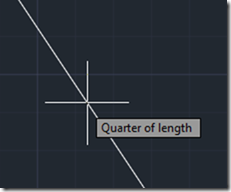
I had an email from Martin Duke about this old post a couple of weeks ago. I started to update the original post but then realised that a) I couldn't easily go that far back using Windows Live Writer and the built-in Typepad editor often messes up code in old posts when I edit them and b) there was some value in revisiting this topic again now that nearly 6 years has passed. I'll hopefully manage to link to this updated post from the old one without things going awry. Martin was having some trouble with text display in object…
-
To follow on from yesterday's post, today we're taking a look at a more interactive – and iterative – approach to getting the length of a pipe (defined by a surface generated from an imported SAT file, we're not talking about native Plant 3D objects). This is the second task discussed in the introductory post in this series. We're going to add a CTRLINES2 command that asks the user to select pipe section after pipe section, and will only generate the centreline for a newly-selected section if it's contiguous to the section of pipe that's being "managed" (i.e. whose length…
-
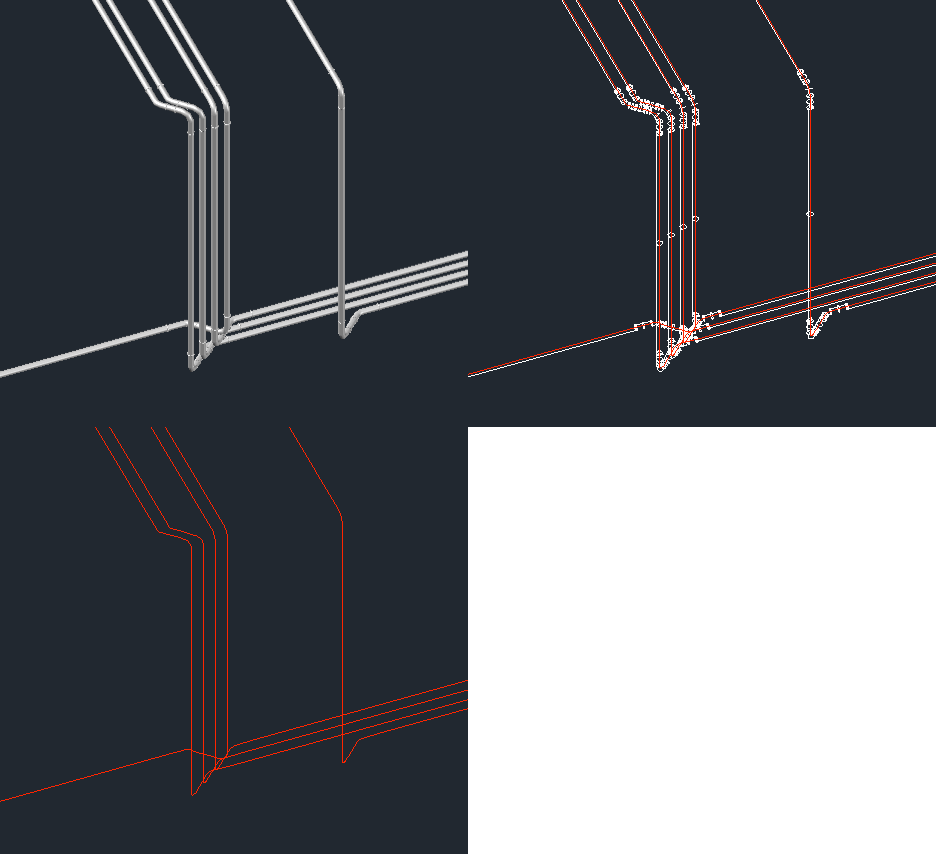
After introducing the series in the last post, today we're going to look at one potential approach for this problem: we will extract and create centrelines for surface objects created after an SAT from an external piping system has been imported into AutoCAD as well as providing a basic command to count their lengths. The code has evolved somewhat since we first saw it in this previous post: it now handles a number of previously problematic scenarios, such as the centrelines for pipe flanges being captured – it now discards polylines that intersect any cross-section circles that get captured, as…
-
Since publishing this recent post to simplify the process of generating centrelines for surfaces representing pipes – as imported from an external piping system that only generates SAT files – I've been thinking on and off about how best to simplify the process of measuring the lengths of these various "pipes". Greg Robinson's comment over the weekend spurred me on even further (thanks, Greg! :-): I'm musing on how one might code up the logic of creating a single continuous 3D poly from the horrid collection of surfaces the step file (.sat) make. This is a daunting logic issue. As…
-
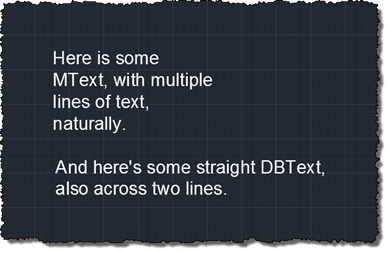
Another interesting question came in by email, this week. Fredrik Skeppstedt, a long-time user of the TXTEXP Express Tool, wanted to perform a similar operation using C#: to explode text objects – as TXTEXP does – but then be able to manipulate the resulting geometry from .NET. TXTEXP is an interesting command: in order to explode text objects, it actually exports them to a Windows Metafile (.WMF) using the WMFOUT command, and then reimports the file back in using WMFIN. This, in itself, is trickier than it sounds, as WMFOUT creates the graphics in the file relative to the top…
-
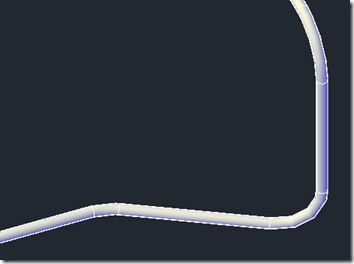
This was an interesting one. I received an email from someone working on a significant BIM project that required external validation of some piping data coming from a competitive system. This system generates SAT files that – when imported into AutoCAD – represent pipes as surfaces rather than native AutoCAD (meaning Plant 3D or MEP) pipe objects. The challenge was to determine the length of these pipes inside AutoCAD, despite the fact they aren't pipes at all. Fun! 🙂 The first thing I did was to take a look at the DWG data, to see what the pipes look like.…
-
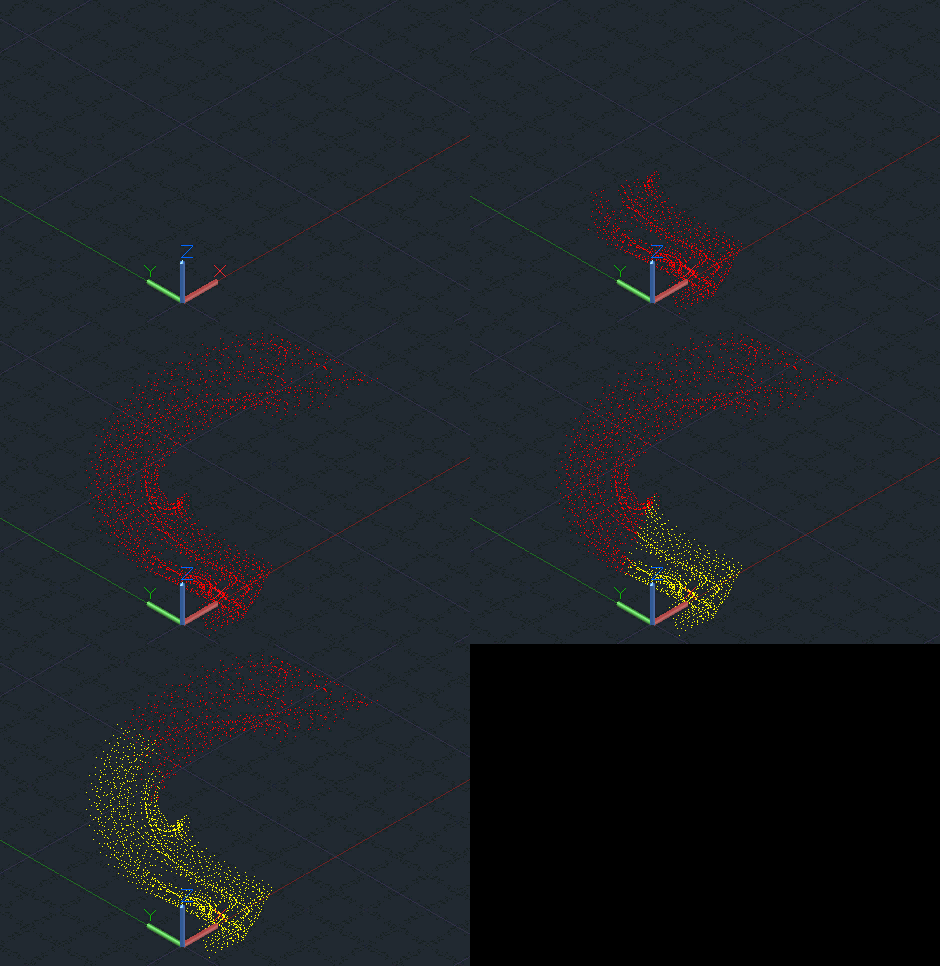
While developing the prototype ShapeShifter-AutoCAD integration, last week, it became clear that the user really needed something to look at as geometry was being marshalled across between the JavaScript hosting process and AutoCAD's address space. We might have used a standard progress bar, of course, but decided to do something a bit different: implement a mechanism to take the vertices of a mesh as they are being streamed/decoded and display them inside the drawing. For us this proved to be a 2-stage process: the vertices were brought in and displayed as red, and these same vertices – as referenced by…
-
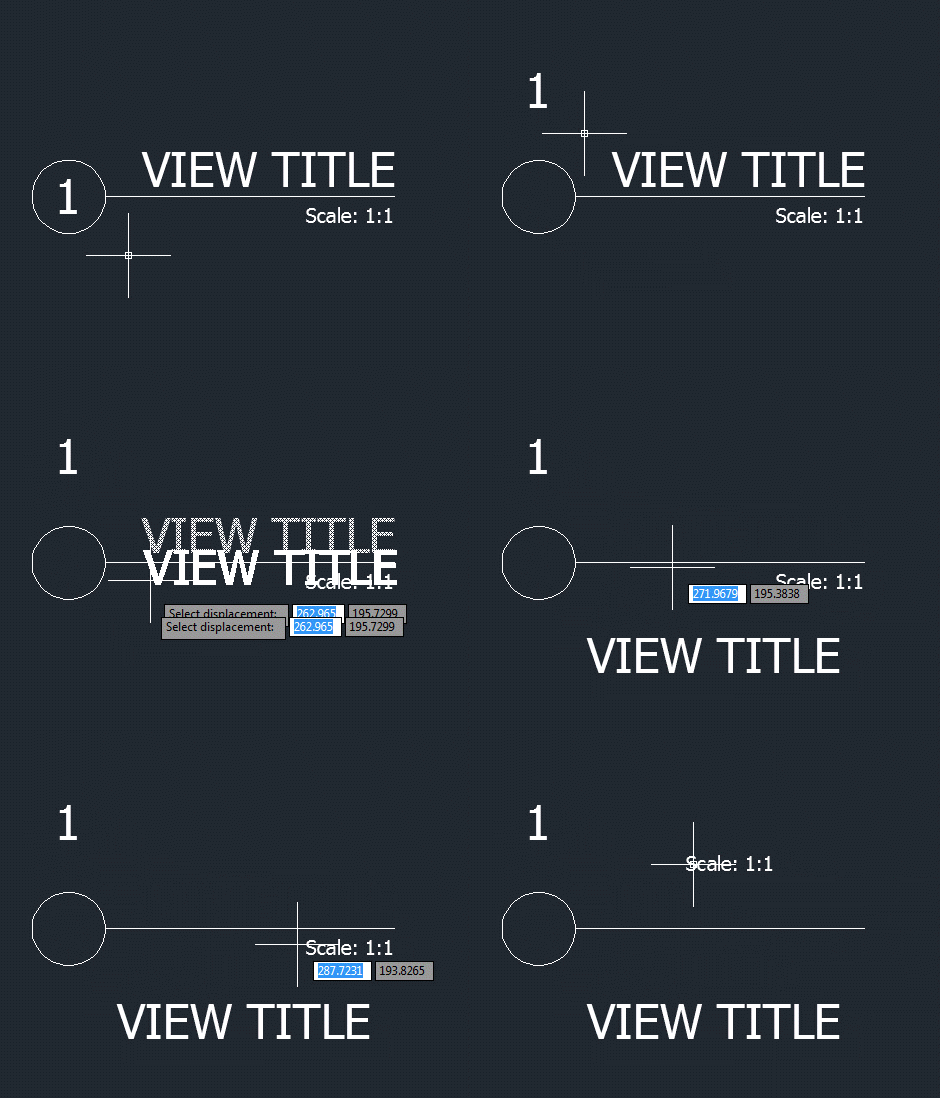
I wasn't expecting to write a third part in this series of posts, but then Samir Bittar went and asked a follow-up question that I felt obliged to look into. Thanks for the suggestion, Samir! 🙂 Samir basically wanted to provide the user with more feedback as they're selecting the nested entity – so that the sub-entity gets highlighted, rather than the full block reference. This turned out to be quite a tricky scenario to address. The overall approach I used was to use a PointMonitor to perform a non-interactive, nested selection of the geometry beneath the cursor and then…
-

Over the weekend I managed to complete the BerkeleyX Foundations of Computer Graphics class. This was really an excellent class, both in terms of the structure of the lectures and the homework assignments, which actually scaled in a non-linear way (the last assignment took as much time to complete as the previous three combined). But you were eased into it and didn't strictly need to do the last piece of homework (which was to write a ray-tracer from scratch) to get a "pass" on the course. What's nice about these MOOCs is that – in order to scale, putting the…