HTML
-
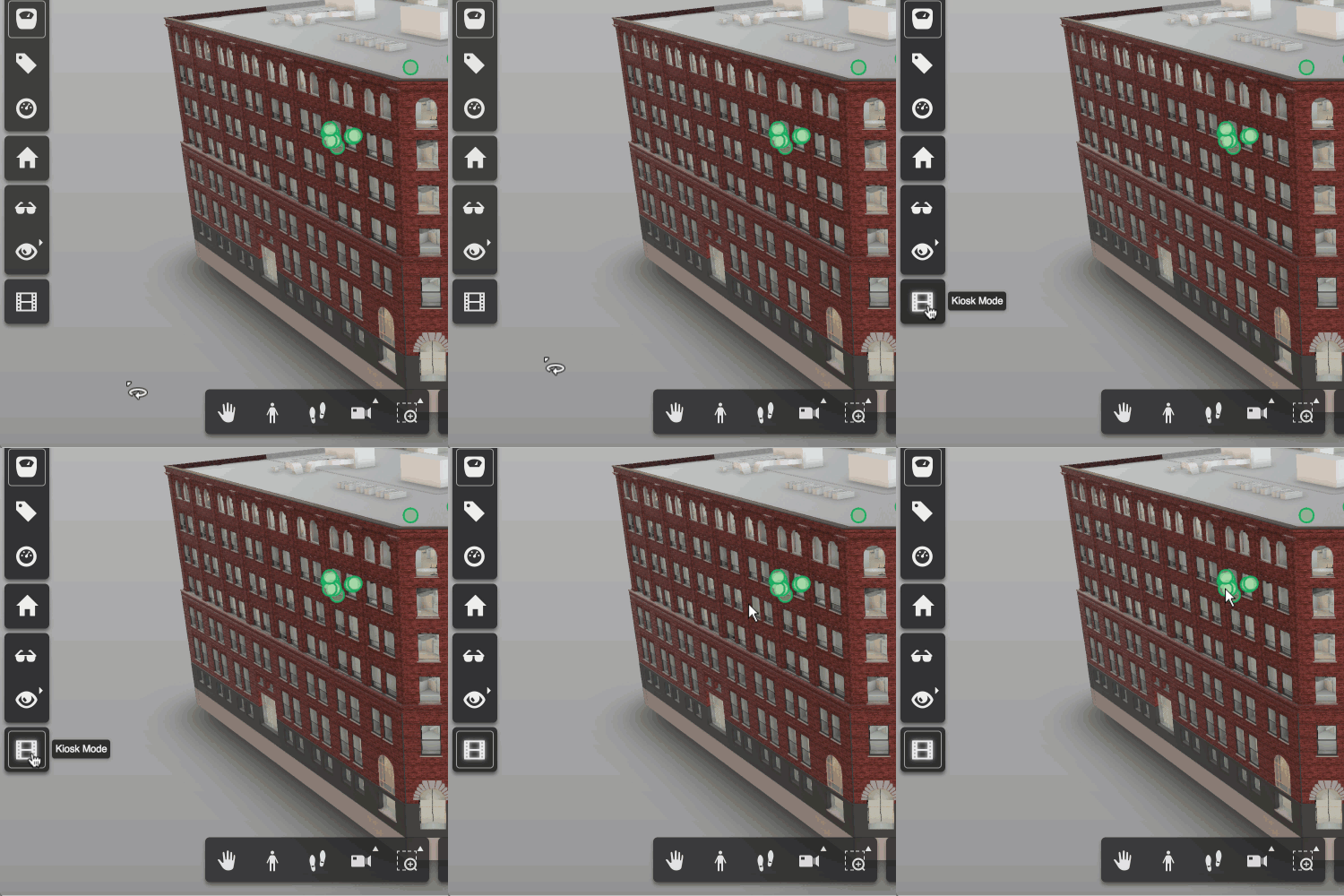
In this final (for now, anyway) part of the series, we're going to look at the approach taken in the Dasher 360 kiosk mode to loop the demo indefinitely (although with variations, as mentioned last time) until someone interrupts by moving the mouse. The first piece of this is to track the mouse. We do this by attaching an event handler to 'mousemove'. Here's the TypeScript code we're using: onMouseMove = (event: any): void => { this._canvasX = event.canvasX || event.clientX; this._canvasY = event.canvasY || event.clientY; if (this._startX !== null && this._startY !== null && this._inKioskMode…
-
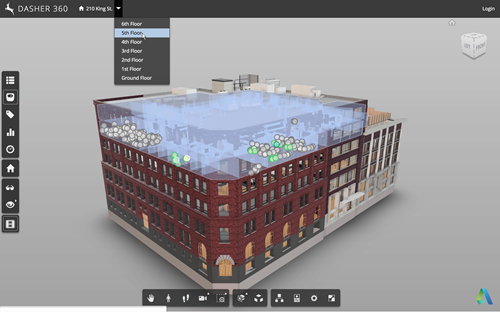
Now that we've seen how to move a fake cursor across the screen, let's talk about how best to use this technique to implement a demo mode for your Forge viewer-based application. Something I mentioned last time was that – for our purposes – this code needs to be fairly adaptable, whether for different views, models or screen configurations. It also needs to be easy for us to modify or extend. Inside Dasher 360 we've implemented a number of different extensions. Many of these have their own UI, typically launched by a button. One of the first things I did…
-
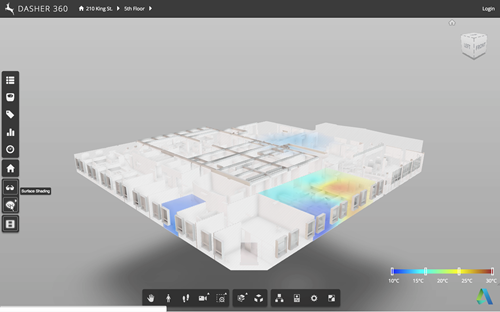
A request came up in a recent meeting talking about future features for Dasher 360. We want to be able to leave Dasher 360 running in "kiosk mode", whereby if left unattended for some time it starts to run through some canned activities, showing off some of the tool's capabilities. The mode should be interruptable: when the mouse moves the mode should stop, allowing the user to continue exploring on their own. This sounded like a really fun problem to tackle, so I started on it right away. My first avenue of research was around tools that already exist for…
-
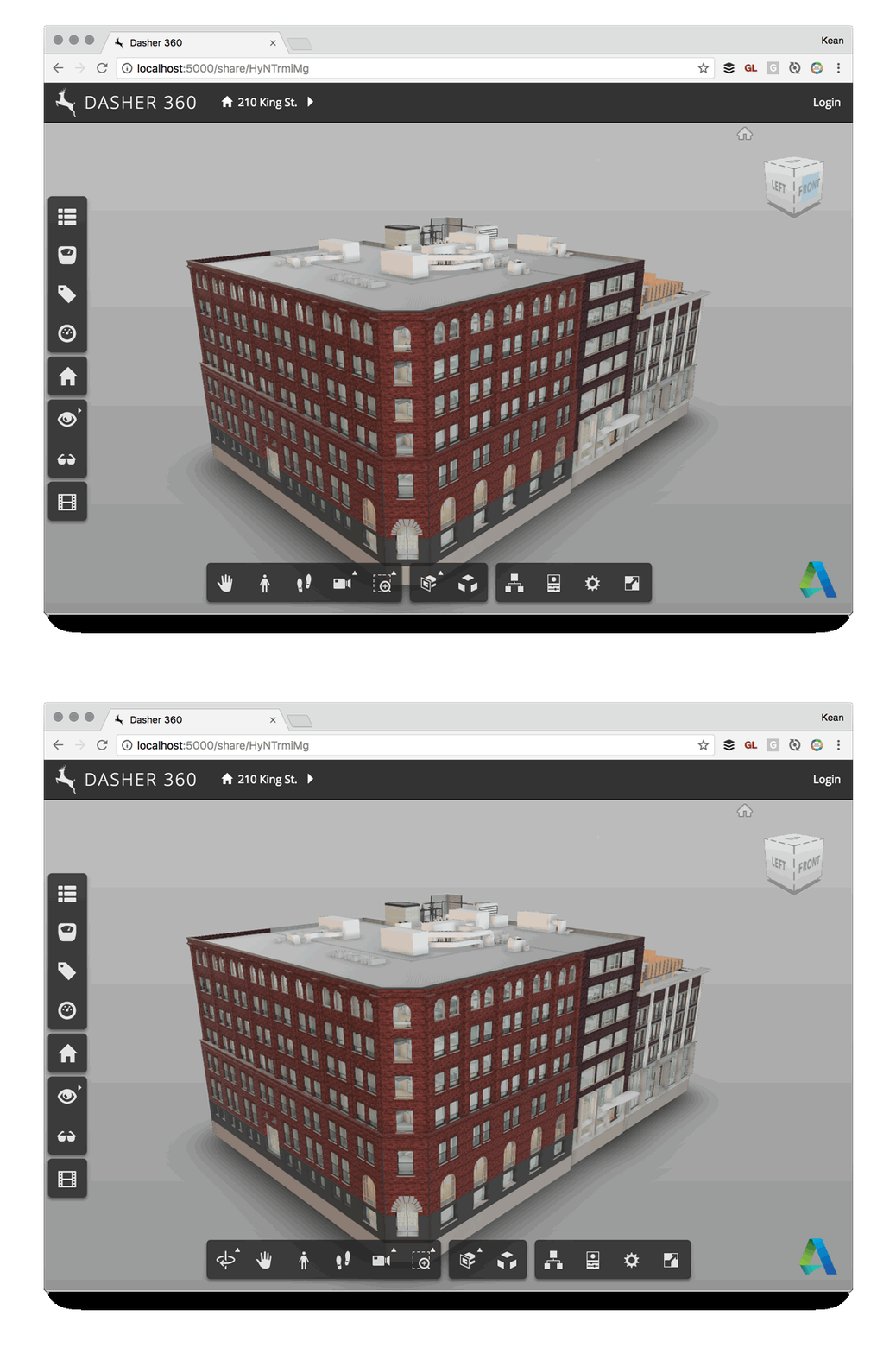
Here's a quick one to wrap up the week. Some time ago we decided that Dasher 360 didn't need to provide the option for users to do an unconstrained orbit: the default mode of turntable orbit would be perfectly adequate, especially as we deal mainly with building models. So it was that I created a simple extension to hide that particular toolbar button. It worked well enough, but after a while I saw the icon creep back into the UI. It turns out that the application resize event – which is called for lots of different reasons – was re-enabling…
-
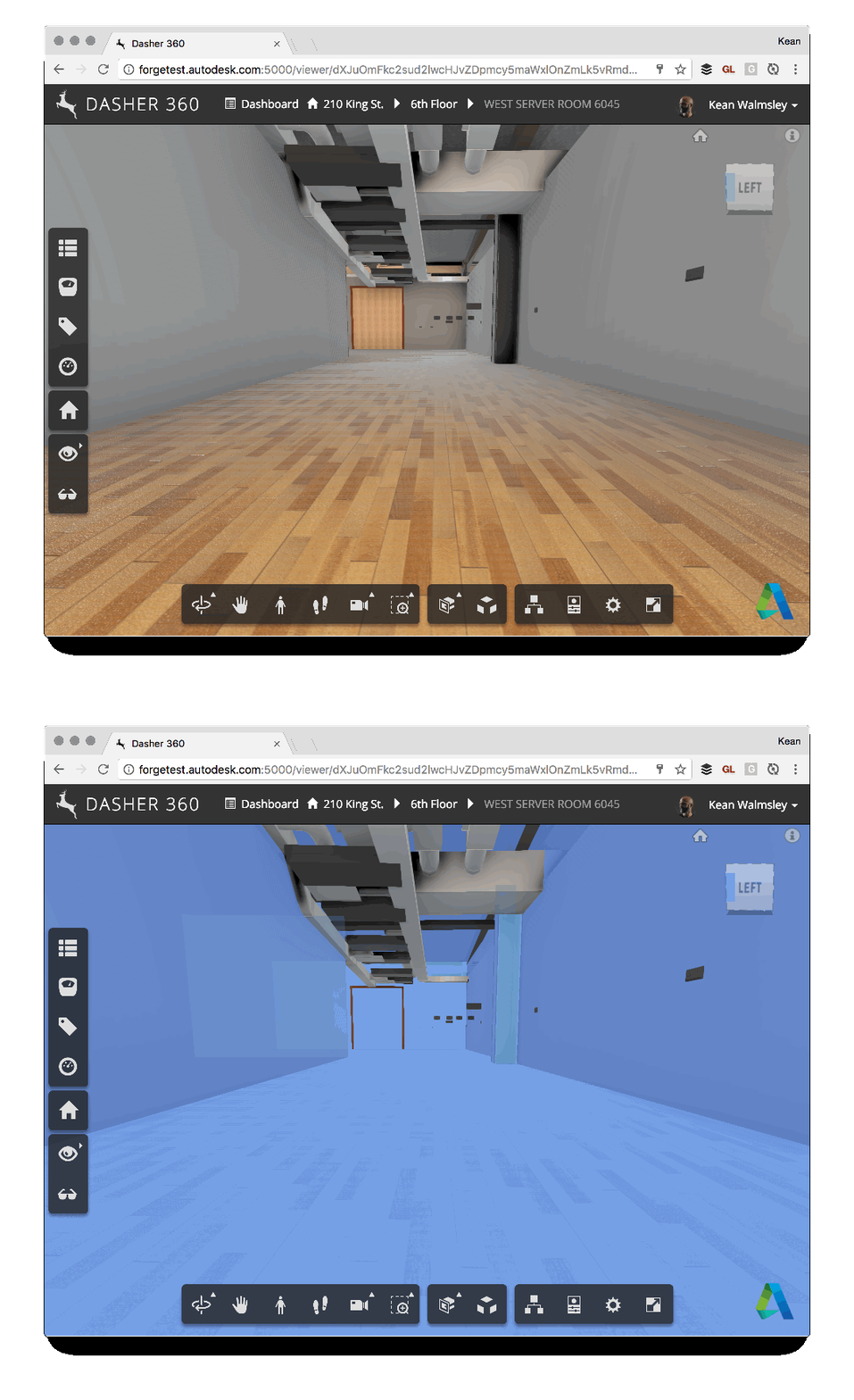
Some of you may remember this post, which talks about the ability to export to Navisworks from Revit to bring room information into the Forge viewer. One of the side effects of using this technique is that there's a bunch of semi-transparent room boundary geometry in the resultant model, which can make navigation a little tricky. For instance, here's what happens when I try to select the wall at the end of a corridor (you can't see the cursor, but you should get the idea – the invisible room geometry gets selected rather than the wall). To help improve the…
-
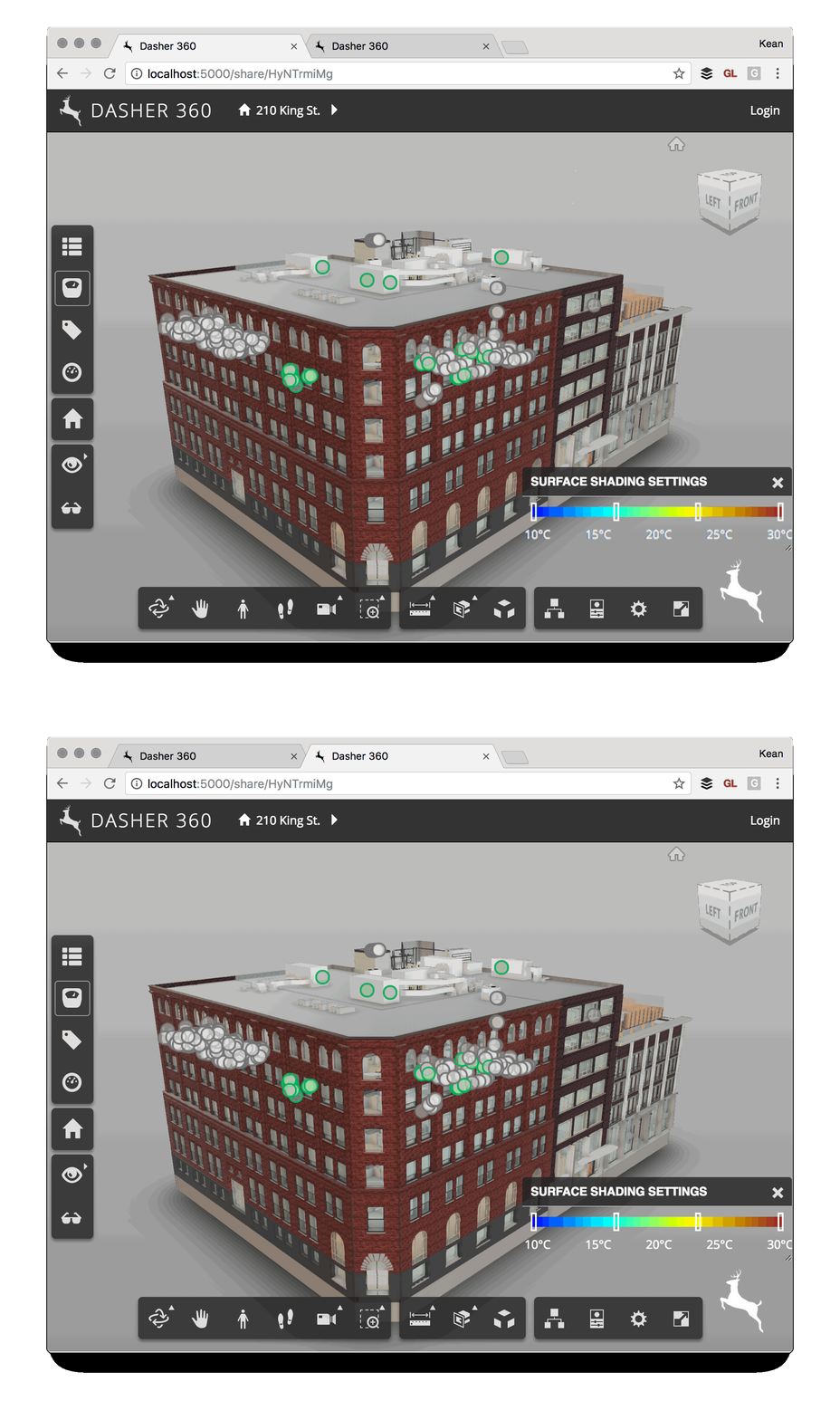
I've been mocking up some UI additions for Dasher 360, today. A big chunk of my time was spent working out how to make flyouts work for vertical toolbars (something I'll address in a future post, if there's interest), but I've just been fighting another problem that's probably not really an issue for anyone using standard DPI (and non-"retina") screens. I've been drawing text to a standard HTML canvas and it's been really ugly. After some minutes of searching the web, I found out it was probably due to my MacBook Pro's retina display. Here's the code I integrated (from…
-
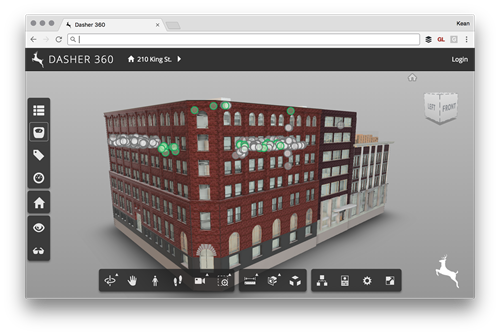
Today I was asked to add the ability to place a custom logo onto an instance of the Forge viewer (in my case for Dasher 360, of course). It seemed like an interesting one to share, as I'm sure others have the same requirement. There are probably lots of ways to solve this – for instance by adding the image with its own camera as an overlay inside the Forge viewer's 3D scene – but I decided to stick to something simple and have the browser overlay the image. There are a few changes needed for this to work. Firstly…
-
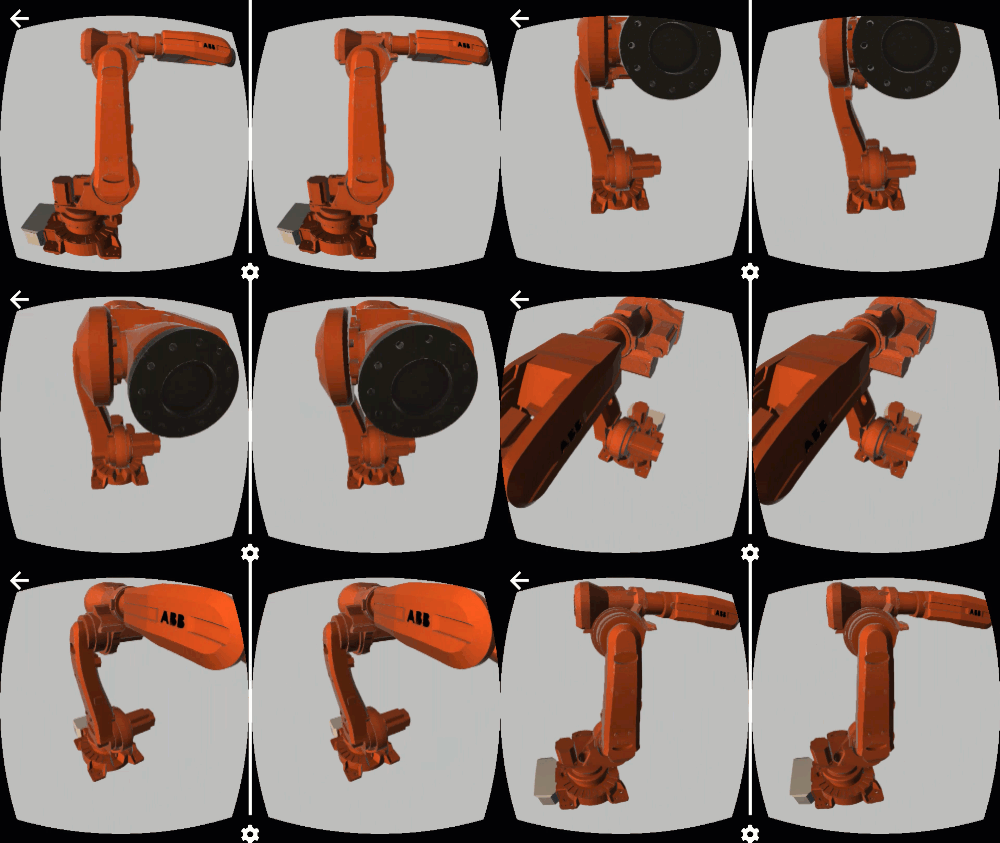
There's a lot happening in the world of WebVR at the moment. Today's big news is that Chrome 56 has now been released for Android, bringing WebVR support to Daydream phones (other devices to follow). This is an important landmark on the journey towards ubiquitous WebVR-capable devices. At some point we'll be getting a desktop version of Chrome that has WebVR, too: for now I'm still testing with Chromium, as suggested by the WebVR download instructions. The other noteworthy event – at least from Autodesk's perspective – is the release of v2.13 of the Forge viewer. This brings some VR-related…
-
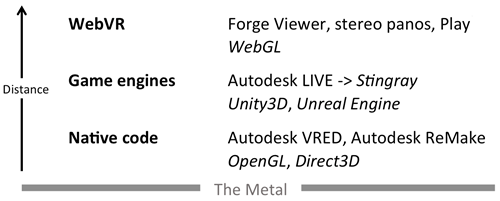
I received an email from a development partner yesterday checking in on Autodesk's VR offerings. It occurred to me that while I've spoken about them at the DevDays in the US and Europe, I haven't posted anything here. So here's some fairly up-do-date information on what technologies Autodesk has in the VR space. The way I've been tending to classify VR offerings in general is around the "distance from the metal": i.e. how much (relatively speaking) of the software stack does the executing code need to go through to get down to the display hardware. This is a somewhat arbitrary…
-
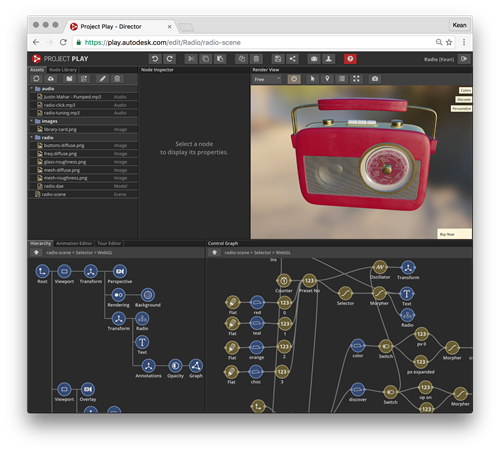
There's a new WebGL-based technology being developed by Autodesk and it's completely awesome. And you can request access to it today. Project Play has been in development for some time. It has some shared lineage with the Smithsonian X 3D Explorer – although I'm not sure to what extent, if any, they share code – and it's the viewing technology used by millions (?) around the world to explore the ReCapped Apollo 11 Command Module. But this technology is about way more than just viewing static models. It's a full node-based editor that allows you to create rich 3D experiences…