HTML
-
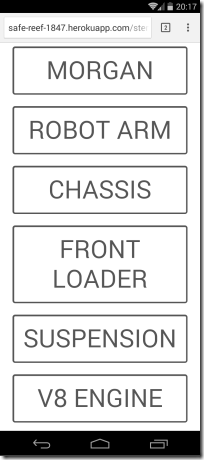
After introducing the topic, showing a basic stereoscopic viewer using the Autodesk 360 viewer and then adding full-screen and device-tilt navigation, today we're going to extend our UI to allow viewing of multiple models. Firstly it's worth pointing out that for models to be accessible by the viewer that makes use of my client credentials, I also need to upload that content with the same credentials. You can follow the procedure in this previous post to see how you do that, although I believe the ADN team has created some samples that help simplify the process, too. Once you have…
-
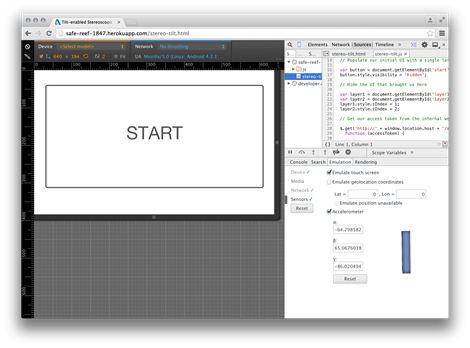
I'm heading out the door in a few minutes to take the train to Zurich and a (thankfully direct) flight from there to San Francisco. I'll have time on the flight to write up the next part in the series, so all will be in place for this weekend's VR Hackathon. In today's post we're going to extend the implementation we saw yesterday (and introduced on Monday) by adding full-screen viewing and device-tilt navigation. Full-screen mode is easy: I borrowed some code from here that works well, the only thing to keep in mind is that the API can only…
-
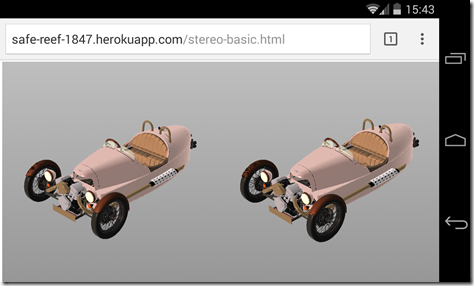
After yesterday's introduction to this series of posts, today we're going to dive into some specifics, implementing a basic, web-based, stereoscopic viewer. While this series of posts is really about using Google Cardboard to view Autodesk 360 models in 3D (an interesting topic, I hope you'll agree ;-), it's also about how easily you can use the Autodesk 360 viewer to power Google Cardboard: we'll see it's a straightforward way to get 3D content into a visualization system that's really all about 3D. Let's start with some basics. We clearly need two views in our web-page, one for each eye.…
-

I'm heading back across to the Bay Area on Wednesday for 10 days. There seems to be a pattern forming to my trips across: I'll spend the first few days in San Francisco – in this case attending internal strategy meetings in our 1 Market office – and then head up after the weekend to San Rafael to work with the members of the AutoCAD engineering team based up there. I'll still probably head back into SF for the odd day, the following week, but that's fine: I really like commuting by ferry from Larkspur to the Embarcadero. The weekend…
-
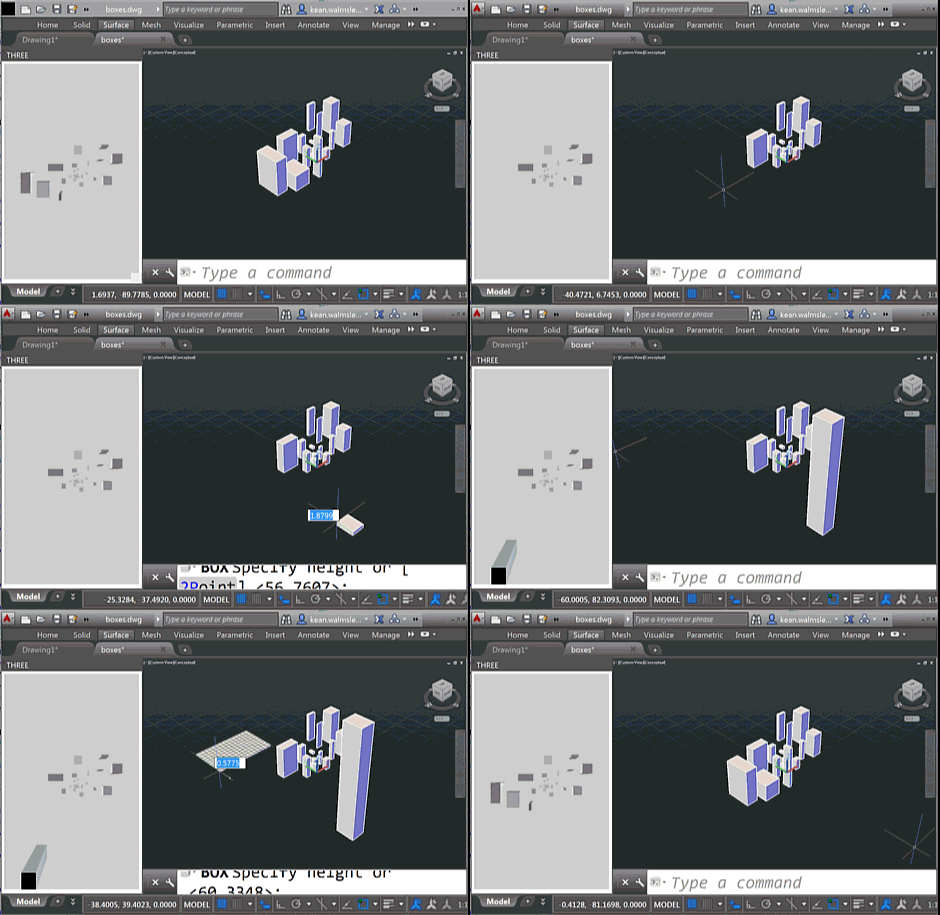
To follow on from yesterday's post, today we're going to look at two C# source files that work with the HTML page – and referenced JavaScript files – which I will leave online rather than reproducing here. As a brief reminder of the functionality – if you haven't yet watched the screencast shown last time – this version of the app shows an embedded 3D view that reacts to the creation – and deletion – of geometry from the associated AutoCAD model. You will see the bounding boxes for geometry appear in the WebGL view (powered by Three.js) as you're…
-
As part of my preparations for AU, I've been extending this Three.js integration sample to make it more responsive to model changes: I went ahead and implemented event handlers in .NET – much as we saw in the last post – to send interaction information through to JavaScript so that it can update the HTML palette view. The code is in pretty good shape, but I still need to decide whether to post it separately or with the other JavaScript samples I'm working on (I'll also be showing Paper.js and Isomer integrations during my AU talk, as well as a…
-
The title of this one is a little specific – the post actually deals with the scenario of passing data from .NET to an HTML-defined palette, as well as some other tips & tricks – but it's something I wanted to show. Here's the basic idea: whenever a closed curve gets added to the drawing, we want to display its area as the only item in an HTML palette. We also want the palette to update when objects get erased, etc., which makes life somewhat trickier. To set the scene, here's a quick screencast of the finished application in action…
-

Now that registration is open for Autodesk University 2014, people are busy signing up for classes. For those of you who are curious about the classes I'm delivering/hosting/attending at this year's event, here they are. I'll break things down day-by-day, in case you're interested in finding an opportunity to meet up but can't attend one of my sessions. Monday (Dec 1st) I'll be attending the ADN DevDay, all day. Always lots of great information to absorb there, of course (jetlag permitting ;-). Tuesday (Dec 2nd) I'll be hanging out at the ADN DevHack for most of the afternoon, although I…
-
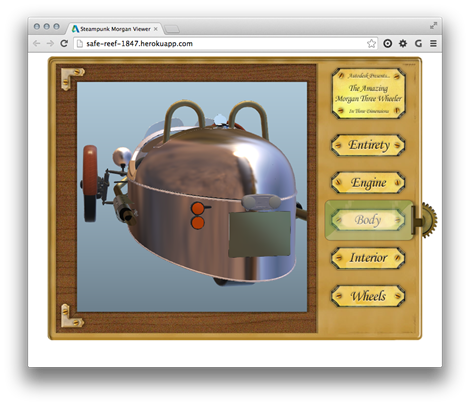
In the last post we saw the process for getting content uploaded to Autodesk storage and translated into the format required by the Autodesk 360 viewer. In this post we're going to show the steps to take that data and embed it in a "simple" HTML page. (Any complex capability in this page it's due to the UI code that Dan Wellman kindly allowed me to borrow for the sample: otherwise what it does is very simple indeed.) There are, of course, more complex samples that the ADN team has developed to demonstrate the richness of the new View &…
-
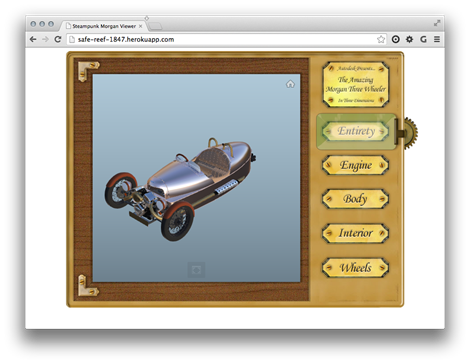
As mentioned last week, I've been having fun with Fusion 360 to prepare a model to be displayed in the new Autodesk 360 viewer. The sample is now ready to view, although I'm not yet quite ready to post the code directly here, mainly because the API isn't yet publicly usable. Here's the app for you to take for a spin, as it were. The Autodesk 360 Viewing & Data API is currently being piloted by a few key partners, and hopefully we'll soon be broadening the scope to allow others to get involved (we first have to iron out…