AutoCAD .NET
-
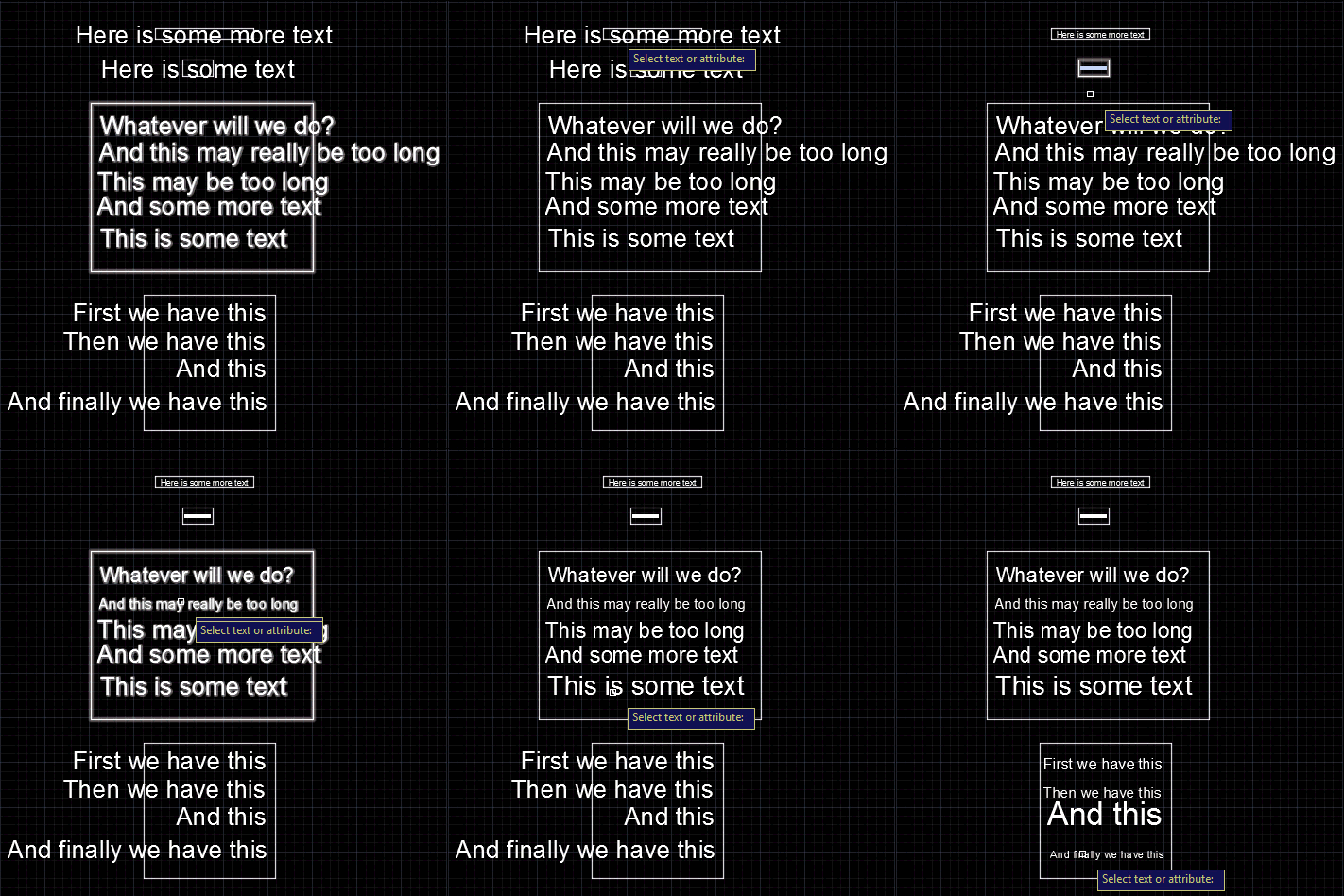
We started this series by looking at how to get the centroid of a region, and then how to create text that fits an arbitrary space. In this post we're going to wrap up by looking at the original question of how to resize block attributes to fit their container. The core algorithm is actually very similar to the code we saw in "space labelling" application: it's simply been refactored to be more general and forms the basis for both the previous and the new commands. Here's the C# code: using Autodesk.AutoCAD.ApplicationServices; using Autodesk.AutoCAD.BoundaryRepresentation; using Autodesk.AutoCAD.DatabaseServices; using Autodesk.AutoCAD.EditorInput; using Autodesk.AutoCAD.Geometry;…
-
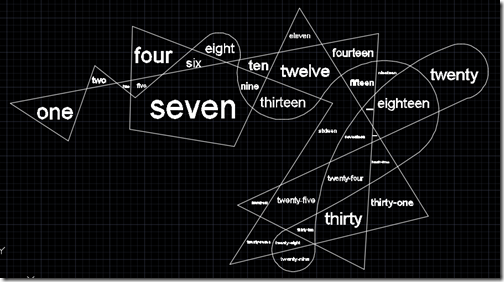
After the last post, where we saw how to get the centroid of a Region, today we're going to use that information to place some text inside a detected space. To restate our process from last time: The user selects a point Call Editor.TraceBoundary() to determine the containing space Call Region.CreateFromCurves() with the resulting geometry Determine the centroid of the Region Check whether the centroid is actually inside the Region If it is, then generate some text to place (we could also have asked the user for this, of course)… … and then calculate the size of the text such…
-
This week we're going to look at an interesting problem: how to create text that fits into a particular space. The scenario was originally presented (to me, anyway) by Alex Fielder, early last year (thanks, Alex!), but it's taken a while for me to get to it. Alex wanted to check for the extents of block attributes overflowing their containers. I may well go ahead and implement that, in due course, but first I wanted to let the user select a space and create some text to fill it. Let's take a look at how to make this happen. Here's…
-
I mentioned recently that I'd hit a limitation with the amount of data that could be passed as embedded JSON data to an AutoCAD I/O Activity, and so decided to rearchitect my site to post the data at a URL and have the Activity download and use the data from there. The system worked well until a security flaw was fixed by the AutoCAD I/O team, earlier this week: it turns out the approach of manually downloading the additional payload from the Activity itself wasn't supposed to work. And now, sure enough, it doesn't. 🙂 This video does a great…
-
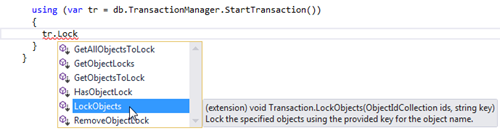
In the last post we introduced a static C# class containing extension methods for the ObjectId and Transaction classes. The new Transaction methods allow you to more easily "lock" objects, whether because they're "system" objects you want to keep around in every drawing or because they're objects that shouldn't be purged at whim by users. Under the hood, the implementation uses Xrecords stored in the Named Objects Dictionary that contain hard-pointer references to the various locked objects. This stops the PURGE command from removing them, but also allows us to check via Database.Purge() – or our new ObjectId.IsErasable() shortcut –…
-
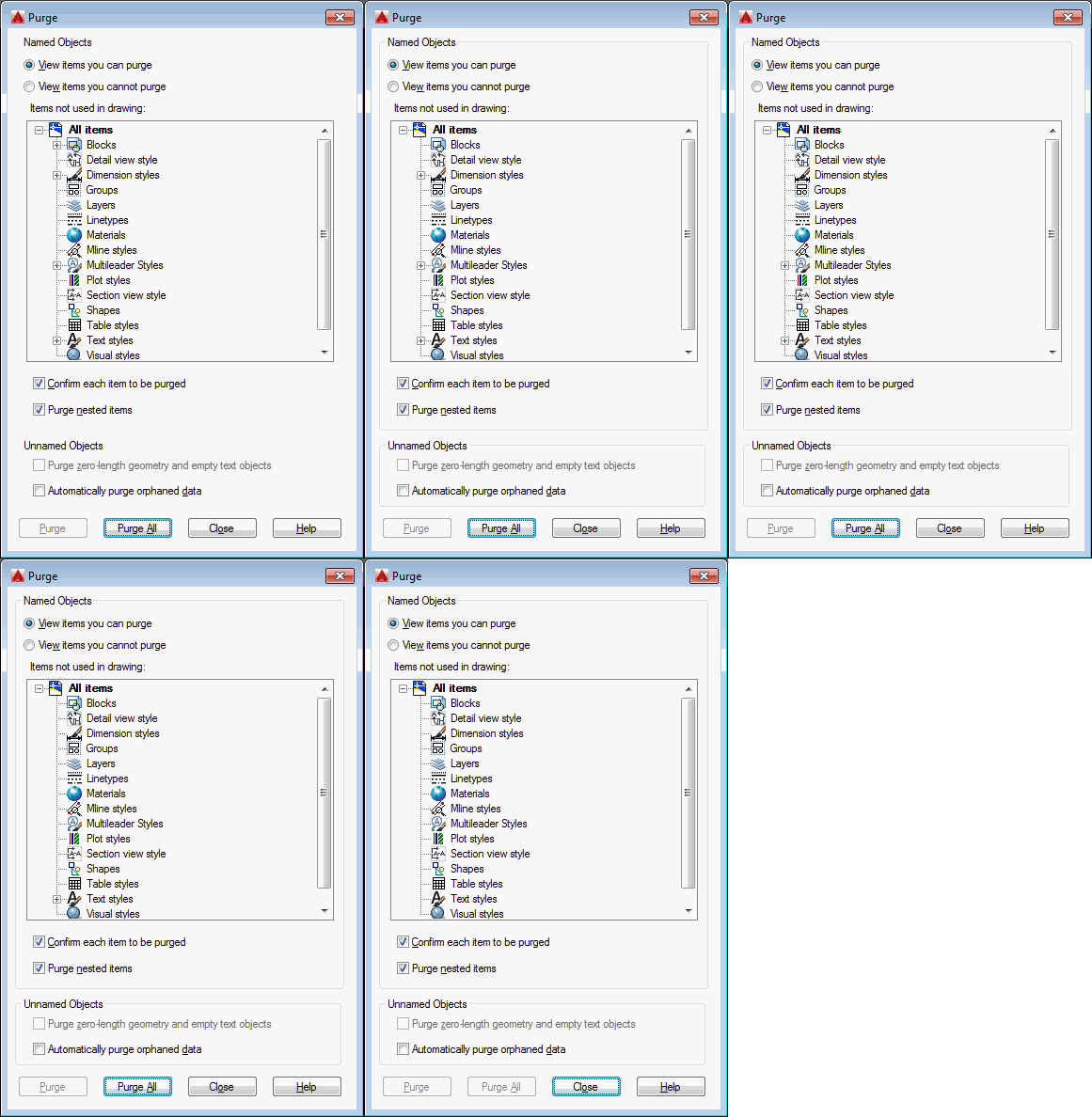
This is one of those topics that has been at the back of my mind for a number of years. Here's a question I received via a blog comment back in 2009: I was wondering if there's an easy way to modify the objects to purge. For example, if a particular text style was included in the drawing that I did not want to be purged. Can this easily be done? Here's how I responded, at the time: There are a couple of ways: You can maintain your own list of objects "to keep" and remove any items that are…
-
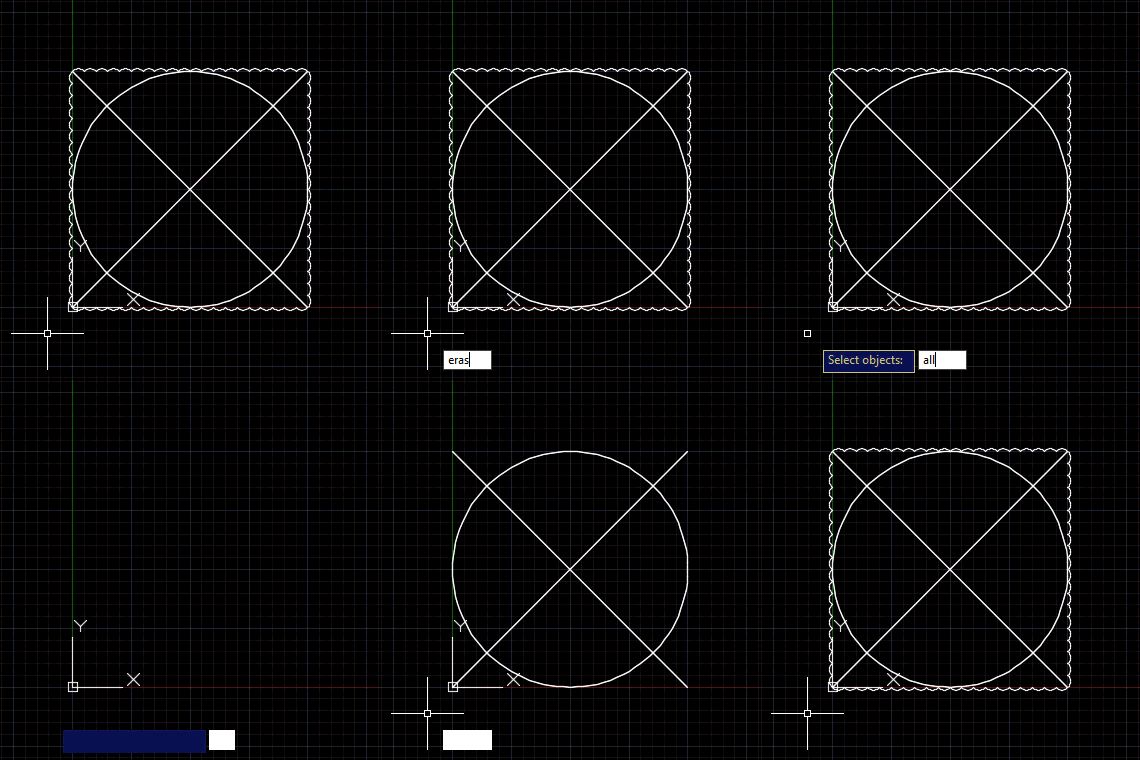
This question came in as a blog comment on this previous post: Is possible to use Revision Cloud in this situation? Example: Creating a polyline/circle/ellipse then make it a revision cloud. It seemed to make sense to broaden the topic for the purposes of this blog post: how to pass an entity or entities to an AutoCAD command called via Editor.Command() or CommandAsync(). Since Editor.Command() was implemented in AutoCAD 2015, I've been a fan of the calling commands in AutoCAD application code. But I haven't actually covered the approach needed to send object information to commands via this function. Yes,…
-
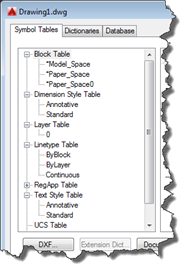
This interesting question came in by email from Igor, over the weekend: Let say I want to delete a layer by it's name. I can get ObjectId or LayerTabelRecord from the name, like LayerTable tLayers = (LayerTable) Transaction.GetObject(Database.LayerTableId,OpenMode.ForRead,false) LayerTableRecord ltRecord = (LayerTableRecord) Transaction.GetObject(tLayers.Item[Name],OpenMode.ForWrite,false); Now having LayerTableRecord how can I found out that this DBObject is not the built-in one? Like names '0' or 'DEFPOINTS'. Same goes for TextStyle (STANDARD) or layout (MODEL)….? I can't found any property regarding this, like IsBuiltIn. The IsPersistent property is no help. It's true that there isn't an IsBuiltIn property on AutoCAD objects… for block…
-
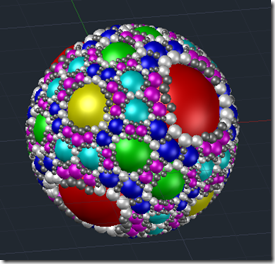
Here's an interesting question that came in from Nick Gilbert via a blog comment: Is there a simple way to get the geometric extents of the group? As discussed in this previous post, the Group object in AutoCAD presents itself as a collection of geometric objects (or entities, in ObjectARX-parlance). But a Group, in itself, isn't a geometric object: it's an aggregator of objects that are. So there isn't – as Nick is clearly aware – a simple GeometricExtents property of the Group object. But we can access the contents of the Group and combine their various GeometricExtents, returning an…
-
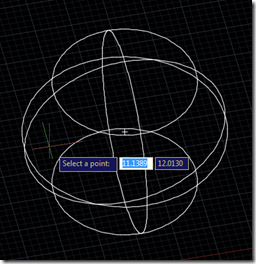
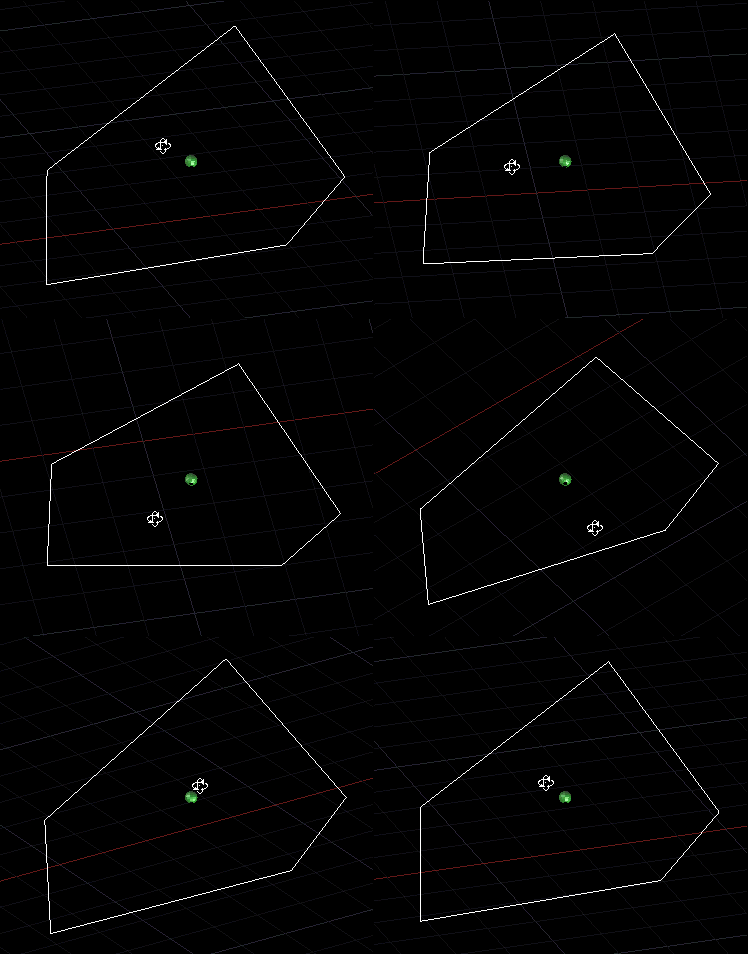
Today's post resulted from an internal discussion: Miroslav Schonauer – with the help of Jan Liska – put together some code for a recent consulting engagement that they felt was important to share with the community. They wanted to test point containment for a particular 3D solid, but also to test whether the selected point – if outside the solid – was above it. They achieved this using AutoCAD's Brep API. Here is the C# they put together (with some minor, cosmetic edits from my side): using Autodesk.AutoCAD.ApplicationServices; using Autodesk.AutoCAD.BoundaryRepresentation; using Autodesk.AutoCAD.DatabaseServices; using Autodesk.AutoCAD.EditorInput; using Autodesk.AutoCAD.Geometry; using Autodesk.AutoCAD.Runtime; using System;…