AutoCAD .NET
-

I mostly despise jetlag but once in a while manage to harness it for something positive. I remember some great trips to Asia, waking up at strange times to experience the dawn, walking the streets and seeing everyday life starting up around me. These days I typically find jetlag to be a bit of a curse, but this weekend I ended up using it to tackle a fun challenge: generating maps for Z-machine games such as Zork inside AutoCAD. Something I mentioned in a recent blog post but was reminded of last Thursday while catching up with Christer Janson in…
-
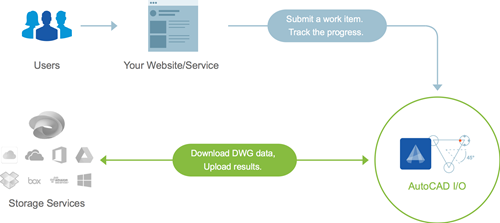
The AutoCAD I/O team has deployed version 2 of their API. For specific information on what's new, check this page. As I'll be talking about AutoCAD I/O at AU 2015, I thought it important to get to grips with the new version and understand how it differs from v1. I went ahead and updated Jigsawify.com to make use of the new API, so I'll add my own commentary below on the changes that have been introduced. As a reminder, the full source code for Jigsawify.com is available on GitHub. To check out the specific migration changes, see this comparison…
-
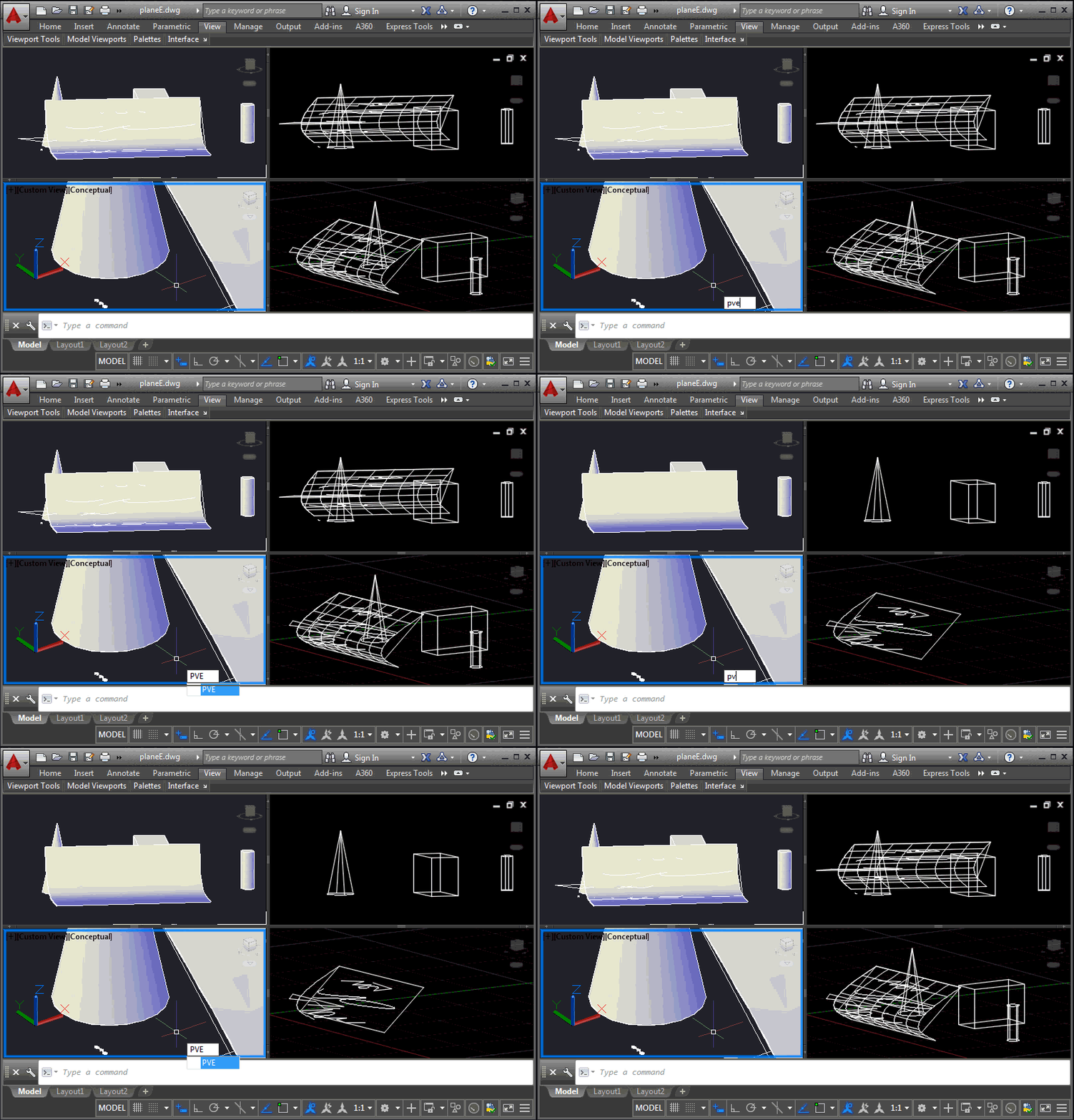
This is a problem that developers have been struggling with for some time, and it came up again at the recent Cloud Accelerator: how to control the display of AutoCAD geometry at a per-viewport level, perhaps to implement your own "isolate in a viewport" command. It's certainly possible to control layer visibility at the viewport level, of course, but this is sometimes at odds with how users wish to use layers for their own purposes. An application may want to isolate geometry in a certain location from a number of layers, for instance, and it becomes cumbersome to hijack the…
-
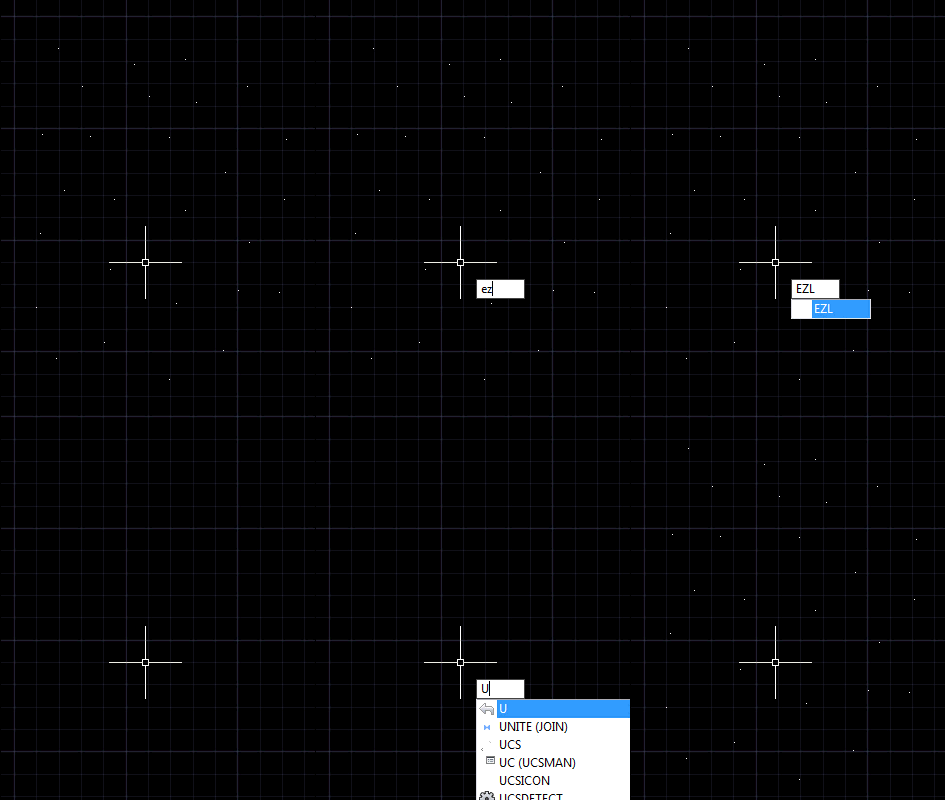
In the last post we saw a "general" function to erase all the entities in a drawing that fulfill a specified condition. We used it to erase all the zero-length lines in a drawing. But as I'd mentioned at the end, I thought there was an opportunity to generalize the mechanism even further. Here's what I came up with (and I've included a suggestion by Parrish Husband to create an additional extension method for Curve.IsZeroLength()). using Autodesk.AutoCAD.ApplicationServices; using Autodesk.AutoCAD.DatabaseServices; using Autodesk.AutoCAD.Geometry; using Autodesk.AutoCAD.Runtime; using System; namespace ZeroLengthEntities { public static class Extensions { /// <summary> …
-
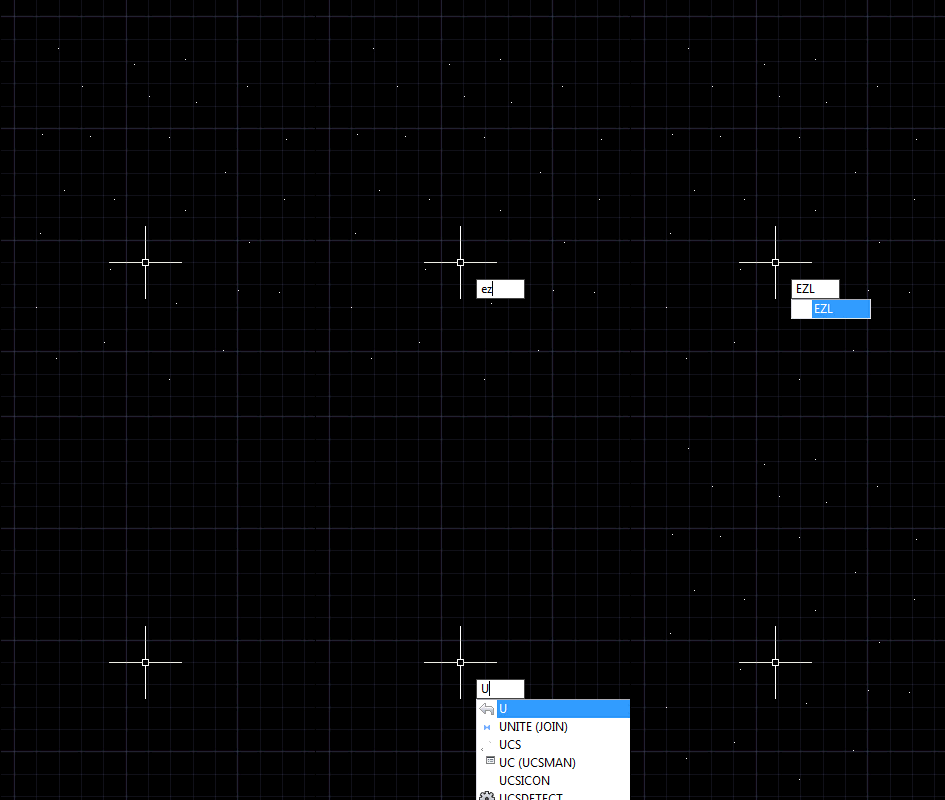
A question came in by email, yesterday, and despite having a few mini-projects in progress that were spawned during last week's event in Prague, I couldn't resist putting some code together to address it. The developer wanted to purge zero-length geometry: the simplest way to solve the problem is to run "_-PURGE _Z" at the command-line, but I saw this more as an opportunity to create a simple helper that would loop through all the entities in a drawing and erase any meeting a specified condition. In this case it would be curves with a length less than the global…
-

I needed to run some code from a modeless dialog, the other day, and found it was a bit of a pain to generate something quickly to do so. So I thought it might be a good idea to populate a palette dynamically with buttons that call commands and methods that were somehow tagged in the current project. The first step was to work out how to tag them: the obvious choice being some kind of method-level designation (much as we have with the CommandMethod() attribute). I created a command – named PC, for PaletteCommands – that uses reflection on…
-

This question came in via a comment, last week: Is it possible to get the point of intersection between a spline/3dpolyline and a plane surface? It turned out to be quite an interesting problem to solve. I started with brute force methods for the various curve types… For Polylines I checked linear segments against the plane (this is an intersection we can test), and for arc segments I broke these into linear segments and checked those, too. It all worked well with a high enough "resolution" for arc segments. Polyline3ds only have linear segments, so I could safely use the…
-
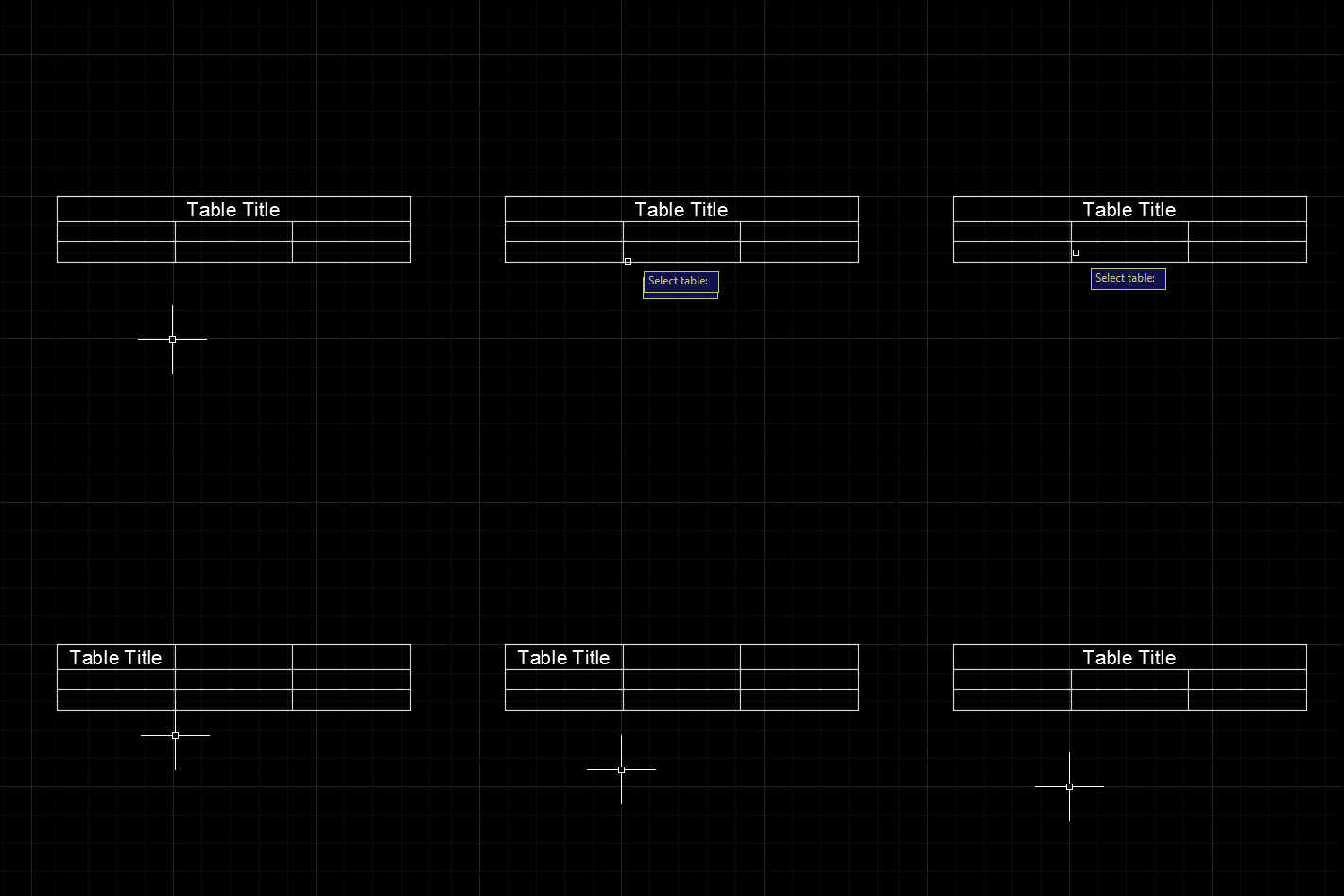
A question came in, last week, via a comment on this post. Daniel wanted to unmerge the title cells of a table: Very nice tutorial. based on this I manange to create the VB. NET code for my table style, but I face with a problem that I could not change the Title to be unmerged. In this moment, as default, it is merged and I want it to have it not merged. What is code for this ? I tried to find it out by ts.SetCellClass(RowType.TitleRow, MergeCellStyleOption.None but is not working. i get error on: sd.UpgradeOpen() line I took…
-
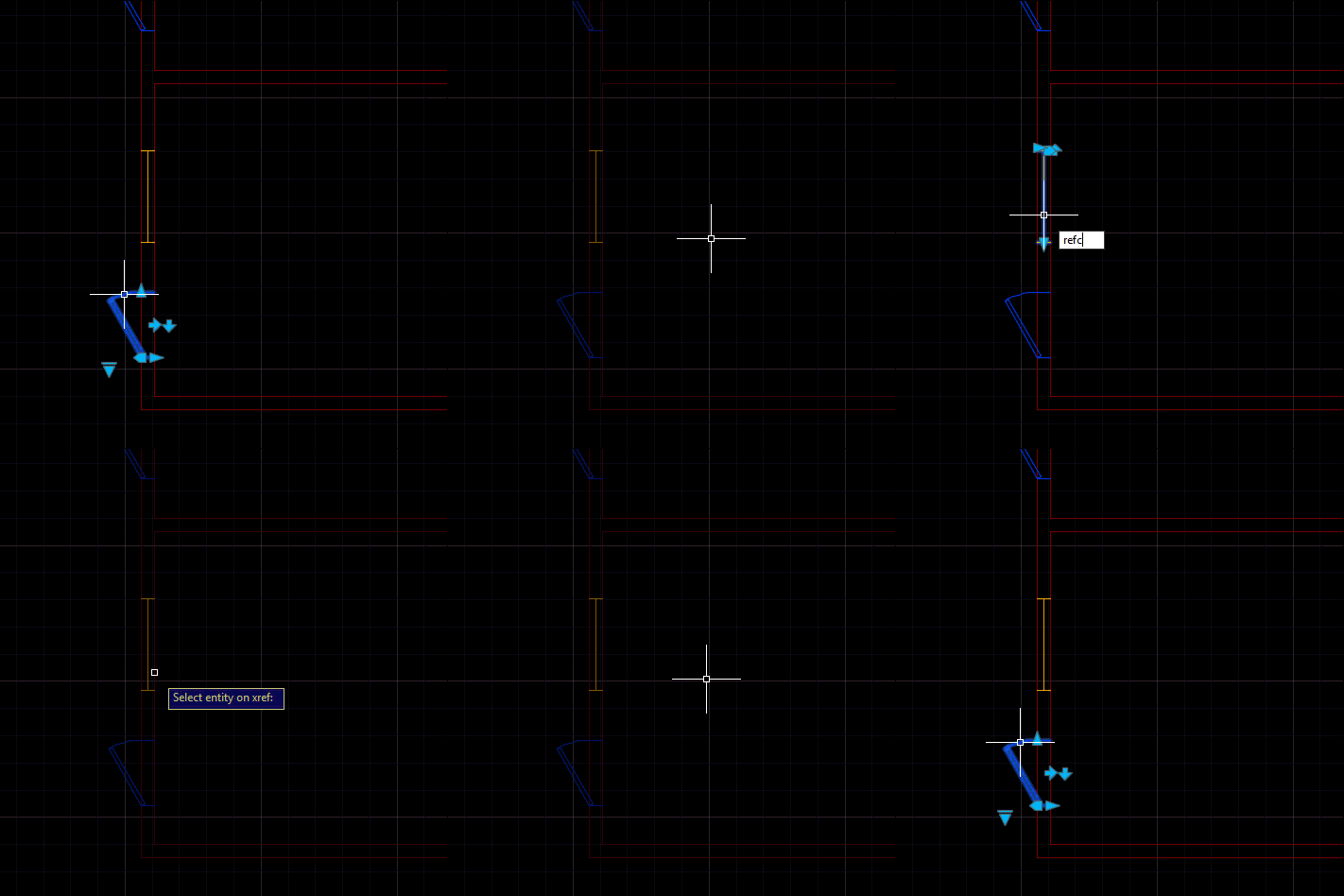
A really interesting problem came up during an internal discussion, this week: someone wanted to launch the REFEDIT command on a selected xref and pre-select the entity found at the picked point. The entity that's part of the selected xref, of course. This turned out to be quite a tricky problem and yet one that could be solved with relatively few lines of code. The tricky parts were finding the right entity in the nested selection and then the corresponding entity in the xref. Here's the approach I ended up taking: Ask the user to selected a nested entity Get…
-
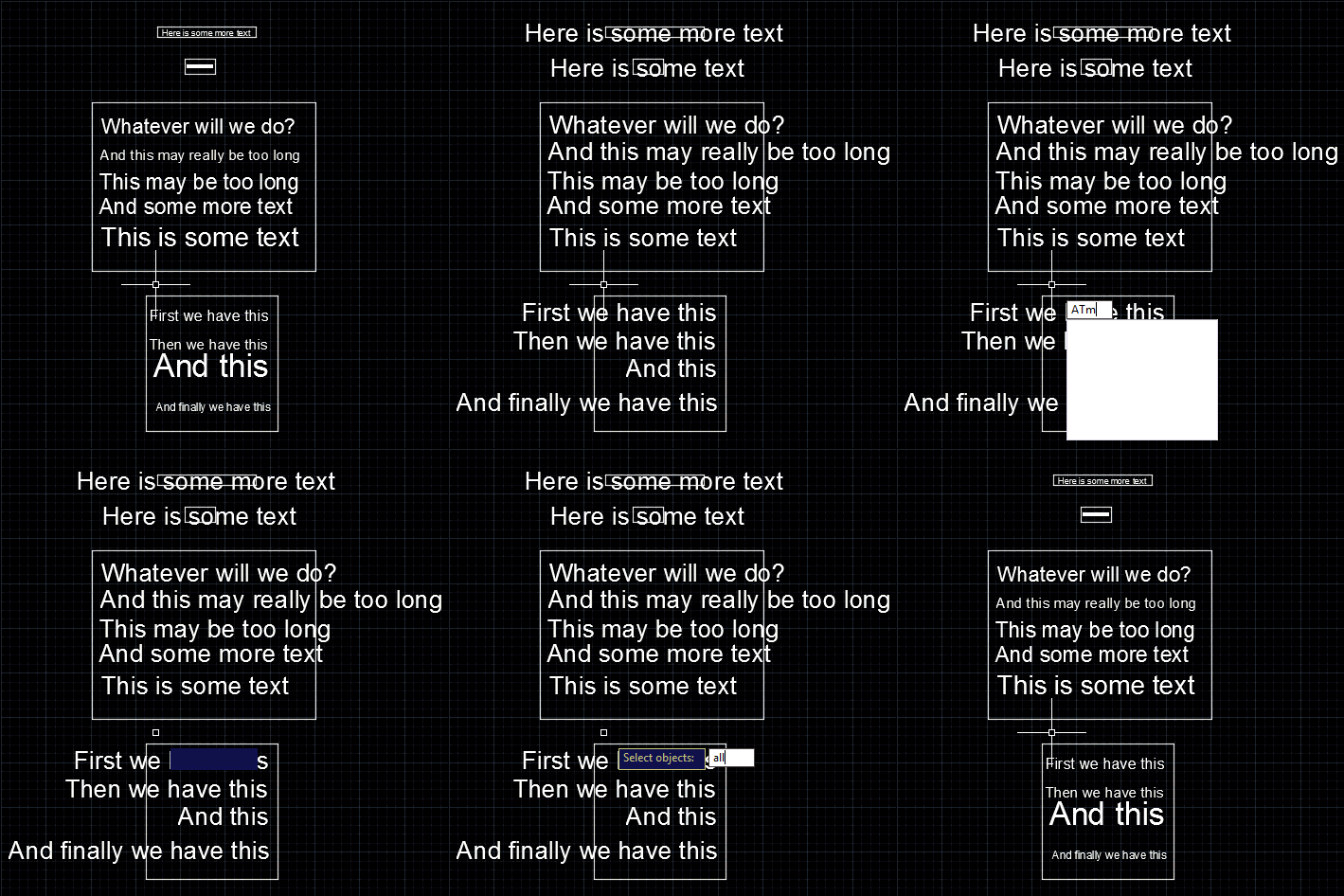
This is a follow-up to the post where we modified the size of selected text in a drawing, to make it fit its container. I received this comment last week: instead of selecting the nested entities one by one, is it possible to make a "selectall" selection ? It turns out that the question was related to a completely different post, but by the time I realised I'd already completed most of the work. It seems a very valid question for this topic, so that's fine. 🙂 Looping through all the text – some of which may be nested inside…