AutoCAD .NET
-

While my last post on tables was apparently interesting, it turns out it didn't actually address the question that inspired it. Oh well. Here's a recent comment that gave greater clarity on the requirement: Do you know those no smoking signs commonly seen in public places: a cigarette with a red cross struck through it. Can a similar thing be done programmatically in a table with the strike through happening through a number. A picture is worth a 1000 words: http://imgur.com/gallery/qPzEm... In other words, can a block be inserted into a particular cell which already contains a number value? side…
-
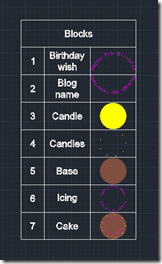
After the last post, where we saw some code that creates an AutoCAD table based on the blocks in a drawing, in this post we're going to modify our table, adding a new, initial column that numbers the contents. Here's what we want to create using our new MBT command: Here's the way the command looks when it runs: And, finally, here's the updated C# code with our new MBT command: using Autodesk.AutoCAD.ApplicationServices; using Autodesk.AutoCAD.DatabaseServices; using Autodesk.AutoCAD.EditorInput; using Autodesk.AutoCAD.Runtime; namespace TableCreationAndModification { public class Commands { const double rowHeight = 3.0, colWidth = 5.0; const…
-
This post – and the one to follow it – were inspired by a comment on this old post (which in many ways is quite similar to this one, just using an older syntax and starting with a static array of table data). We're creating a table with information about the various blocks in the block table of the current drawing: in this post we create the basic table containing the table name and its thumbnail, while in the next post we're going add some additional (and as-yet-to-be-determined) information. The basic point is to show how to manipulate an existing…
-
I mentioned in a recent post about some code I put together to replace a drawing's internal block structure with external references. The code determines the blocks used in the modelspace and then works through, saving each to a file via the wblock mechanism and then attaching them back in as Xrefs. The code was surprisingly easy to put together. It's a bit on the destructive side – it rips out blocks and creates equivalent drawings in the temp folder – so I do suggest running this on a copy of your drawings. But as part of a process exporting…
-

When I was a boy, I used to love going to play with toys at my grandmother's house. My absolute favourite was a die-cast Batmobile made by Corgi in the UK. What I particularly liked about this toy was its hidden features: the cars apparently came with secret instructions, although these were nowhere to be seen by the time I started playing with it. The Batmobile had plastic flames that came out of the exhaust when the rear wheels turned and spring-loadable, vertical rocket launchers. The biggest surprise was when I discovered the cutting blade that popped out of the…
-
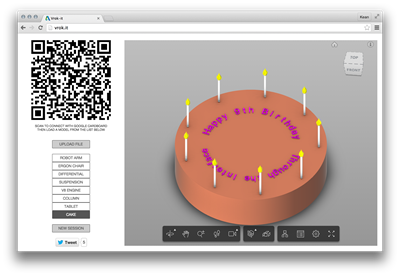
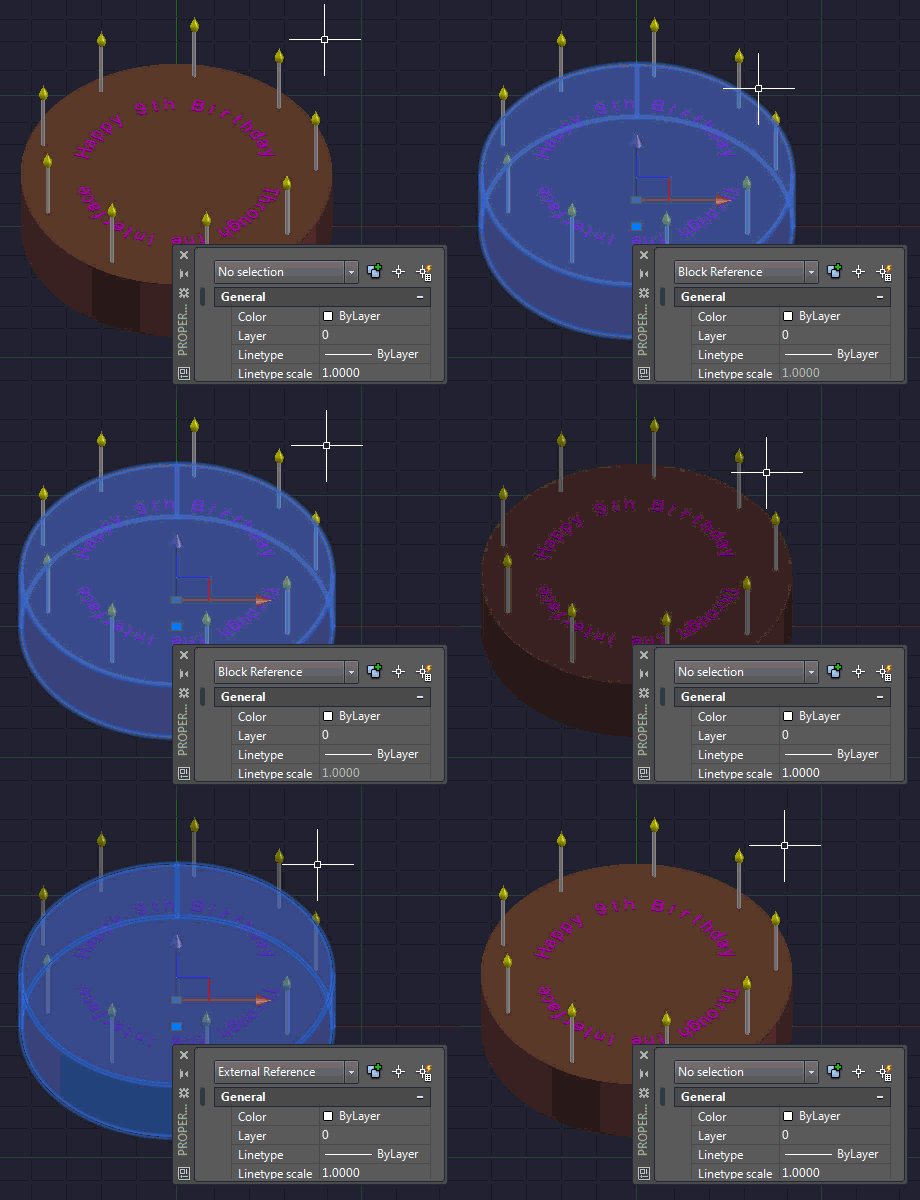
It's insane how the years tick past. Today marks the 9th anniversary of Through the Interface. For a bit of fun, I've added an Easter Egg (well, actually it's more like a Birthday Cake) to Vrok.it: Choose the "Cake" button on the left to view a Birthday Cake modelled completely using AutoCAD. If you connect to the session using the QR code, you can see the birthday cake in stereoscopic 3D on your smartphone using Google Cardboard. Or without it, if you're good at squinting. In case you're interested, the mechanics of creating the 3D text in AutoCAD were quite fun:…
-
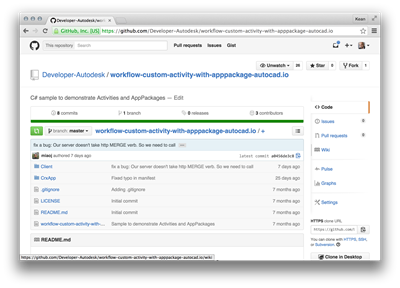
After introducing the series and looking at the additional code needed for a .NET CRX app to work with AutoCAD I/O, in this post we're going to go the extra small step to prepare the Autoloader manifest, getting it ready to create the Activity and its AppPackage. To simplify the process of developing this app, I recommend a couple of things: download the sample on GitHub I pointed you at, last time – whether by cloning the project or downloading it as a ZIP – and make modifications directly to that. To build the sample I'm creating, for instance, you…
-

As promised yesterday, this post deals with modifying your CRX module to make it work with AutoCAD I/O. A quick reminder on what writing a CRX app means for .NET developers: we're still creating a .DLL (unlike ObjectARX developers, whose CRX modules have the .crx extension), but it can only reference AcDbMgd.dll and AcCoreMgd.dll (not AcMgd.dll). Importantly the module must be loadable – and testable – in the Core Console. The basic C# code we're going to extend is from this previous post. The real change that's required for commands to work in AutoCAD I/O is how they get user-input…
-

Over the coming weeks I'm going to be exploring – and blogging about – the ability to run custom .NET code inside AutoCAD I/O. After all, I've submitted an AU class on the topic, so I really do need to get my head around it. 🙂 I see this series being made up of the following high-level tasks, although each of these may end up requiring multiple posts to cover (and conversely there may be some that can be covered in a single post): Writing a CRX module that's I/O-ready Building an Autoloader bundle for the CRX module Defining an…
-
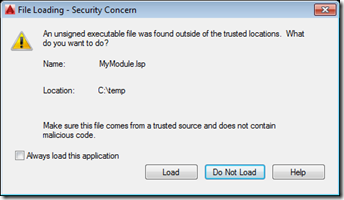
Yesterday we introduced the need to sign program modules for AutoCAD 2016. Today we're going to see how AutoCAD behaves when loading signed and unsigned modules, as well as what the innards of a signed LISP module look like. Here's a simple piece of AutoLISP code that I've placed in a file called c:/temp/MyModule.lsp: (defun c:test() (princ "\nThis is a test command.") (princ) ) Here's what AutoCAD displays when we try to load this module: We can use AcSignApply.exe to sign this module with our digital certificate, as we discussed yesterday: Here are the contents of the file…