AutoCAD .NET
-
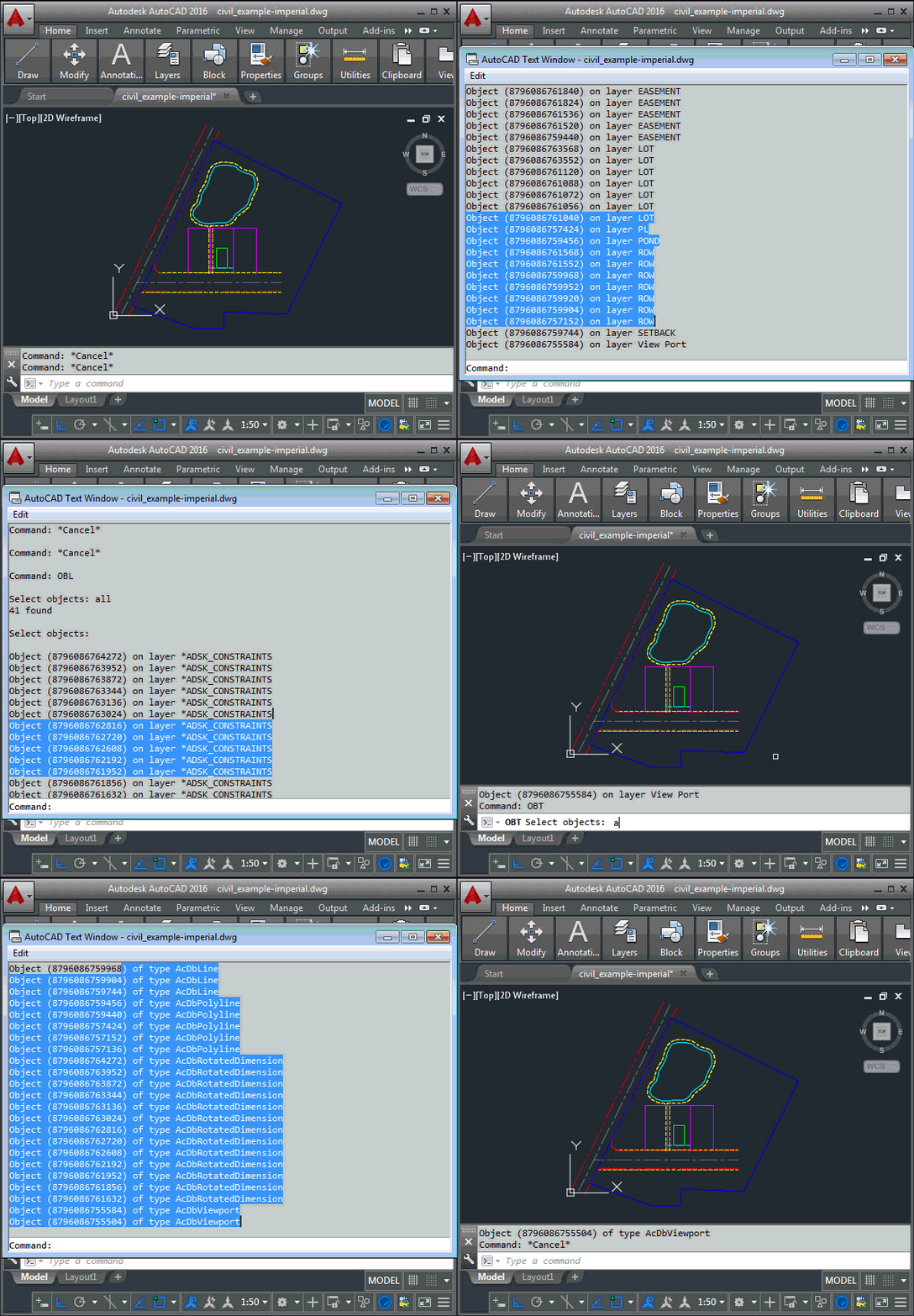
I received this interesting question by email from Henrik Ericson, last week. Is it possible to sort the selected objects (only 3dFaces in my case) in a SelectionSet by their layers? I want to process all the objects, one layer at a time. In other words, first all objects on layer A, and then all objects on layer B and then C and so on. In my case it isn't necessary to process the layers alphabetically. It's especially interesting as I'd just been thinking of approaches for sorting toolbars based on an index property, to get the code in this…
-
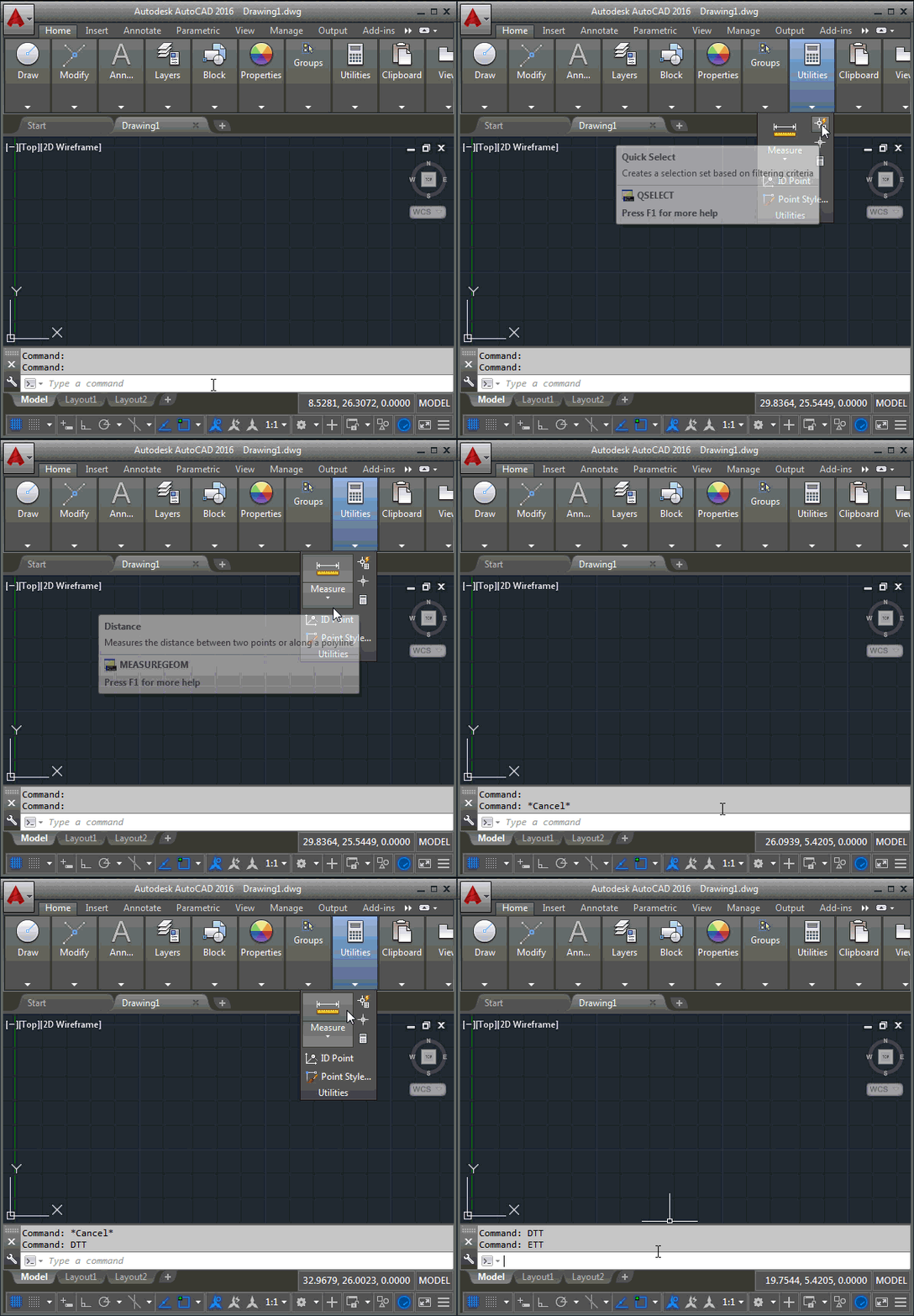
I wasn't planning on posting to this blog again, this week – three times per week is enough, I find, so I tend to save any leftovers for the week after – but this question James Maeding asked is very much related to this week's posts, and – in any case – I already have three fun posts planned for next week. 🙂 Here's the question James asked, again: wish I had something to make tooltips disappear when needed. I like them on for many things, but then they get in the way sometimes, and you have to cancel all…
-

In the first post in this series, we saw how to disable AutoCAD's ribbon. In the second post, we saw how to make (with some caveats) AutoCAD's toolbars disappear. In this post we're going to throw all that away and show how to get better results with a single line of code. <sigh> But before all that, a big "thanks" to both James Meading and Alexander Rivilis, who have helped us get to this point. James pointed out a fairly significant flaw in yesterday's toolbar-hiding code (hence the mention of caveats, above), in that it didn't place toolbars on multiple…
-
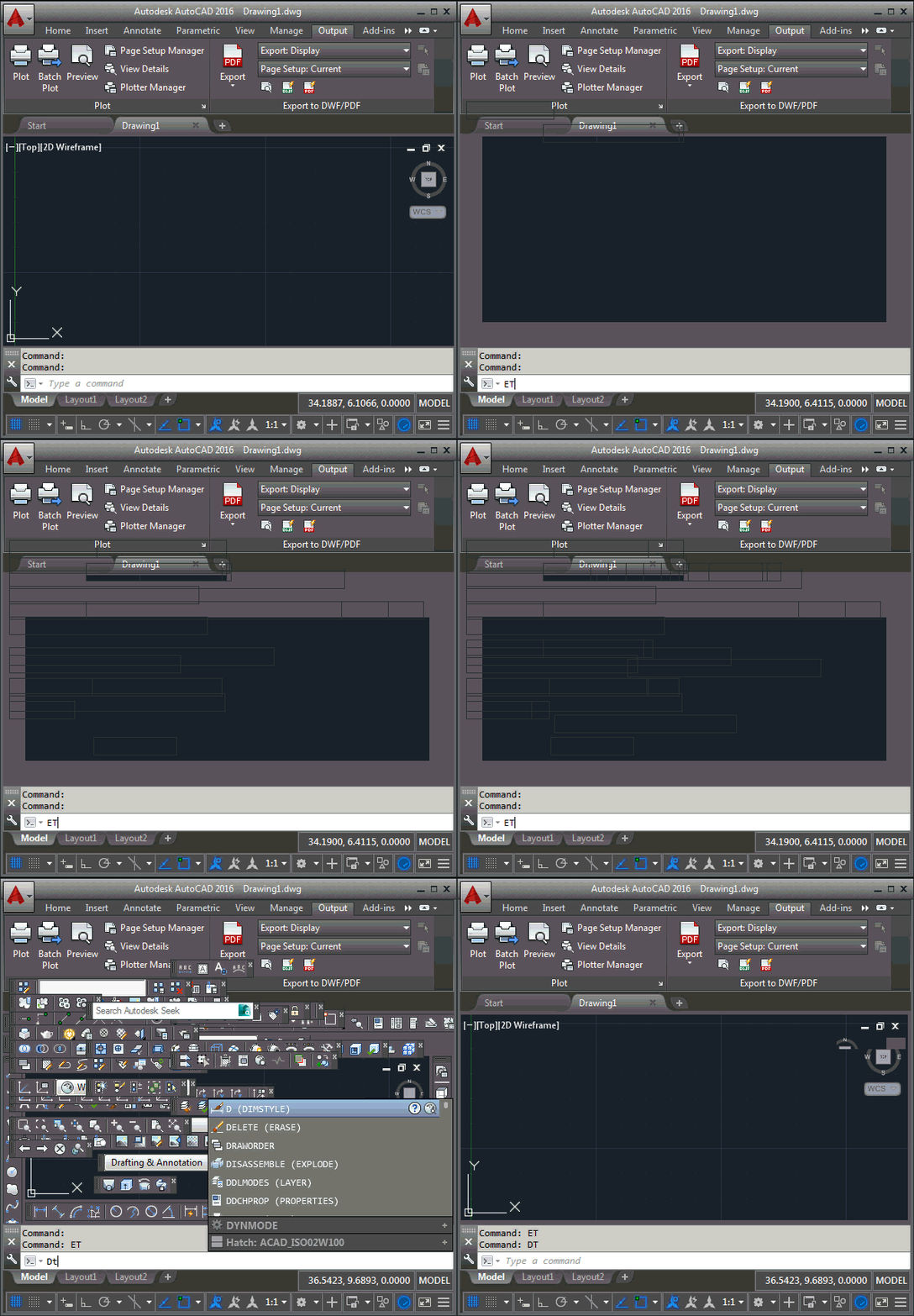
It turns out that the forum request I attempted to cover in the last post – handily re-interpreted to deal with something I knew how to do 😉 – was in fact about toolbars, rather than the ribbon. In this post we're going to look at how to disable toolbars – and re-enable them – using .NET, so that Pete's original request is dealt with. To start with, there's no real way to grey out toolbars via the API – at least not at the toolbar level, perhaps it can be done per toolbar item – so I've opted just…
-
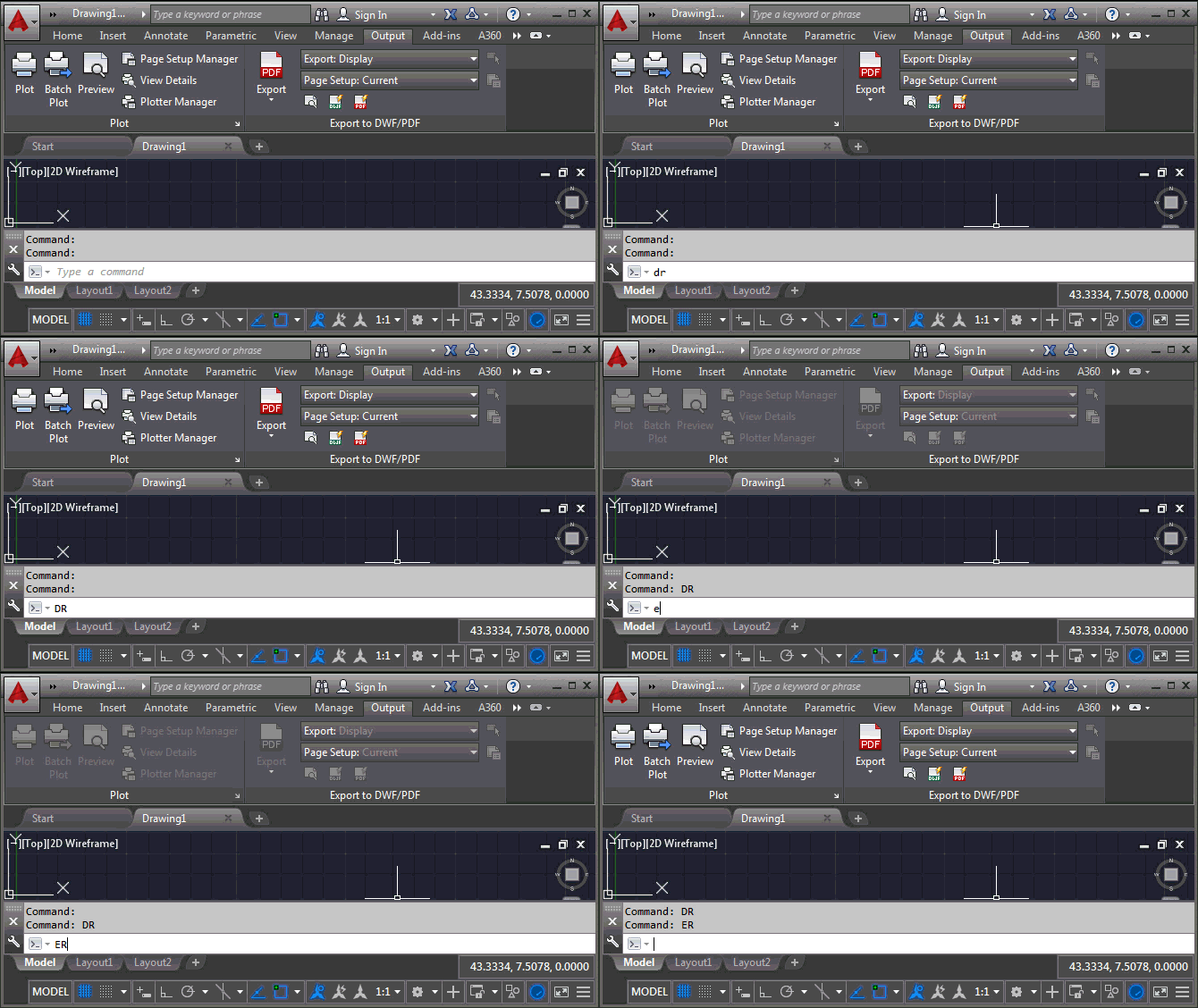
I came across this interesting question on the AutoCAD .NET forum, posted by Pete Elliott: When AutoCAD is loading, I see that my toolbars are disabled (grayed-out) until the loading has finished. Our company does some additional data loading after AutoCAD has become idle. But if the user clicks certain custom toolbar buttons while our additional data is loading, AutoCAD fatal errors. Is there a way we can disable the toolbars (like AutoCAD does) until our loading is finished, and then enable them? I haven't been able to locate an API that provides this capability. Any suggestions greatly appreciated! It…
-
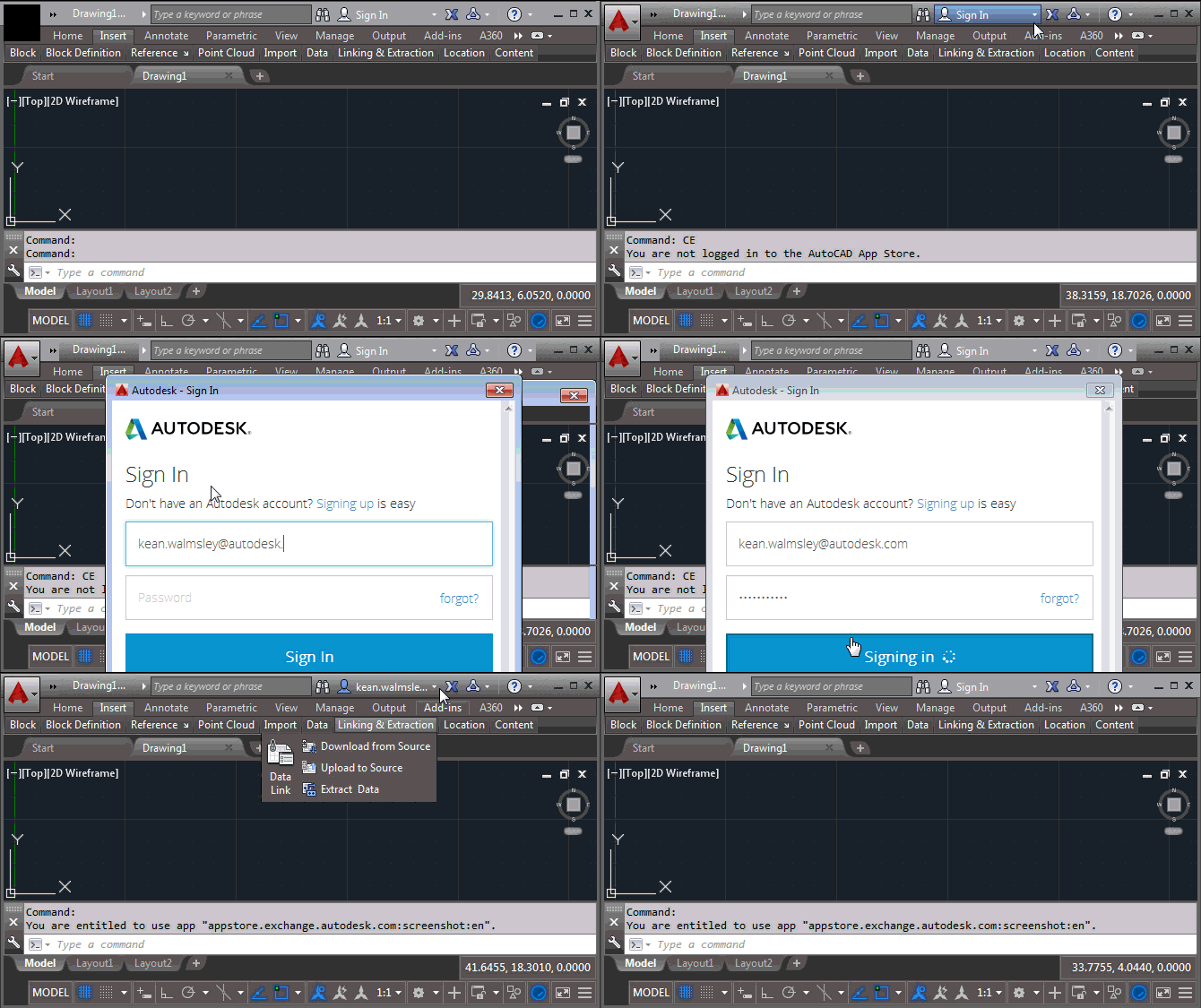
Many, many thanks for the congratulatory messages I received after my last post, whether via this blog, Twitter, LinkedIn or email. I was genuinely overwhelmed by the response! 🙂 Here's a post I've been meaning to write for some time: a common question I've seen, over the years, is about how best to implement copy protection or licensing in your application. While this post doesn't fully address that requirement, it does show you how to use a REST API to check the user entitlement for your application via the Autodesk App Store (formerly known as Autodesk Exchange Apps). This post…
-
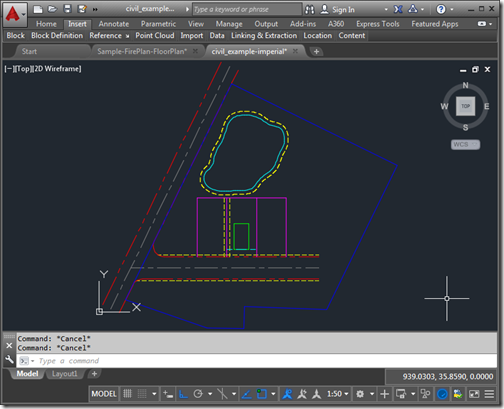
This is a topic that has been addressed a few times on this blog, whether by posts that use the 3D graphics system to capture screenshots or the series of posts regarding the Screenshot Plugin of the Month from a few years ago. I thought it worth revisiting, though, as I noticed an API that I hadn't used before and decided to put it through its paces. The API is a simple one – Document.CapturePreviewImage() – and it's been covered before on the AutoCAD DevBlog. But I thought I'd take some file-selection code from the Screenshot app and see whether it…
-
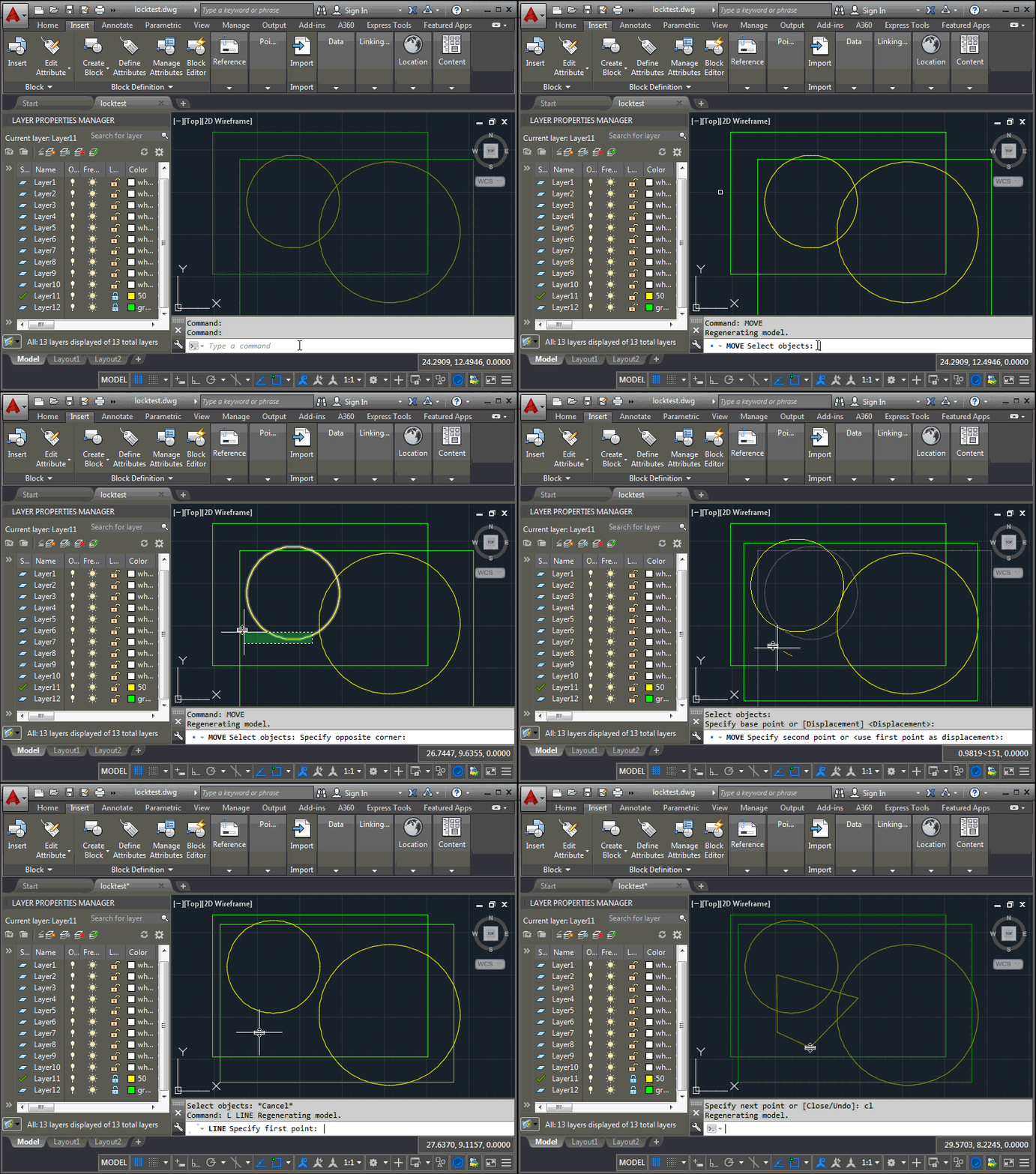
This question came up during last week's accelerator, and is part of the reason I spent creating the last post: is it possible to selectively unlock certain layers for the duration of commands that have been specified by the user? Let's take an example: you have layers that should remain locked, apart from when using the MOVE command (COPY and ERASE should not work). The approach I took was to maintain a dictionary mapping command names to lists of layers to unlock. When a command is launched – which we can tell using the Document.CommandWillStart event – we check whether…
-
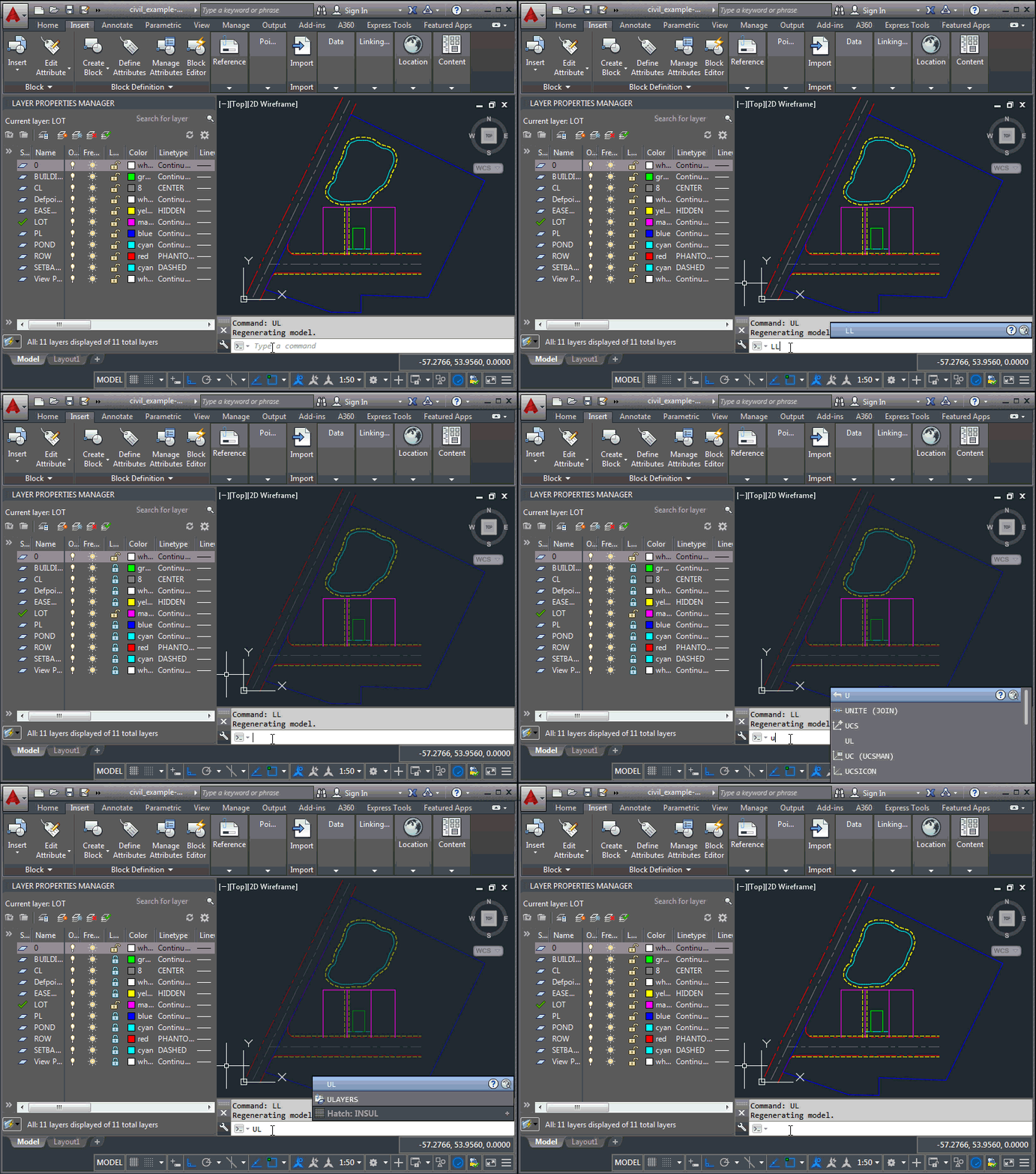
On Friday I visited Munich Airport: not only to catch a flight home to Switzerland but also to take a look at some AutoCAD issues frustrating the developers working on the airport's facilities management system. During the course of the day we were able to work through a number of problems – such as using COM (SendCommand()) to run a script synchronously as well as to get the fill pattern for MPolygon objects (this is apparently broken in .NET) – but there was one I had to bring home with me: when locking and unlocking layers programmatically, their geometry doesn't…
-

It's been a hectic – but very fun – few days in Munich, working with a group of 60-70 developers from all over Europe who are getting started with Autodesk's cloud services. I'm particularly focused on those working with AutoCAD I/O, which means probably 5-6 companies in total. Here's a quick summary of some of the problems that have come up, many of which are for pure AutoCAD… Draw Order warning One developer has a long-running custom operation that presents the following message: AutoCAD Warning: This operation may take a long time. To greatly improve performance, the system can disregard…