AutoCAD .NET
-
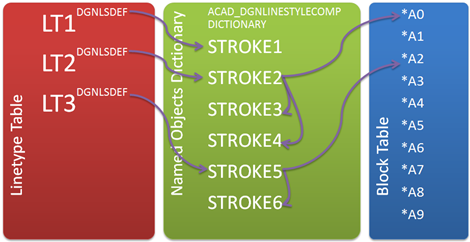
I had an interesting question from a member of our Product Support team, last week. They've been working with a number of customers regarding large files resulting from importing DGN data into AutoCAD: it turns out that the internal structure for complex DGN linestyles created by the DGNIMPORT command – while working very well when the data is "live" – makes the data difficult to remove once no longer needed. [Quickly, a big "thank you" to a couple of old friends and colleagues. Firstly to Markus Kraus, who helped explain the data structure created by DGNIMPORT, and then to Albert…
-
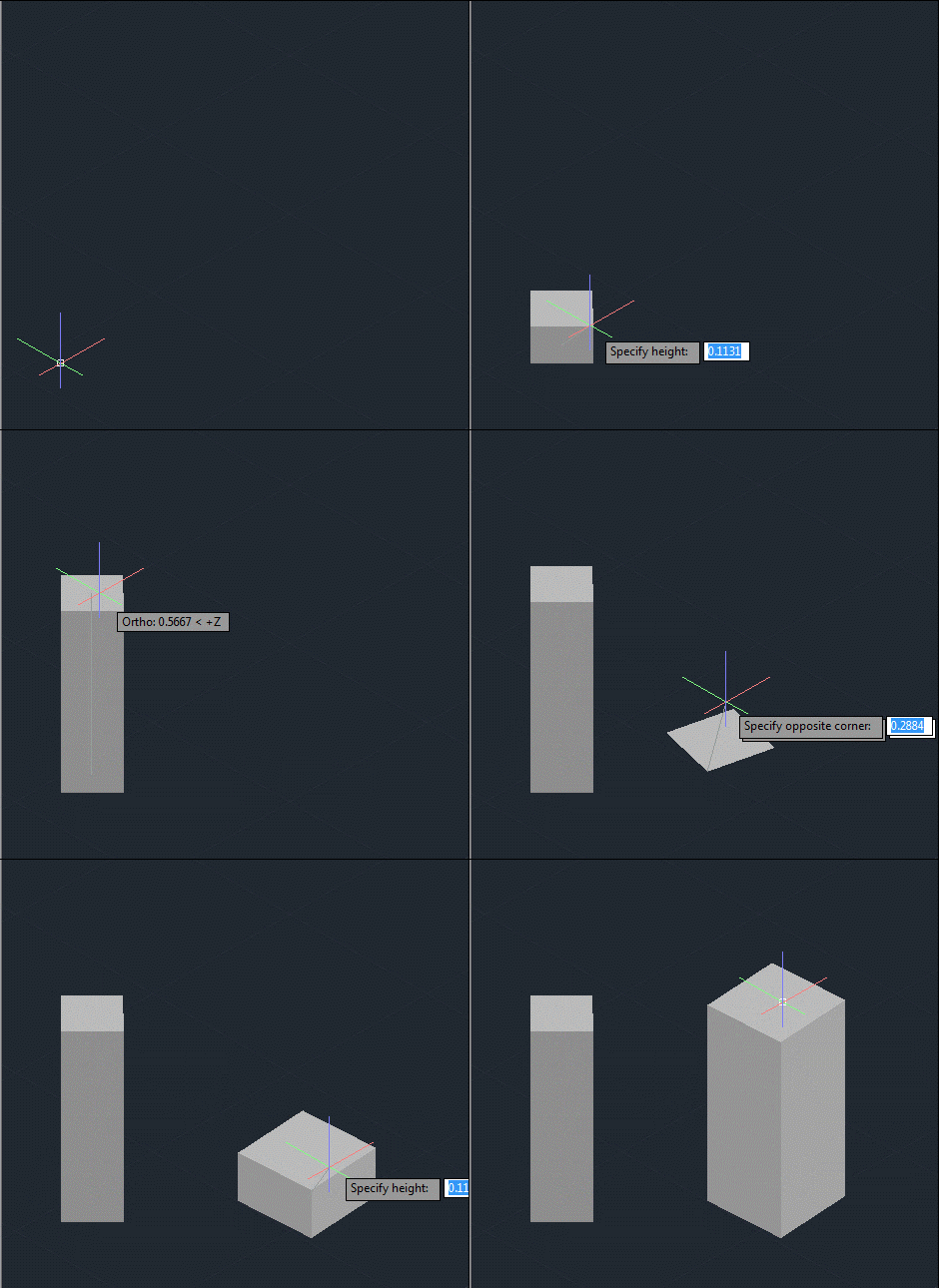
After creating a frustum-shaped jig "manually", refactoring the code while introducing the idea of an "Entity Jig Framework and then updating the framework and providing a number of usage examples, today's post looks at a slightly more complex use-case: defining a jig to create a square (in X & Y) box by selecting opposing corners. It may sound simple, but it was actually harder that it sounds – especially when supporting the use of an arbitrary User Coordinate System. It also makes use of a "phase" type that we previously hadn't needed, as we require point input for our second…
-

In the last post I introduced a simple framework to make the definition of multi-input entity jigs more straightforward. A big thanks to Chuck Wilbur, who provided some feedback that has resulted in a nicer base implementation, which we'll take for a spin in today's post. Here's the updated C# framework code that makes use of a simple class hierarchy for our phase definitions: using Autodesk.AutoCAD.DatabaseServices; using Autodesk.AutoCAD.EditorInput; using Autodesk.AutoCAD.Geometry; using System.Collections.Generic; using System; namespace JigFrameworks { // Two abstract base classes: one for all phases... public abstract class Phase { // Our member…
-
In the last post we saw some code to create a frustum-shaped Solid3d object inside AutoCAD. I mentioned at the bottom of that post that there seemed to be an opportunity to write a framework of some kind to abstract away some of the repetitive code needed to create a multi-input jig. I probably didn't say it in quite that way, but that was what I was getting at. 🙂 Anyway, after having looked at it some more, here's what I came up with: the EntityJigFramework. It's a class derived from EntityJig that encapsulates some of the common code you'd…
-

As promised, here's the cleaned-up code to jig a frustum inside AutoCAD. When I took on the task of writing this code – live, during the "AutoCAD Programming Gurus Go Head to Head" class at AU – I thought to myself "that should be easy enough – I'm sure I have some code to jig a solid on my blog". Well, I did, but it turned out the code showed how to jig a box, and the code was in Python and Ruby but not C#. So I ended up having to code for my supper, after all. 😉 One…
-
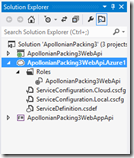
After introducing the topic – as well as creating our basic, local web-service – in the last post, today we're going to publish our MVC 4 Web API application to the cloud and see it working from a number of different client environments. Preparing to publish to Azure Now that we're ready to publish to Azure, we need to add a deployment project to our solution. Right-click "ApollonianPackingWebApi" in the Solution Explorer and select "Add Windows Azure Cloud Service Project". This will add a new project into our solution. We can now double-click the entry under the "Roles" folder in…
-
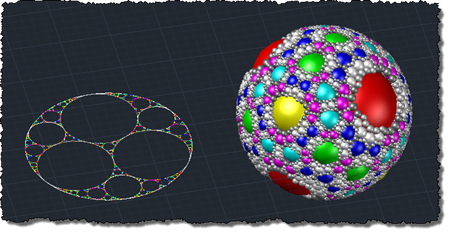
After posting the handout for my Wednesday class, now it's time to start the one for Tuesday's - CP1914 - Moving Code to the Cloud: It's Easier Than You Think (I have a lot else going on on Tuesday, but this is the only class on that day for which I needed to prepare material). Attendance for both classes is looking fairly good: there are currently 138 attendees registered for the Cloud session and 62 registered for the one on WinRT. Why all this talk of the cloud? The software industry is steadily adopting a model commonly referred to as…
-
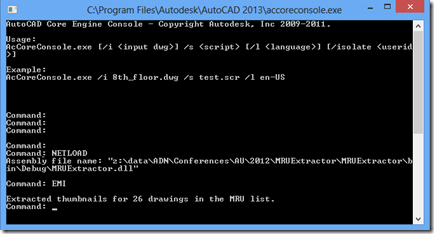
This post contains the second part of the handout for my Windows 8-related session at AU 2012 (here's the first part). Here's the accompanying source project for the MetroCAD application, which has now been upgraded to work on the shipping version of Windows 8. What can be done with AutoCAD? Something that's being promoted by Microsoft to developers of "heavyweight" desktop apps is the idea of a companion app. These are essentially Windows Store apps that complement desktop apps such as AutoCAD. We're going to see one such companion app in this session: an app called MetroCAD that is basically…
-
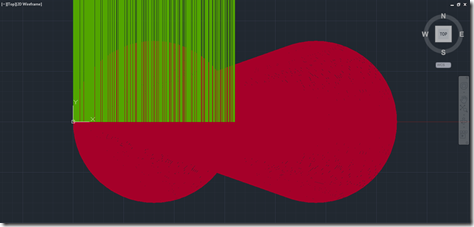
After introducing the work down by Carlos Paris on using AutoCAD to hunt prime numbers, we then looked at some DesignScript code that essentially recreates the core geometry Carlos used to visualize prime numbers. In this post, we'll create some .NET code that iterates through the visualization, gathering primes and tagging them with rays to make them easily locatable. Now use AutoCAD as a graphical hash-table in this way is not the way you're going to discover a billion-digit prime number, but the approach is interesting because it adds useful information to the primes visualization and also shows some potentially…
-

There was a follow-up comment on this previous post, requesting that it also create a rectangular boundary around selected geometry. This is a much simpler problem to solve that dealing with a minimum enclosing circle, so I was happy enough to oblige. 🙂 Rather than duplicate code from the previous implement, I went ahead and generalised it to contain a core set of functions that get called from different commands: MEC in the existing case where circular boundaries are required and MER for the new case of a rectangular polyline boundary. I've also adjusted the prompts and code to be…