AutoCAD
-

I mostly despise jetlag but once in a while manage to harness it for something positive. I remember some great trips to Asia, waking up at strange times to experience the dawn, walking the streets and seeing everyday life starting up around me. These days I typically find jetlag to be a bit of a curse, but this weekend I ended up using it to tackle a fun challenge: generating maps for Z-machine games such as Zork inside AutoCAD. Something I mentioned in a recent blog post but was reminded of last Thursday while catching up with Christer Janson in…
-
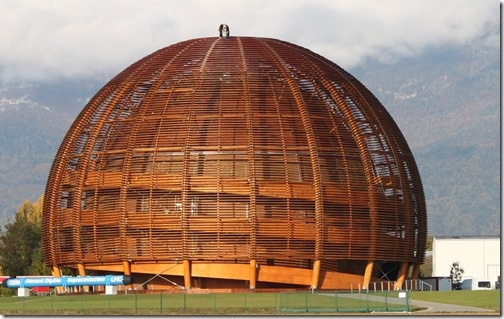
When I was in Prague recently I spent some time with Alex Vinckier and Kris Riemslagh from hsbcad, an ADN member and provider of software for the offsite construction industry. I've corresponded and spoken with Alex and Kris a number of times during my time at Autodesk, but this was my first opportunity to meet them in person. They suggested I coordinate with another member of the hsbcad team – Alex's twin brother, Karel – to visit to one of their best customers, who happens to be based just 40km from my home. So it was that Karel and I…
-
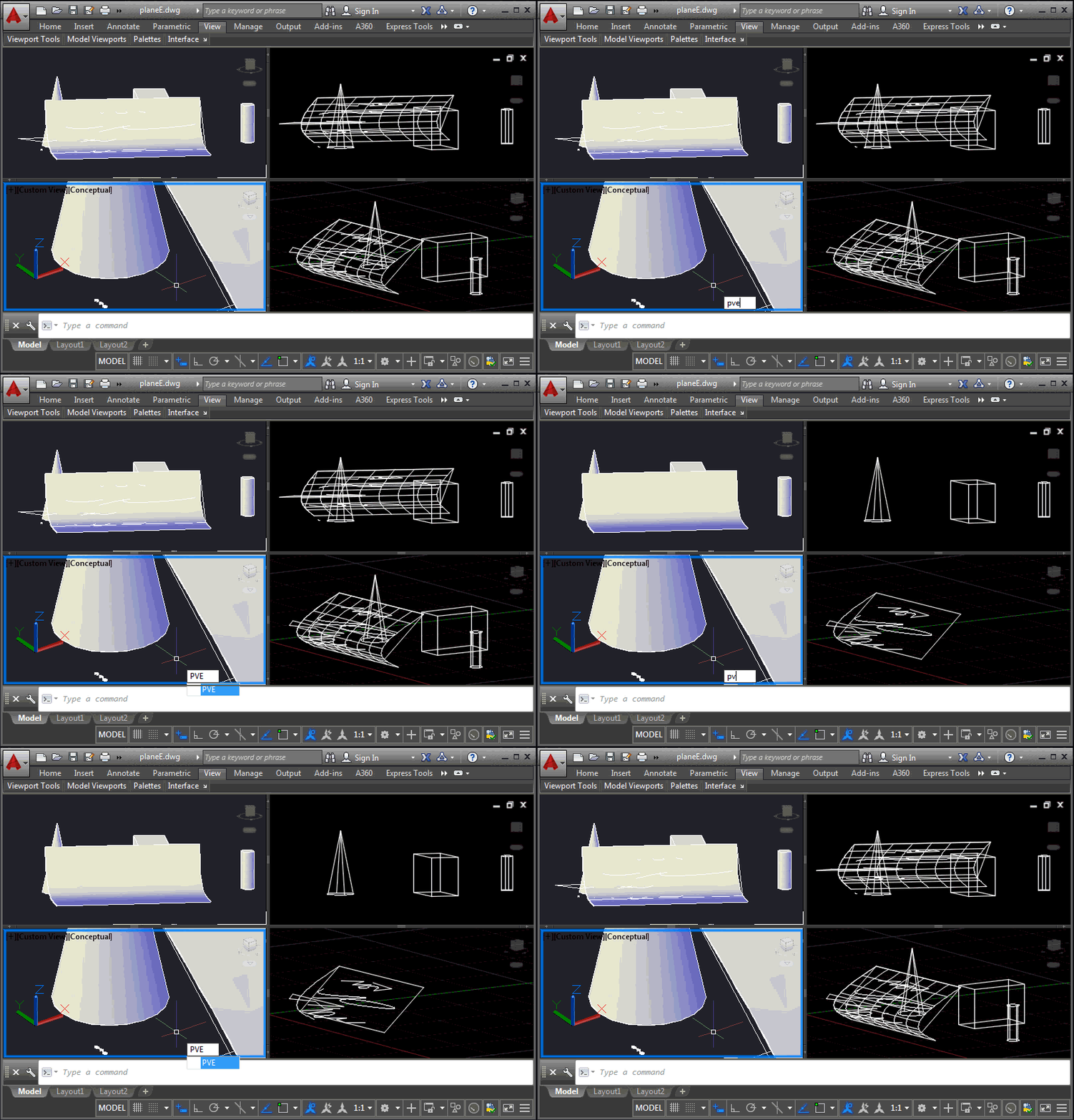
This is a problem that developers have been struggling with for some time, and it came up again at the recent Cloud Accelerator: how to control the display of AutoCAD geometry at a per-viewport level, perhaps to implement your own "isolate in a viewport" command. It's certainly possible to control layer visibility at the viewport level, of course, but this is sometimes at odds with how users wish to use layers for their own purposes. An application may want to isolate geometry in a certain location from a number of layers, for instance, and it becomes cumbersome to hijack the…
-
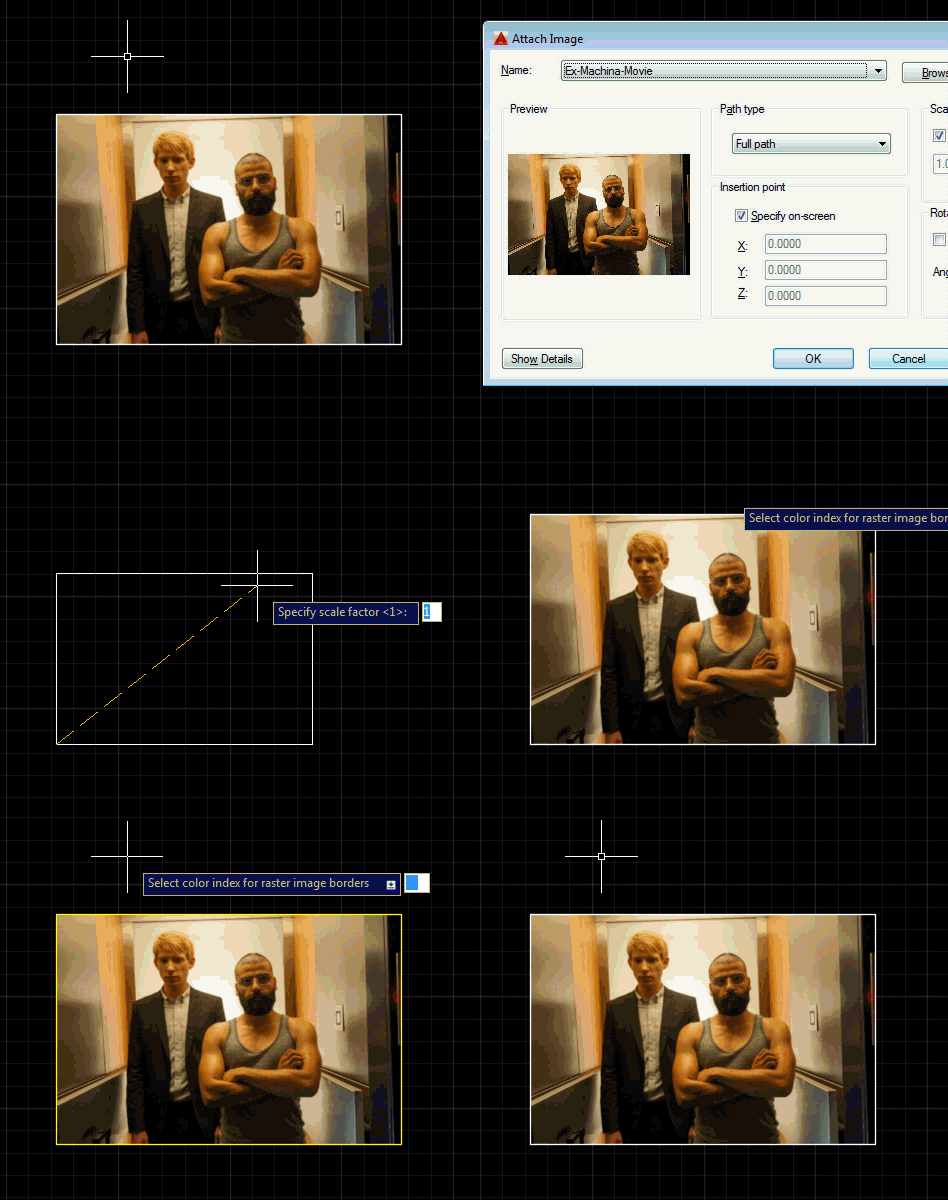
This is a question that came up at the recent Cloud Accelerator in Prague: how can you change the border colour for all raster image objects in the drawing? We could do this by placing the raster image on a particular layer, but the developer was looking for a global override. The answer ended up being really simple with a DrawableOverrule. Here's some C# code that does this: using Autodesk.AutoCAD.ApplicationServices; using Autodesk.AutoCAD.DatabaseServices; using Autodesk.AutoCAD.EditorInput; using Autodesk.AutoCAD.GraphicsInterface; using Autodesk.AutoCAD.Runtime; namespace RasterImageOverrule { public class RasterImageDisplayOverrule : DrawableOverrule { public short Color { get; set; } …
-
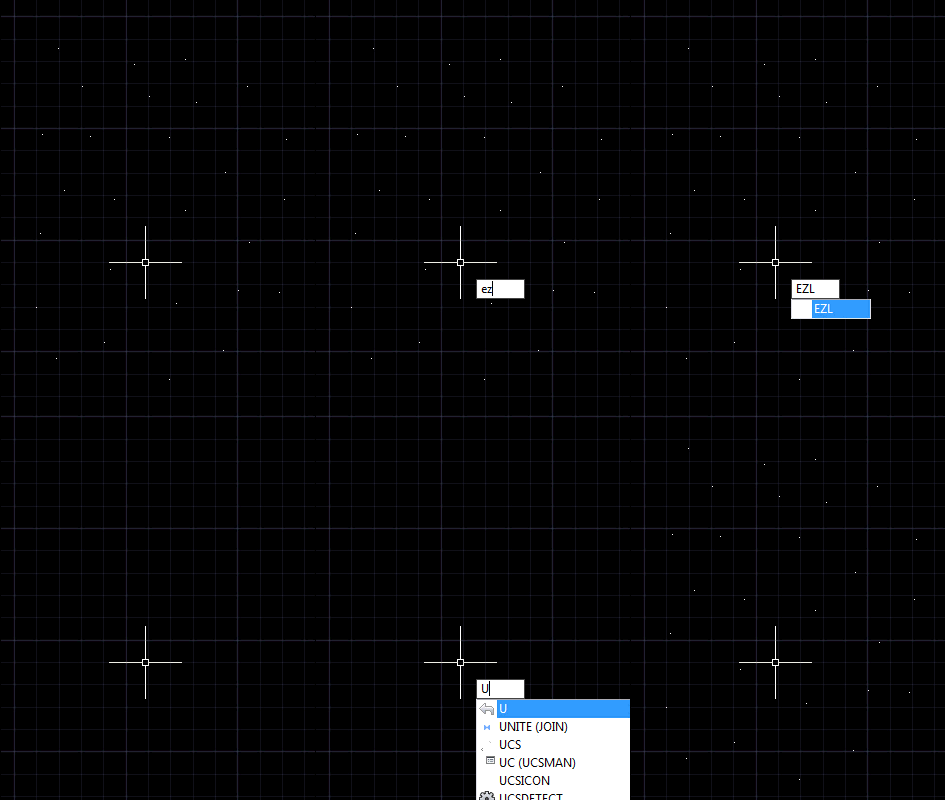
In the last post we saw a "general" function to erase all the entities in a drawing that fulfill a specified condition. We used it to erase all the zero-length lines in a drawing. But as I'd mentioned at the end, I thought there was an opportunity to generalize the mechanism even further. Here's what I came up with (and I've included a suggestion by Parrish Husband to create an additional extension method for Curve.IsZeroLength()). using Autodesk.AutoCAD.ApplicationServices; using Autodesk.AutoCAD.DatabaseServices; using Autodesk.AutoCAD.Geometry; using Autodesk.AutoCAD.Runtime; using System; namespace ZeroLengthEntities { public static class Extensions { /// <summary> …
-
A question came in by email, yesterday, and despite having a few mini-projects in progress that were spawned during last week's event in Prague, I couldn't resist putting some code together to address it. The developer wanted to purge zero-length geometry: the simplest way to solve the problem is to run "_-PURGE _Z" at the command-line, but I saw this more as an opportunity to create a simple helper that would loop through all the entities in a drawing and erase any meeting a specified condition. In this case it would be curves with a length less than the global…
-

I needed to run some code from a modeless dialog, the other day, and found it was a bit of a pain to generate something quickly to do so. So I thought it might be a good idea to populate a palette dynamically with buttons that call commands and methods that were somehow tagged in the current project. The first step was to work out how to tag them: the obvious choice being some kind of method-level designation (much as we have with the CommandMethod() attribute). I created a command – named PC, for PaletteCommands – that uses reflection on…
-

This question came in via a comment, last week: Is it possible to get the point of intersection between a spline/3dpolyline and a plane surface? It turned out to be quite an interesting problem to solve. I started with brute force methods for the various curve types… For Polylines I checked linear segments against the plane (this is an intersection we can test), and for arc segments I broke these into linear segments and checked those, too. It all worked well with a high enough "resolution" for arc segments. Polyline3ds only have linear segments, so I could safely use the…
-

The nostalgia is strong in this one. (In both this post and this blogger, in case you're wondering.) It started with my 20th anniversary at Autodesk, but it got worse, last weekend, when I travelled to the UK to celebrate the 50th anniversary of the University of Kent (where I studied, back in the day, about halfway through its history). I'd coordinated with a couple of close friends, so we descended on Canterbury from Switzerland, Connecticut and Windsor, and joined a thousand or so alumni for a really fun, celebratory weekend, revisiting old haunts and sharing old memories. Doubling down…
-
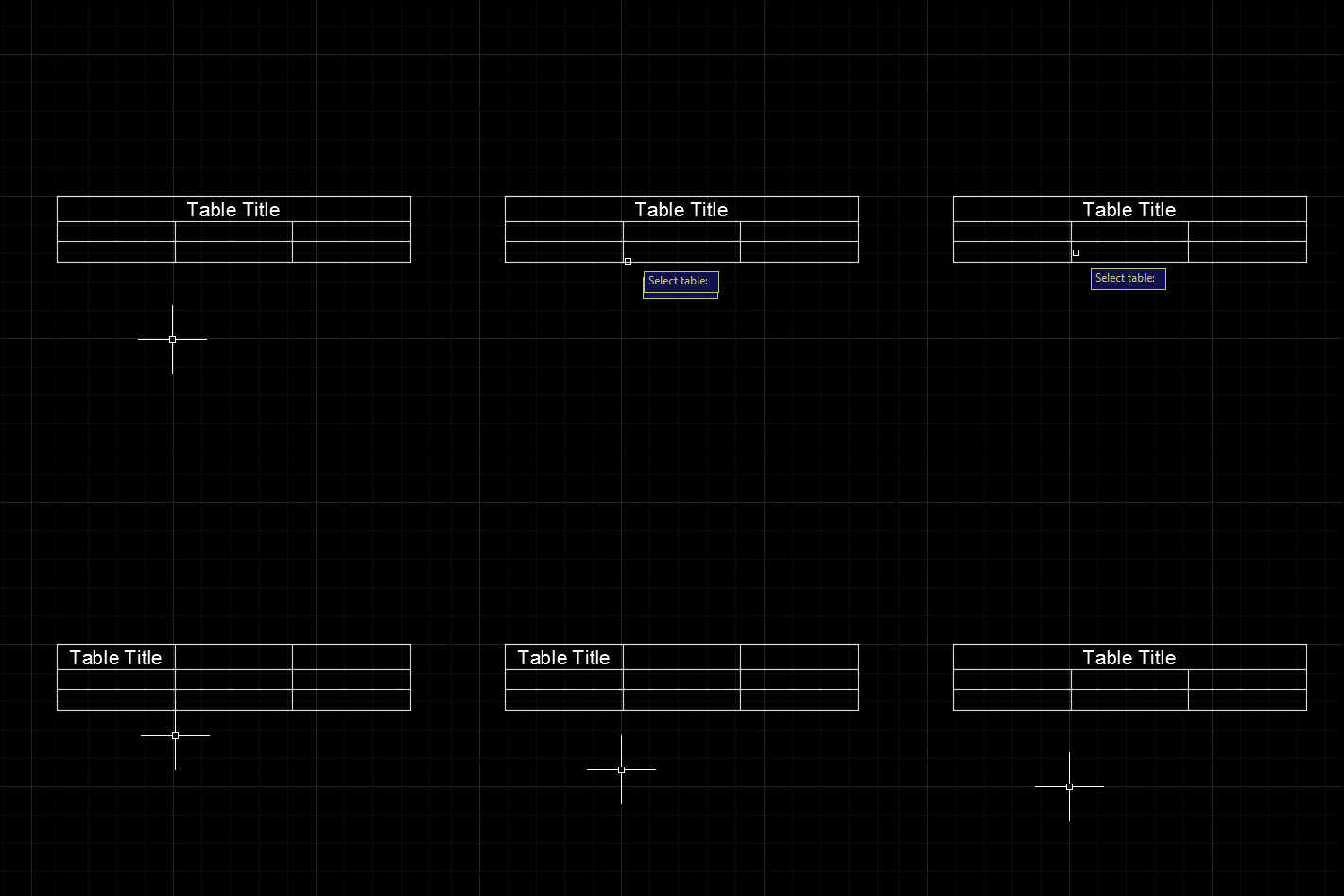
A question came in, last week, via a comment on this post. Daniel wanted to unmerge the title cells of a table: Very nice tutorial. based on this I manange to create the VB. NET code for my table style, but I face with a problem that I could not change the Title to be unmerged. In this moment, as default, it is merged and I want it to have it not merged. What is code for this ? I tried to find it out by ts.SetCellClass(RowType.TitleRow, MergeCellStyleOption.None but is not working. i get error on: sd.UpgradeOpen() line I took…