JavaScript
-
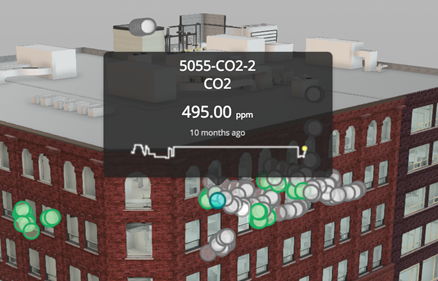
In the last post we talked about a recent optimization to Dasher 360, where we implemented a point cloud rather than individual SVG-based markers for our various sensors. As mentioned, last time, this was pretty straightforward to get working, but did add some complexity: rather than having seperate DOM-resident markers – which can easily have separate tooltips assigned – we now have a single object and need to be able to display tooltips when individual points in the cloud are hovered over. Here's the basic algorithm we used to determine when an individual sensor was being hovered over: Implement a…
-
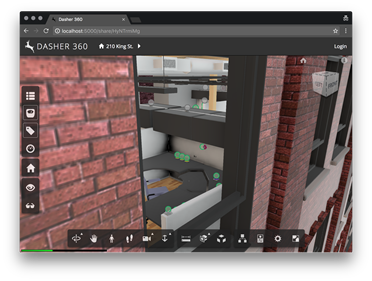
At the Forge Accelerator in Munich, back in December, while I spent most of my time answering what questions I could about Forge I also showed up with a question of my own. In the original prototype of Dasher 360 we used code from a very helpful sample that showed how to add SVG markers to the DOM inside the Forge viewer. The original sample showed this in the context of adding markup to a model: on our side we wanted it to mark the location of sensors in the model. While this was great for small numbers of sensors,…
-
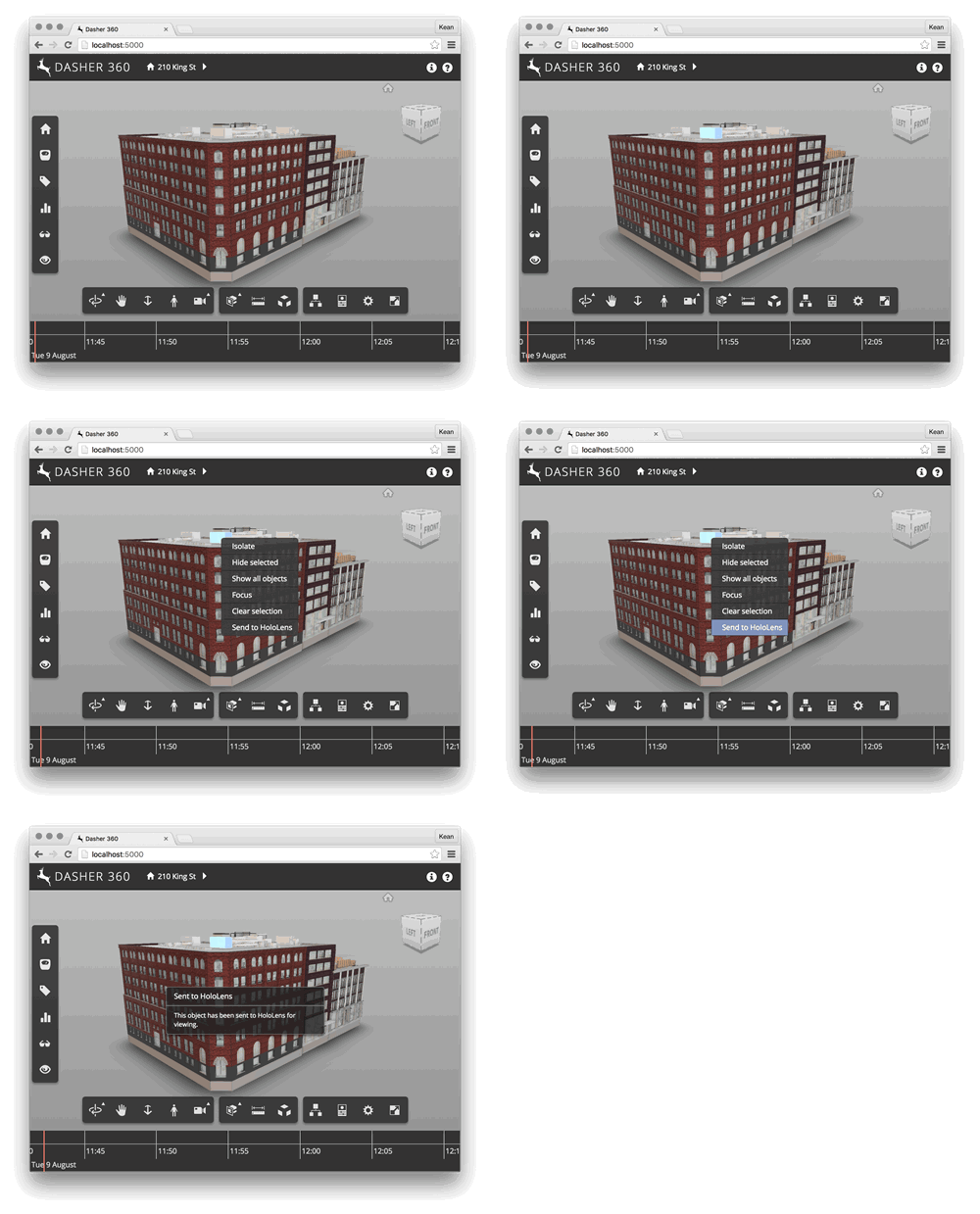
I've been spending quite a bit of time working on our "Dasher 360" prototype, recently. Which is, of course, based on the Forge Viewer. A simple – but handy – feature I added today is to add a context menu item to be displayed when objects are selected – and right-clicked – inside the Viewer. In my case I wanted to prototype a possible workflow for a "Send to HoloLens" capability: the feature itself isn't ready (that's what you might call an extreme understatement), but I thought I'd add the menu item in preparation for something being implemented. Here's a…
-

As mentioned in the last post, we're now going to take a closer look at writing extensions for the Autodesk View & Data API. To start with, we're going to create an extension which displays a vertical toolbar docked to the left of the Autodesk viewer. This toolbar will be centred on the viewer area and only contain three buttons: two will be toggles – with events assigned to when they're both clicked and unclicked – while the third will simply launch an action. Here's the JavaScript for this extension: /////////////////////////////////////////////////////////////////////////////// // Autodesk.Research.TtIf.Extension.Toolbar // /////////////////////////////////////////////////////////////////////////////// AutodeskNamespace('Autodesk.Research.TtIf.Extension'); Autodesk.Research.TtIf.Extension.Toolbar = function…
-
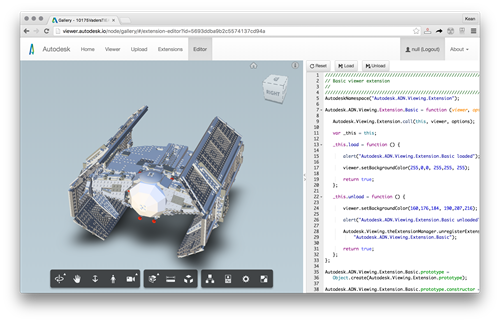
I've been working on a prototype implementation of a research project that makes use of the View & Data API for its visualization. It's interesting to get back into using this API, especially as it's a fundamental piece of the Forge platform. As we expect this particular application to grow, over time, we're using extensions to house logically separate parts of the UI implementation. Extensions are a great mechanism for encapsulating functionality: they're basically JavaScript objects that have load() and unload() methods that are called when the viewer loads/unloads them. A number of samples in the Autodesk samples repository make…
-

The AutoCAD team is running their annual survey to better understand developers' needs relating to documentation. Access the survey here before the end of May. Lee Ambrosius provides more information over on his blog, including some interesting data-points from last year's survey as well as areas of the documentation that were influenced by it.
-
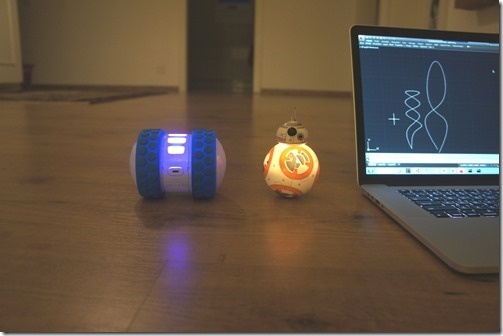
After seeing how we can use Cylon.js to control Sphero's Ollie and BB-8 robots from a browser, and then using the same mechanism from inside a custom AutoCAD command, today we're going to drive these cute little bots based on AutoCAD geometry. The idea is that we'll decompose regular curves – whether lines, arcs, polylines or splines – and use the "segments" as movement instructions for our robots. The approach is simple enough: we'll iterate along the length of each selected curve and generate a set of instructions – really just a set of angles – for the associated bot.…
-
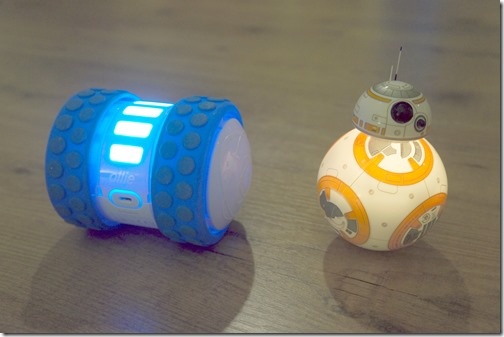
After looking at how to control robots using Cylon.js in the last post, in this post we're going to get that working inside AutoCAD. For now with just a command that allows us to move the robots – in a future post we'll analyse geometry and use that to specify the movements. The "controller" code we saw in the last post needed a little updating for use in this way. I went ahead and stripped out the keyboard-related code – as we're using behind a web-service – and added the capability to control individual robots. We want to be able…
-
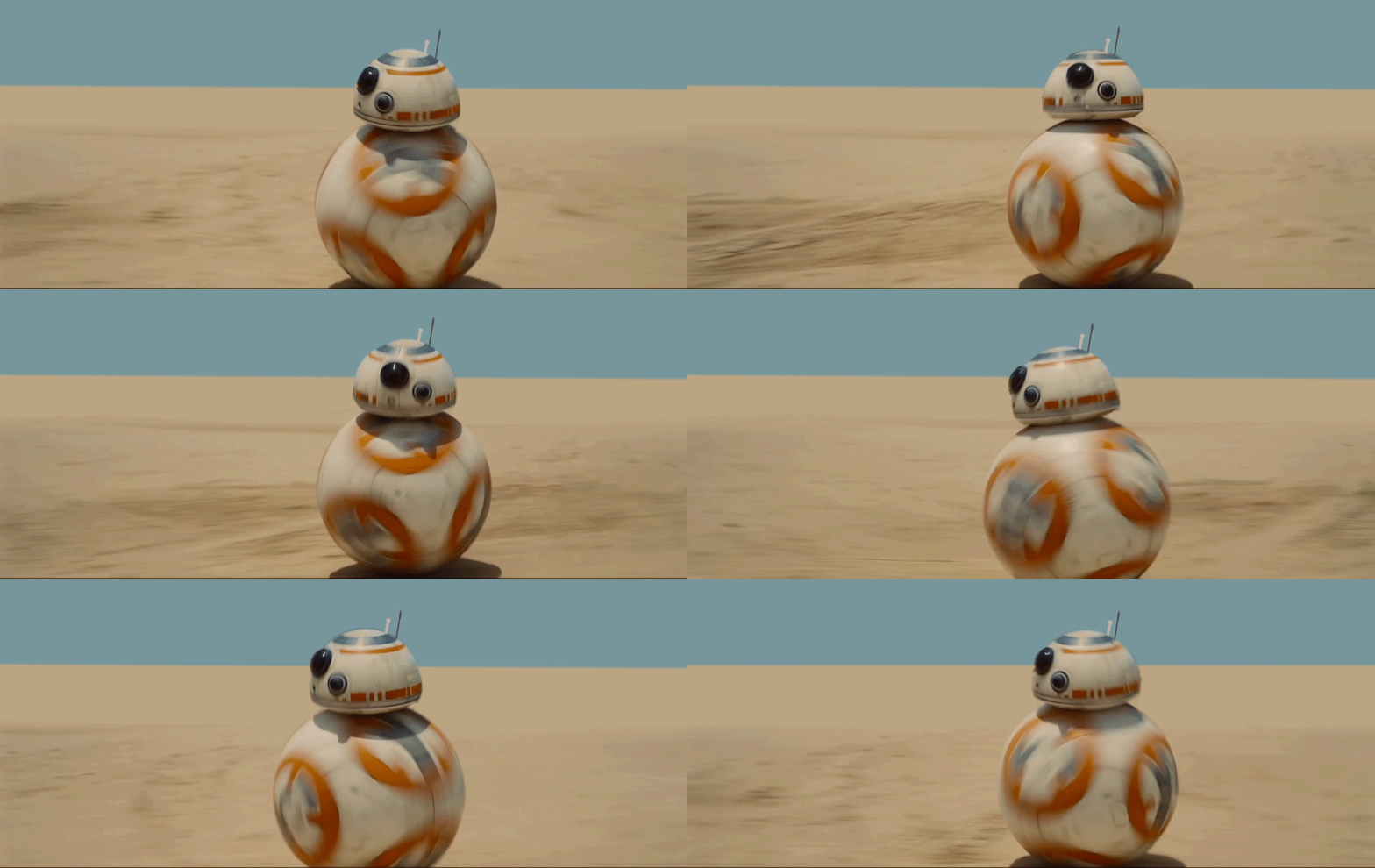
Happy New Year! I hope that those of you who celebrate at this time of year, were able to take a nice, relaxing break. I certainly did. 🙂 Anyway, it's now time for me to ease back into work. But rather than it being an abrupt transition, I've decided to take a look at a pet project that I thought would be pretty fun: controlling robots from inside AutoCAD. The thinking is to outline some possibilities for moving virtual robots inside a floorplan drawing and having their real-world, physical counterparts move as instructed. Perhaps along a specific path, perhaps by…
-
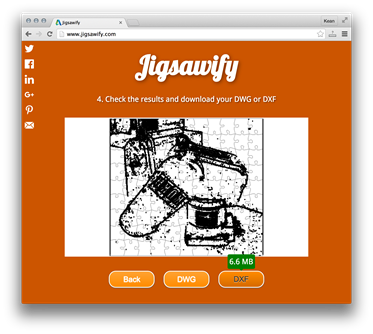
With the clock ticking before next week's AU 2015, here's the second of my class handouts (here's a link to the first). For those of you lucky enough to be heading to this year's event, see you in Vegas! Introduction During the course of this session, we're going to look at the steps required to implement a web-site for turning pictures into jigsaw puzzles. We're not going to go quite as far as creating the puzzles, themselves, but rather the DWG or DWF files that can be used to drive a laser cutter to do the work. The premise…