Graphics system
-
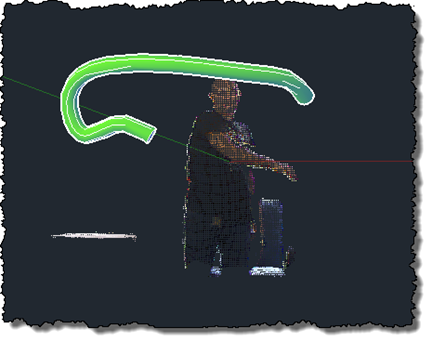
After this previous post, which updated my previous implementation drawing polylines in AutoCAD to use the Microsoft Kinect SDK, it made sense to give the same treatment to this implementation, too. This version of the code doesn't really go beyond the OpenNI/NITE version – it's very much a "flat" port, which means it comes with the same issues the other version had: the sweep is performed along a single, increasingly complex path, which means that it quickly slows down (as the path's complexity increases with its length) and at some point just stops working. And along the way, there's significant…
-
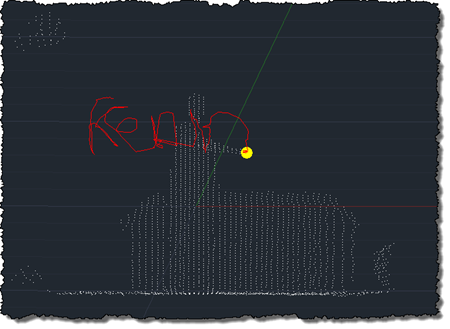
After using the Microsoft Kinect SDK to bring point clouds into AutoCAD and then to track skeleton information, I'm happy to report that I now have an equivalent implementation of this previous post, where we used OpenNI and NITE to understand gestures captured by the Kinect and draw 3D polylines inside AutoCAD. This implementation is a bit different from the last, mainly in that – given the additional calculation needed to map points into "skeleton space" when building out point cloud – I no longer transform all the points and then select a sampling. This implementation passes a sampling value…
-
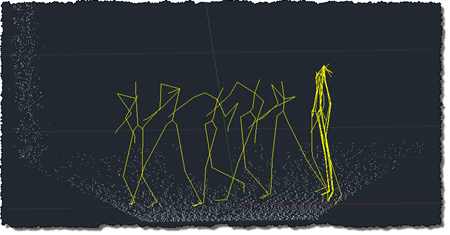
To follow on from my post showing how to get point cloud information from Kinect into AutoCAD – using Microsoft's official SDK – this post looks at getting skeleton information inside AutoCAD. The code in today's post extends the last – although I won't go ahead and denote the specific lines that have changed – by registering an additional callback called by the Microsoft runtime which, in turn, stores data in memory to be displayed when the jig's WorldDraw() is next called inside AutoCAD. The main thing to note is what's needed to map the skeleton information into AutoCAD's world…
-
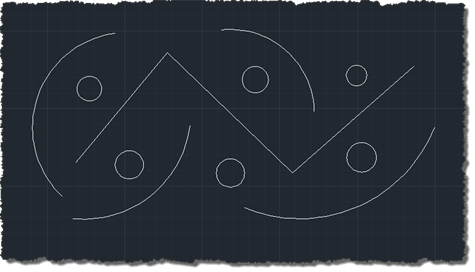
Thanks to Balaji Ramamoorthy, from DevTech India, for the basis of this post (some code he provided in a recent reply to an ADN member). The original question came from someone who wanted to stop text objects from being highlighted when selected. I've extended the mechanism to make it a little more flexible: it now maintains a list of object types (their DXF names) of objects that should not be highlighted, when selected. Balaji implemented a HighlightOverrule to control the highlighting. This doesn't stop the objects from actually being selected, however: in the next post I'll add some additional code…
-
I've improved the basic implementation in this previous post pretty significantly over the last week: New ability to draw multiple polylines Added a gesture of lowering/raising the left hand to start/finish drawing with the right Addition of a transient sphere as a 3D cursor for polyline drawing Quick flash of a transient skeleton (arms and chest only) on user detection The jig now perpetuates by changing the screen cursor minutely to and fro Mouse input is needed to keep the jig active; Kinect input doesn't yet count 🙂 A new gesture of placing hands together to end drawing At Barry…
-
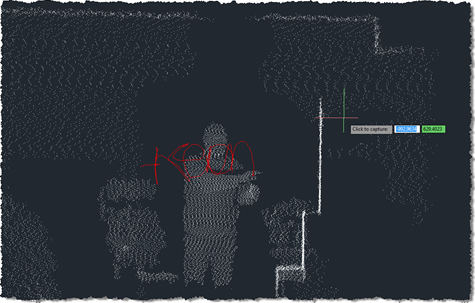
As promised in this previous post, I've been playing around with understanding Kinect gestures inside AutoCAD. My first step – after upgrading the OpenNI modules and drivers to more recent versions, which always seems time-consuming, for some reason – was to work out how to get gesture information via nKinect. It turned out to be very straightforward – as it's based on OpenNI and NITE, the user-tracking and gesture detection come pretty much for free. A few things I had to work out: We needed a "skeleton callback", which is called when body movements are detected Because this is fired…
-
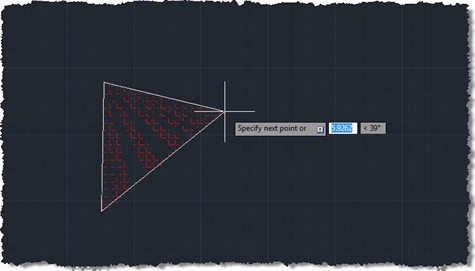
This question came in a few weeks ago, which I thought worth addressing: Hi, Kean! I have a question - how can we create hatch during jig? The code in this post endeavours to do just that, but – be warned – isn't fully successful. The problem I chose to interpret this as is "how do you jig the creation of a polyline, using it as the boundary for an associative hatch?", and it's not an easy one to solve. I started by taking Philippe Leefsma's code from this previous post, which jigs a polyline (including arc segments). I switched…
-
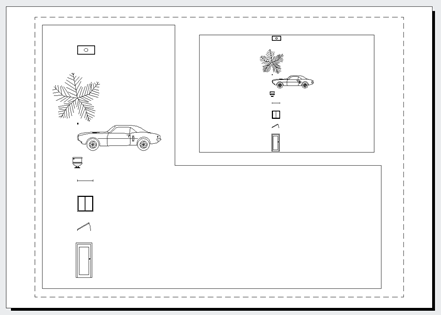
We've been looking a lot at transient graphics, recently. The standard approach we've been using to displaying graphics in all viewports has been to pass in an empty IntegerCollection into the various transient graphics-related methods, rather than listing the viewports specifically in which we want to display the graphics. Thorsten Meinecke made the very valid point that this doesn't always work as you'd like, particularly when you have multiple floating paperspace viewport. Now I fully admit I'm not a big user of viewports, as far as it goes, so I sometimes forget to cater for scenarios that are probably extremely…
-
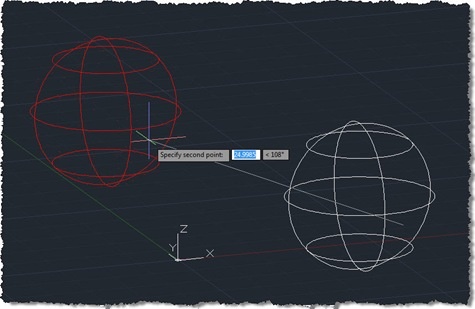
Since starting to use the transient graphics API in AutoCAD 2009, I've believed that any DBPoints you display would not respect PDMODE (the AutoCAD system variable allowing the user to control how points are displayed). A recent internal discussion was on this very subject, and one of our engineering team, Longchao Jiang, interjected with a comment explaining that only points on the DEFPOINTS layer get displayed without PDMODE being applied. This was quite a revelation for me: DBPoints apparently get created on DEFPOINTS by default and simply changing them to layer 0 (say) would cause them to respect PDMODE when…
-
As promised, I ended up burning more that a few hours this evening (after being up very early for meetings this morning), to add orthographic drawing support to the code shown in the last post. It took quite some work, switching between UCS and WCS until my head was more than a little twisted. This thread on The Swamp provided well-needed inspiration, too (thanks, MickD :-). Here's the C# code – I would have highlighted the modified lines in red, but the code is too wide to add 3-digit lines without it looking ugly, and – besides – I need…