Solid modeling
-
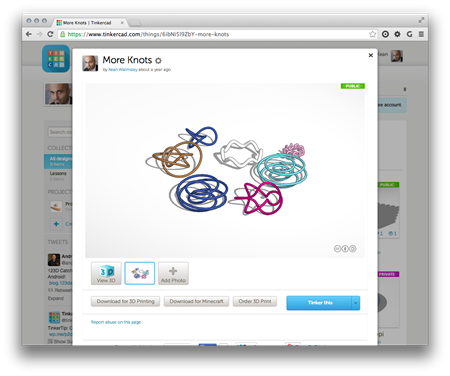
A mere 2 among 100 million registered users, my boys are crazy about Minecraft. I've been looking into how I might be able to help them use Autodesk tools (well, AutoCAD) to generate Minecraft content. In this post we'll take a look at importing Minecraft data into AutoCAD, but ultimately the creation/export story is clearly more interesting (something we'll look at in the next post, I expect). To investigate dealing with Minecraft data – bearing in mind I didn't actually know anything much about its file formats – I took a look at the Minecraft export you can perform from…
-
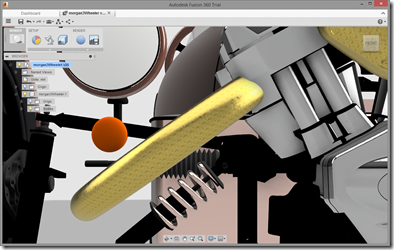
My friends in the Autodesk Developer Network team asked me to get involved with creating a sample for the API we're planning to launch soon for the new Autodesk 360 viewer. They were quite specific about the requirements, which was very helpful: something fun, perhaps with a steampunk theme, that shows some interesting possibilities around both the HTML5 container and the embedded viewer. I was also suggested the Morgan 3 Wheeler as a possible model to look into hosting, so I really didn't need to be asked twice. 😉 I started by tracking down a model: I ended up using…
-
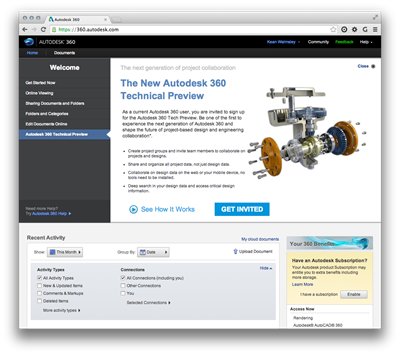
After introducing the series and looking at sample applications for 2D graphics using Paper.js and 2.5D graphics using Isomer, it's now really time to go 3D. We're going to use much of the same code we saw in the last post – with some simplification as we no longer need to sort the solids by distance – but this time we're going to feed data into an HTML client app that's fundamentally similar in nature to the one seen in this series of posts using Three.js. I'm happy to have some experience using Three.js, because it happens to be a…
-
After introducing the series and looking at a sample 2D JavaScript application, it's time to go 3D. Well, 2.5D, anyway. We're going to implement a simple sample using the Isomer library that extracts bounding box information about 3D solids – which could be extended to get more detailed topological information, albeit with quite some work – and displays them in an isometric view in the HTML canvas. This time we're only going to have a single button in our UI allowing model updates to be refreshed in our isometric view. I decided to leave this as a manual operation, but…
-
To follow on from yesterday's post, today we're taking a look at a more interactive – and iterative – approach to getting the length of a pipe (defined by a surface generated from an imported SAT file, we're not talking about native Plant 3D objects). This is the second task discussed in the introductory post in this series. We're going to add a CTRLINES2 command that asks the user to select pipe section after pipe section, and will only generate the centreline for a newly-selected section if it's contiguous to the section of pipe that's being "managed" (i.e. whose length…
-
Since publishing this recent post to simplify the process of generating centrelines for surfaces representing pipes – as imported from an external piping system that only generates SAT files – I've been thinking on and off about how best to simplify the process of measuring the lengths of these various "pipes". Greg Robinson's comment over the weekend spurred me on even further (thanks, Greg! :-): I'm musing on how one might code up the logic of creating a single continuous 3D poly from the horrid collection of surfaces the step file (.sat) make. This is a daunting logic issue. As…
-
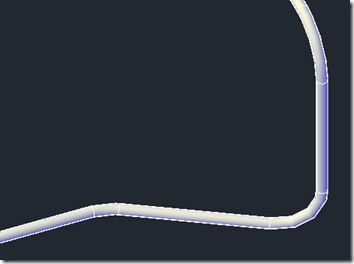
This was an interesting one. I received an email from someone working on a significant BIM project that required external validation of some piping data coming from a competitive system. This system generates SAT files that – when imported into AutoCAD – represent pipes as surfaces rather than native AutoCAD (meaning Plant 3D or MEP) pipe objects. The challenge was to determine the length of these pipes inside AutoCAD, despite the fact they aren't pipes at all. Fun! 🙂 The first thing I did was to take a look at the DWG data, to see what the pipes look like.…
-
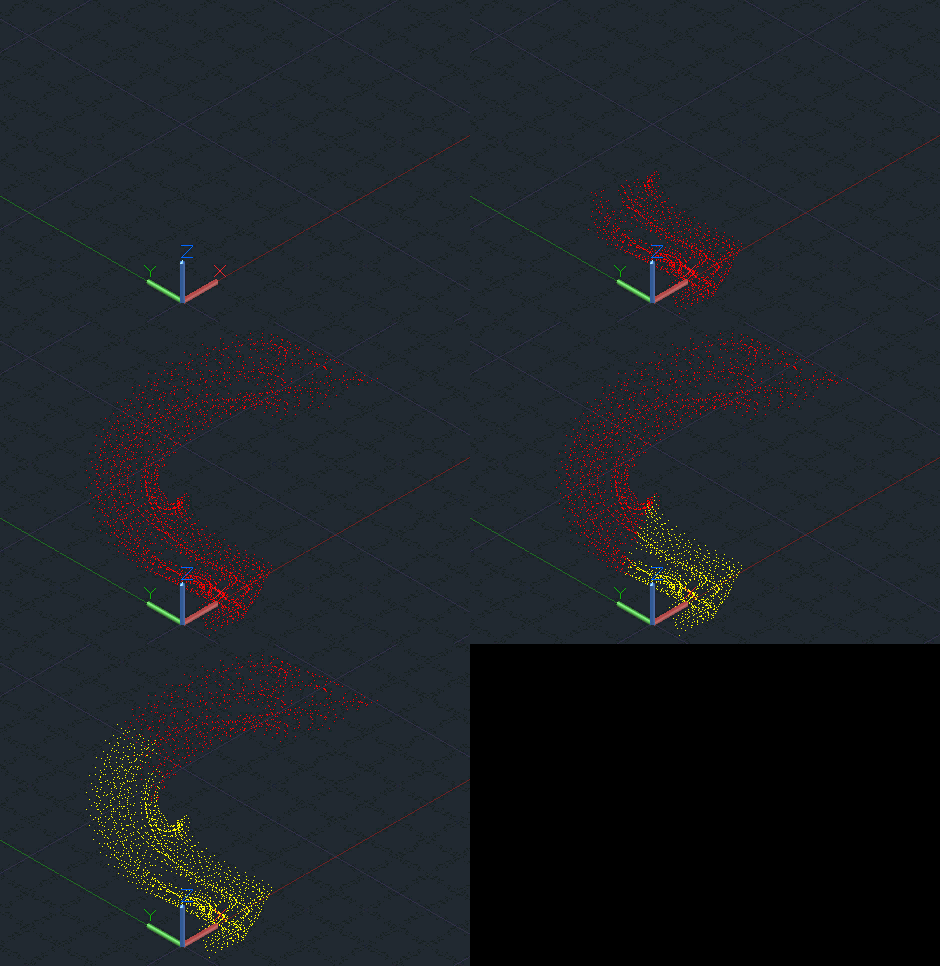
While developing the prototype ShapeShifter-AutoCAD integration, last week, it became clear that the user really needed something to look at as geometry was being marshalled across between the JavaScript hosting process and AutoCAD's address space. We might have used a standard progress bar, of course, but decided to do something a bit different: implement a mechanism to take the vertices of a mesh as they are being streamed/decoded and display them inside the drawing. For us this proved to be a 2-stage process: the vertices were brought in and displayed as red, and these same vertices – as referenced by…
-

During the general wind-down before Autodesk's annual "week of rest", I've been spending some time this week getting more of my AutoCAD-Kinect integration samples working with the pre-release Kinect for Windows 2.0 device and SDK. Things are actually working pretty well: all samples – barring those that rely on capabilities that aren't yet part of the SDK – are functional and some have even been enhanced based on new capabilities of the 2.0 device. For instance, I've reworked the "piping" sample (the one that extrudes a circular profile through 3D space) to make use of the distance between the palm…
-
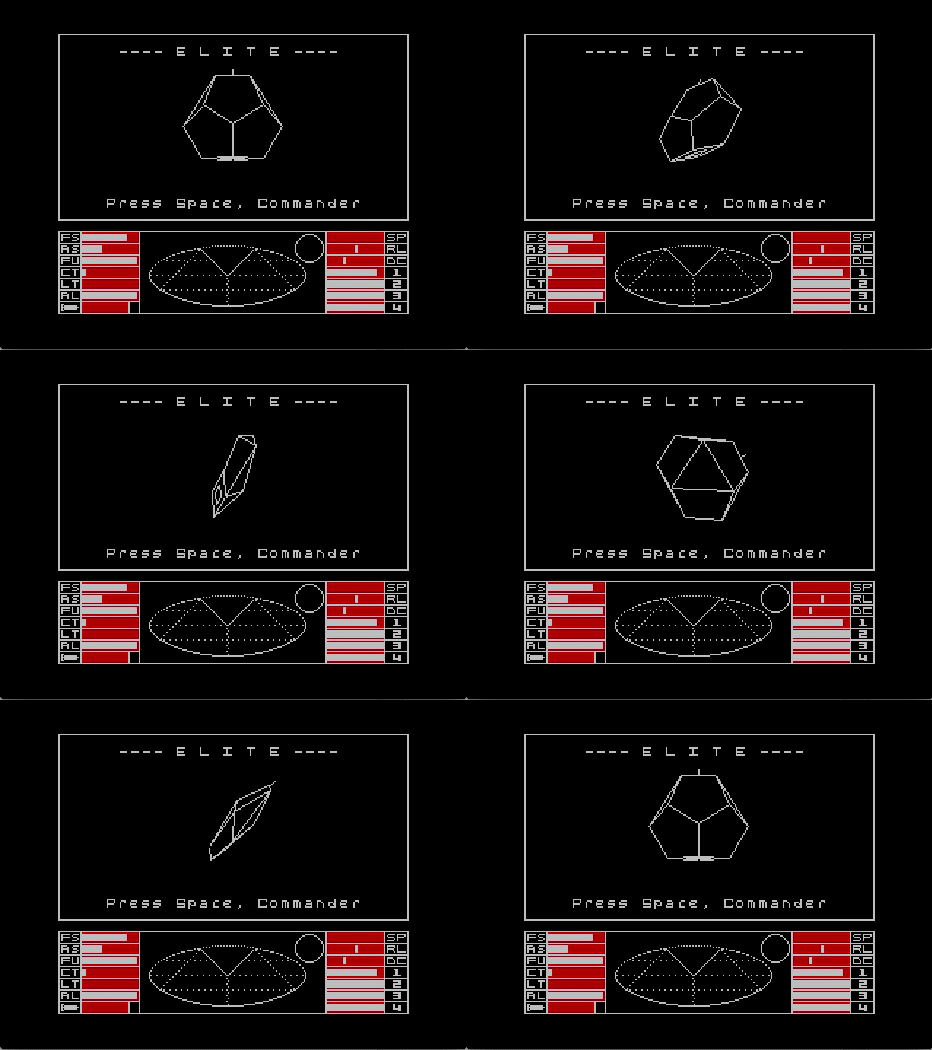
I recently sailed past my 18-year anniversary at Autodesk. Part of me finds this scary – in this world of post-millennial job-hopping – but then I really enjoy what I do. Long may it last. The company has grown a great deal since I joined (I had to look it up, but it seems that over this period we've gone from around 1,800 employees to around 7,500, with an additional 1,000 or so temps and contractors), so it should go without saying that I haven't met or interacted with the vast majority of the people who work at Autodesk. But…