Geometry
-
Over the weekend, I had more fun exploring the use of Kinect with AutoCAD. It was prompted by an email I had from a UK-based creative team who are interested in the potential of capturing time-lapse point clouds using Kinect. They were curious whether the quality of data coming from the Kinect device would be adequate for doing some interesting trompe l'oeil video compositions. I started by taking the code from last week's Kinect post: I removed the code related to gesture detection and beefed up the point-cloud related implementation to deal with composite point clouds that are built up…
-
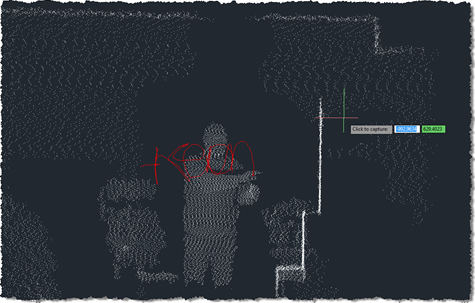
As promised in this previous post, I've been playing around with understanding Kinect gestures inside AutoCAD. My first step – after upgrading the OpenNI modules and drivers to more recent versions, which always seems time-consuming, for some reason – was to work out how to get gesture information via nKinect. It turned out to be very straightforward – as it's based on OpenNI and NITE, the user-tracking and gesture detection come pretty much for free. A few things I had to work out: We needed a "skeleton callback", which is called when body movements are detected Because this is fired…
-
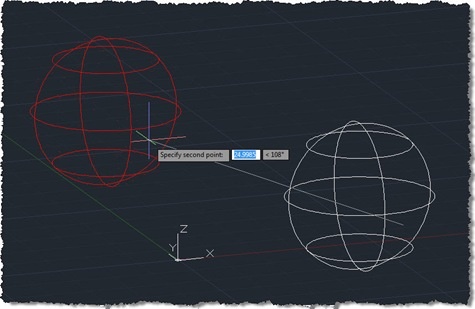
Since starting to use the transient graphics API in AutoCAD 2009, I've believed that any DBPoints you display would not respect PDMODE (the AutoCAD system variable allowing the user to control how points are displayed). A recent internal discussion was on this very subject, and one of our engineering team, Longchao Jiang, interjected with a comment explaining that only points on the DEFPOINTS layer get displayed without PDMODE being applied. This was quite a revelation for me: DBPoints apparently get created on DEFPOINTS by default and simply changing them to layer 0 (say) would cause them to respect PDMODE when…
-
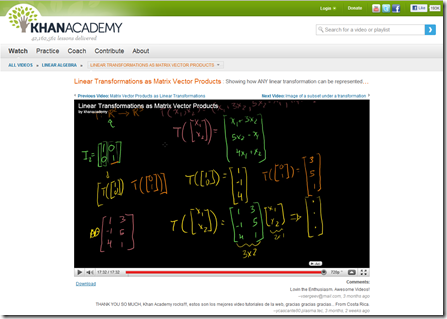
I talked briefly about TED, a few weeks ago. A number of Autodesk employees attend this event, including members of our senior staff. During a recent All Hands session, Amar Hanspal – who heads up our Platforms Solutions and Emerging Business division, which includes both Autodesk Labs and AutoCAD Engineering (among other teams) – reported on his experience at TED 2011, and talked about a couple of extremely inspiring presentations. One of them, by Salman Khan, discussed a non-profit organisation he had set up to help educate people on mathematics (and now other subjects). Thought-provoking stuff: it certainly has me…
-
As promised, I ended up burning more that a few hours this evening (after being up very early for meetings this morning), to add orthographic drawing support to the code shown in the last post. It took quite some work, switching between UCS and WCS until my head was more than a little twisted. This thread on The Swamp provided well-needed inspiration, too (thanks, MickD :-). Here's the C# code – I would have highlighted the modified lines in red, but the code is too wide to add 3-digit lines without it looking ugly, and – besides – I need…
-
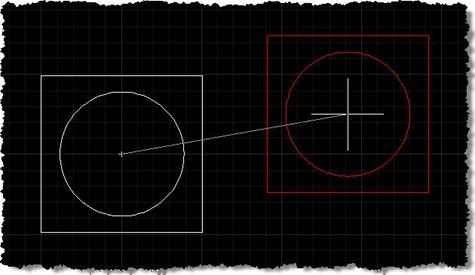
A big thanks to Norman Yuan for the technique shown in this post. I stumbled across Norman's post on this topic, and decided to take his code and rework it for posting here, with Norman's permission, of course. Very interesting stuff! 🙂 First things first: you probably don't have a burning need to reinvent either the wheel or AutoCAD's MOVE command. That said, this is a technique that may be of interest to many of you, especially if – for whatever reason – you're looking for an alternative to using a jig. The technique Norman has shown uses a combination…
-
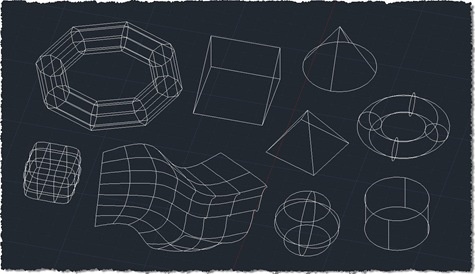
After revealing the purpose for collecting points from 2D geometry in the last post, this post extends the 2D collection code to work with additional 3D objects. I don't know whether it's exhaustive or not – I've added more specific support for Solid3d and Surface objects – but I have no doubt people will let me know if I've missed anything, over time. The good news is that the previous approach of exploding complex entities and processing their components means that many types of standard solid – such as boxes, cones and pyramids – will get adequately captured using this…
-
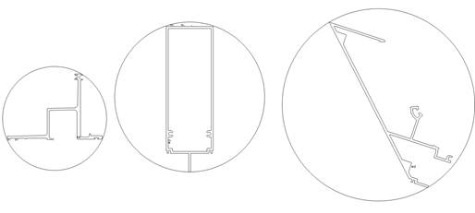
Now it's time to shed some light on the reason for the code in the last post. I wrote it to help address a question that came in from Elson Brown via our Plugin of the Month feedback alias: I have a request for an app that will draw the smallest circle around a polyline object. Pick the polyline and the app draws the smallest possible circle around the shape. It turns out this is a well-known problem (and thanks to Stephen Preston for pointing me in this direction), commonly known as the minimal enclosing circle or smallest circle problem.…
-
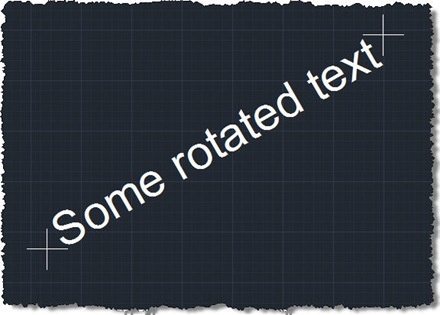
The reason for this post may be obvious to some – probably those who are doing this kind of analysis already – and less obvious to others – who will have to wait for the next post to see why it's helpful. 🙂 I won't ruin the surprise, but suffice it to say that for various types of spatial analysis it's helpful to acquire first points from geometry. This post attempts to do that for 2D geometry, and hopefully deals with a few of the trickier cases related to rotated text and such-like. For this particular task I chose a…
-
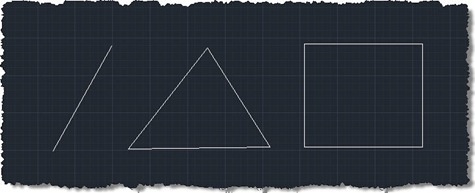
This request came in over the weekend: There is a useful object snap in AutoCAD for the mid point of 2 selected points. I would like a midpoint (average) of 3 (or more) points. Could this work in 3D as well as 2D? It's useful when drawing building surveys, often you triangulate a point from several and there are often 'minimal' differences in the dimension and you just take the average. Given the fact we're actually talking about an arbitrary number of points that will almost certainly not belong to a single entity, object snaps are probably neither the easiest…