Graphics system
-
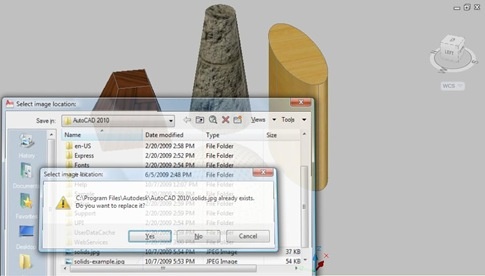
Thanks to all who provided input on this last post, where I asked for guidance on how best to design the command-line interface for the Screenshot application, the proposed Plugin of the Month for November. The current code is based largely on this previous post, but may end up being extended - in time - to include better 3D support via the technique shown here. Here are some design choices that came out of the comments on the last post: From Fred Dickinson A separate "Settings" option, allowing us to use a sub-menu for our application settings From MJohnston Display…
-
I'm currently thinking about using the code from this previous post as a basis for November's Plugin of the Month. This simple AutoCAD application would provide three main capabilities: Take a screenshot of the entire AutoCAD application window Take a screenshot of the current drawing window Take a screenshot of a user-specified section of the current drawing Each of these options would result in a bitmap being either saved to file or placed on the clipboard. The thing I'm chewing on, right now, is how best to design the command interface for these operations. It occurred to me that this…
-
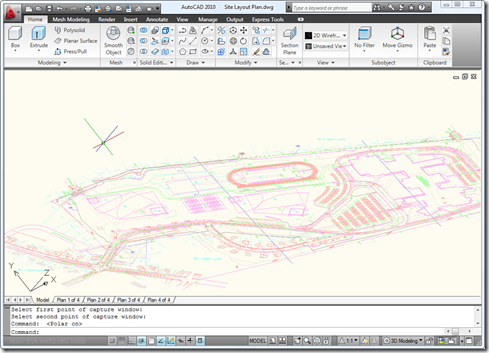
Following on from this recent post – and inspired by a question we received recently from a developer – I decided to extend the previous code to allow a user to select a portion of a drawing they would like to save to a file or place on the clipboard. This is actually a really useful tool for me when I'm writing this blog, so there was certainly a degree of self-interest involved. 🙂 The technique shown in today's post is actually pretty handy for other situations: it's quite common to want to transform a point from drawing coordinates (which…
-
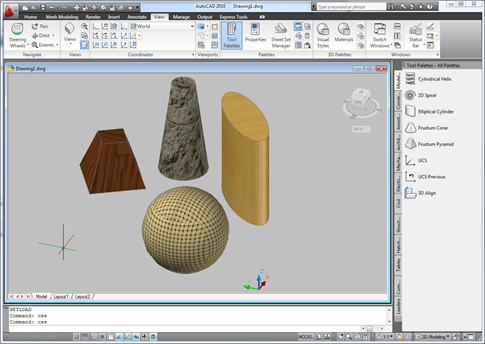
I received a comment on this previous post: Hi Kean, I tried to develop a routine based on this post but I found 2 things that I'd like to solve if possible. Your routine is just not usable for larger drawings (takes way to long). Also, your routine does not work properly in paper space. Please, don't get me wrong, I appreciate all the work you've put into this blog. I just desperately need to come up with a solution for snapshots that work on large drawings, that work in paper/model space and that use the current viewstyle settings (except…
-
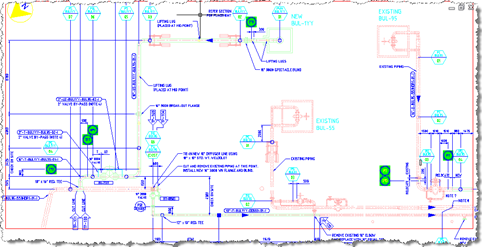
This is a nice sample provided by Stephen Preston, who manages DevTech's Americas team. Stephen has put this together in anticipation of his upcoming AU class on the overrule API introduced in AutoCAD 2010. [I know the final class list has not yet been announced, but Stephen is co-owner of the Customization & Programming track at this year's AU and presumably has the inside skinny on the selected classes. Which means he has a head-start on preparing his material, lucky fellow. :-)] The sample allows the user to enter a text string that it uses to highlight any block containing…
-
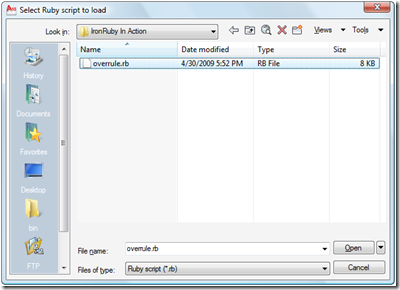
As mentioned in this previous post, where I gave the same treatment to IronPython, I've been trying to get display and explode overrules defined in IronRuby working properly in AutoCAD. IronRuby is still at version 0.3, so this effort has been hindered by a number of CLR interop bugs (it turns out). I finally managed to work around these issues thanks to Ivan Porto Carrero, who is just finishing up his book, Iron Ruby in Action, and has been working with IronRuby since pre-Alpha 1 (brave fellow). Ivan's help was invaluable: he ended up downloading and installing AutoCAD 2010 to…
-
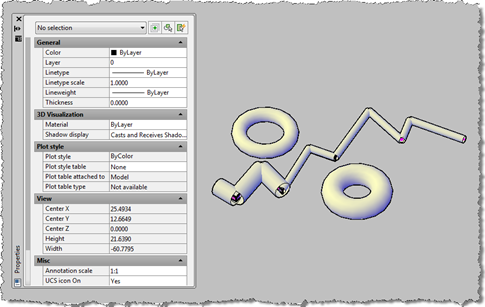
I've been meaning to get to this one for a while. This post takes the OPM .NET implementation and shows how to use it to allow modification of data persisted with an object: in this case we're going to use the XData in which we store the "pipe radius" for the AutoCAD 2010 overrule sample we've recently been developing. To start with, I needed to migrate the OPM .NET module to work with AutoCAD 2010, which meant installing Visual Studio 2008 SP1. Other than that the code migrated very easily, and the project (with the built asdkOPMNetExt.dll assembly) can be…
-
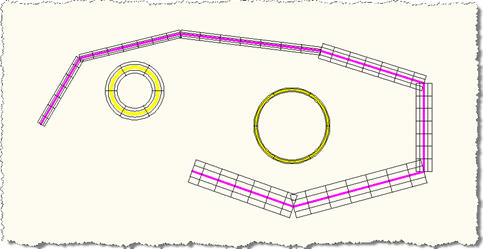
To continue my investigations into IronPython and the fun I'm having with overrules, I decided to to port my most recent C# overrule implementation across to IronPython. I've also been trying to do the same for IronRuby, but – so far – without luck. Please refer back to one of the previous IronPython posts for the PYLOAD command implementation needed to load our Python script into AutoCAD. Here are the contents of our .py file: import clr path = 'C:\\Program Files\\Autodesk\\AutoCAD 2010\\' clr.AddReferenceToFileAndPath(path + 'acdbmgd.dll') clr.AddReferenceToFileAndPath(path + 'acmgd.dll') import Autodesk import Autodesk.AutoCAD.Runtime as ar import Autodesk.AutoCAD.ApplicationServices as aas import…
-
I am really starting to love the new Overrule API in AutoCAD 2010, and I still feel as though I'm just scratching the surface. This question came in overnight from Danny Polkinhorn (thanks, Danny! 🙂 : It's exciting to see a very usable implementation of 'custom' objects in .NET. Obviously, this implementation protects what could be proprietary business intelligence from being sent around, but it brings up a question. What process would you use to 'explode' these elements so that you could send the drawing to someone without your code, but with the custom elements in it? My first thought…
-
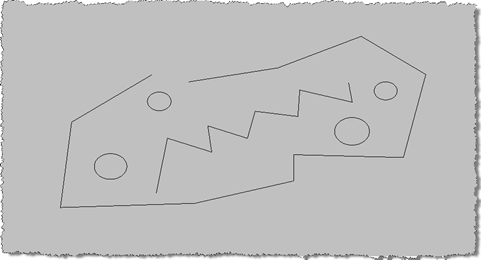
In the last post we looked at some code that attaches additional data to individual entities, allowing them to be drawn independently with different visual properties via the new Overrule API in AutoCAD 2010. A couple of comments – one from Qun, who provided the original F# sample, and one from Tony Tanzillo – have prompted me to optimize the code somewhat. Tony pointed out, very validly, that as the previous code registers its overrule against Drawable objects it will get called for every entity (and various objects besides) which could clearly impact performance. Qun pointed me to some interesting…